23
23
Preparing the Recorder
Index
Table of
Contents
ModelName: ICD‑TX50
PartNumber: 4‑300‑042‑11(1)
Setting the clock using the menu
ST
OP
BACK/HOME
/ENT
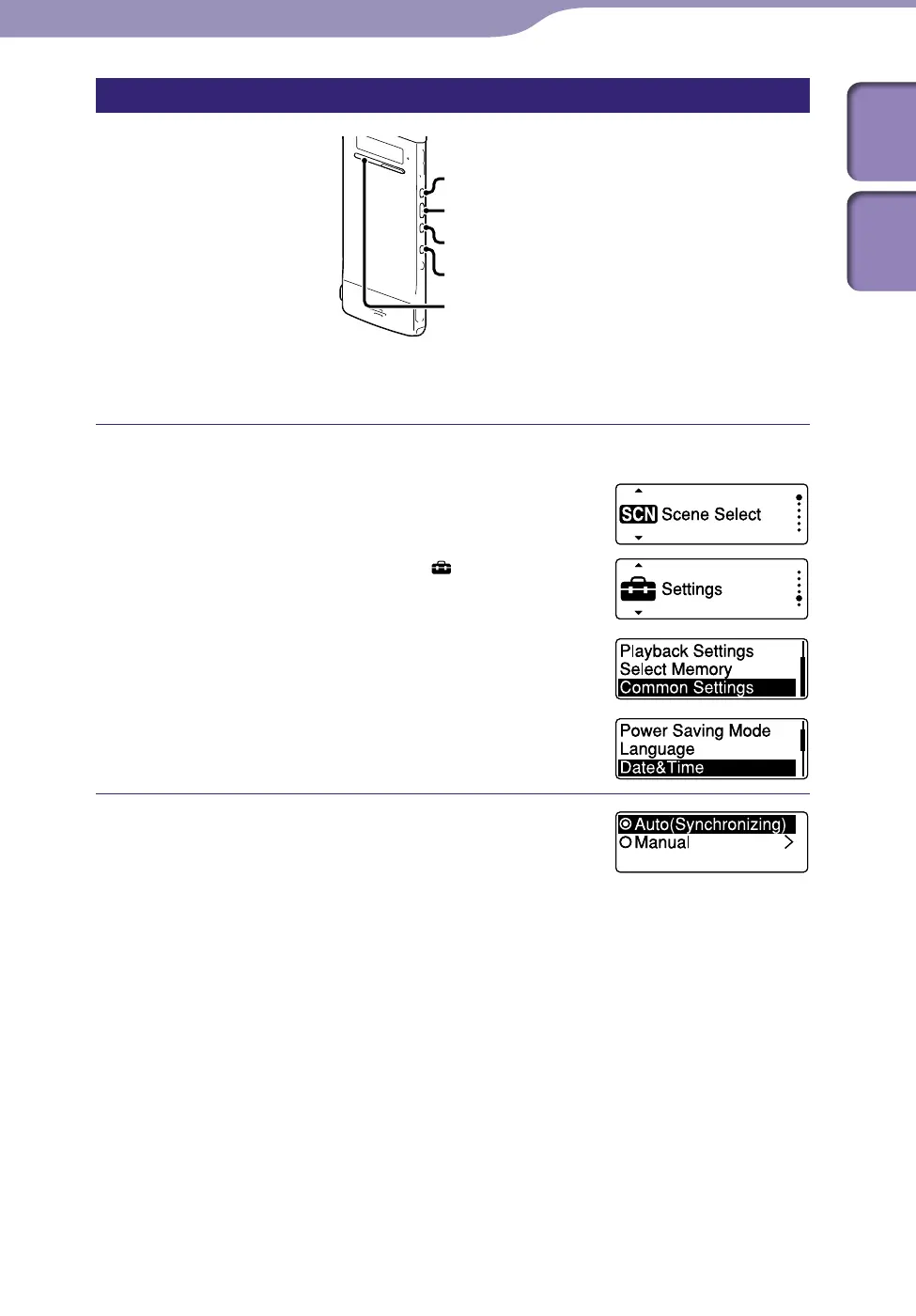
While the IC recorder is in the stop mode, you can set the clock using the
menu.
Select “Date&Time” in the menu.
In the stop mode, press and hold BACK/
HOME until the Home menu appears.
Press or
to select “ Settings,”
and then press /ENT.
Press
or
to select “Common
Settings,” and then press /ENT.
Press
or
to select “Date&Time,”
and then press /ENT.
Press or to select
“Auto(Synchronizing)” or “Manual,” and
then press
/ENT.
When you select “Auto(Synchronizing),” the
clock is automatically adjusted using the clock
in the computer connected to the IC recorder
and on which the supplied Sound Organizer
software is started.
When you select “Manual,” proceed to the next
step.
Continued



 To Next Page