61
61
Editing Files
Index
Table of
Contents
ModelName: ICD‑TX50
PartNumber: 4‑300‑042‑11(1)
Erasing a track mark
ST
OP
BACK/HOME
/ENT
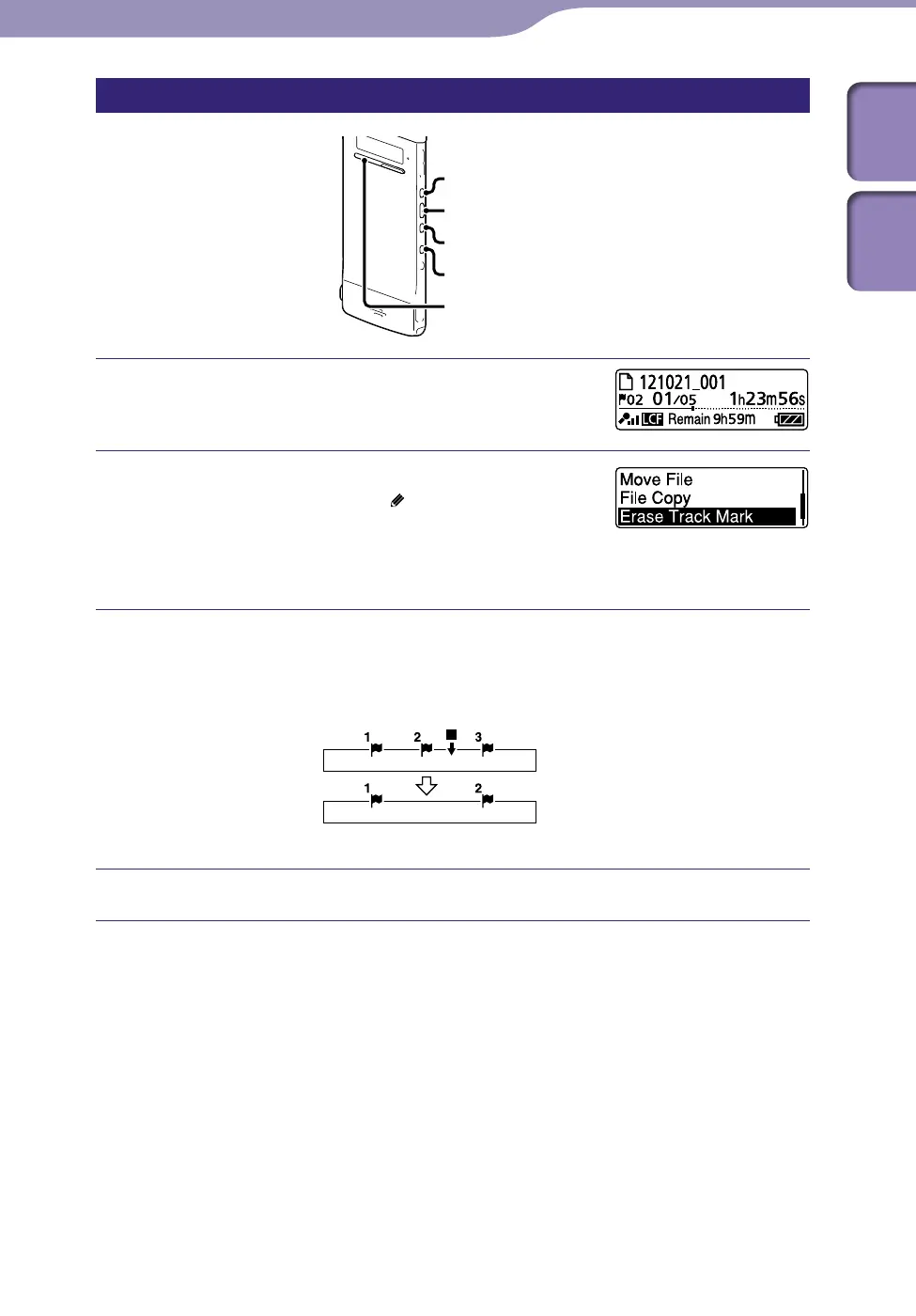
Stop at a position after the track mark you
would like to erase.
Press and hold BACK/HOME to display the
Home menu, then select “
Edit”
“Edit
Files”
“Erase Track Mark,” and then press
/ENT.
“Erase Track Mark?” will be displayed.
Press or to select “YES,” and then press /ENT.
The “Please Wait” animation appears and the selected track mark will be
erased.
Stop position
Erase track mark
The track mark just before the stop position will be erased.
Press STOP to exit the menu mode.
To cancel erasing
Select “NO” in step , and then press /ENT.



 To Next Page