To use the Auto Tape Speed function
When you are recording a program in the Auto mode and the remaining tape becomes
shorter than the recording time, the tape speed is automatically changed to EP mode.
Note that some noise will appear on the picture when the tape speed is changed. If
you want to keep the tape speed, select SR To operate this flmction, set "Tape
Length" in "VIDEO FUNCTION SETUP" menu correctly (page 94).
To watch another TV program after setting the timer
Set TV / DVD.V]DEO switch to DVD.VIDEO on the remote.
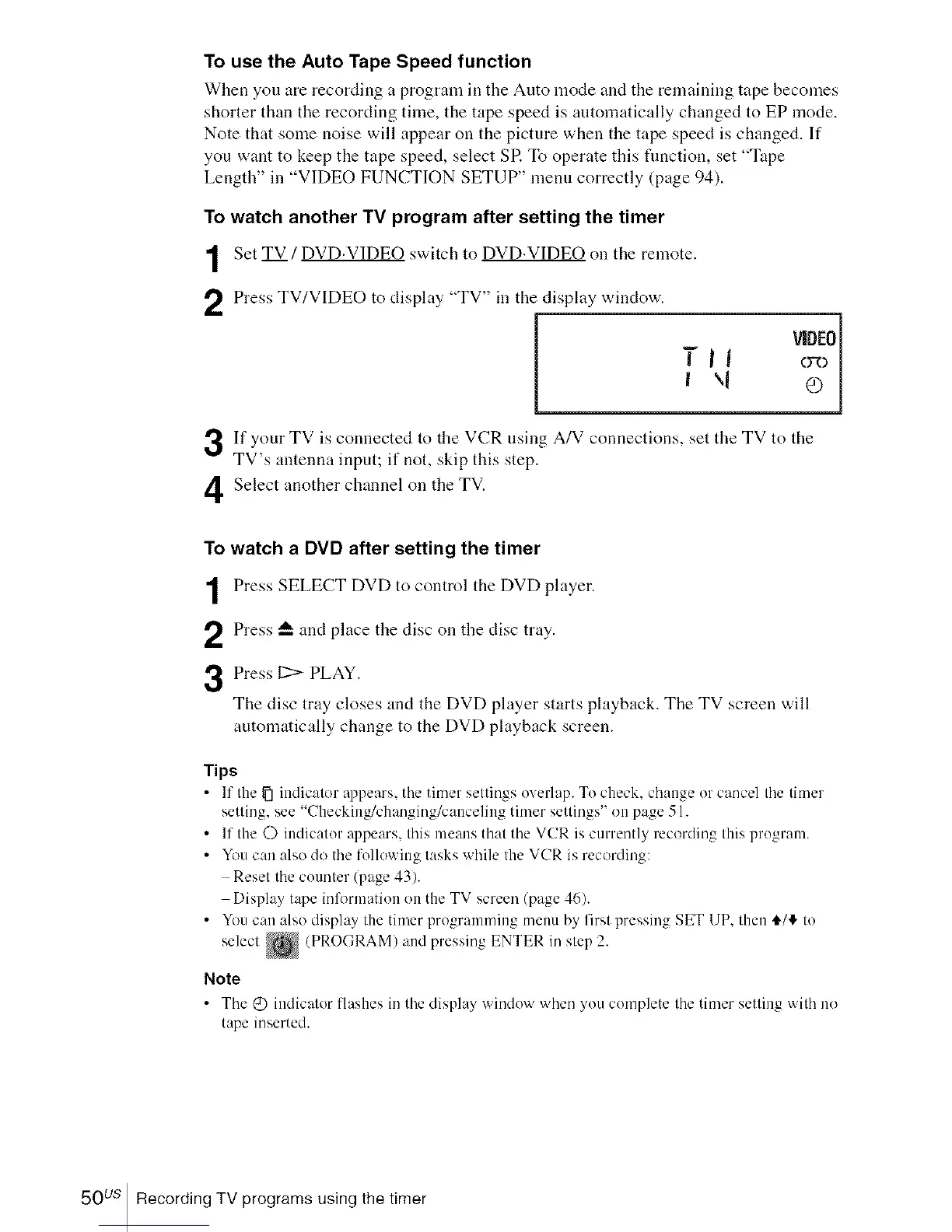
Press TV/VIDEO to display "TV" in the display window.
VIDEO
I \1 e) J
If your TV is connected to the VCR using A/V connections, set the TV to tile
TV's antenna input; if not, skip this step.
Select another channel on the TV.
3
4
To watch a DVD after setting the timer
Press SELECT DVD to control the DVD player.
Press _-- and place the disc on the disc tray.
Press 12> PLAY.
The disc tray closes and the DVD player starts playback. The TV screen will
automatically change to the DVD playback screen.
Tips
• If the _ indicator appears, the timer settings overlap. To check, change or cancel the timer
setting, see "Checking/changing/canceling timer settings" on page 51.
• If the O indicator appears, this means that the VCR is currently recording this program.
• You can also do the following tasks while the VCR is recording:
Reset the counter (page 43).
Display tape information on the TV screen (page 46).
• You can also display the timer prograinming menu by first pressing SET UP. then €/_ to
select _ (PROGRAM) and pressing ENTER in step 2.
Note
• The @ indicator llashes in the displa_ windo'_ 'ahen _ou complete the timer setting 'aith no
tape inserted.
50 us Recording TV programs using the timer














 To Next Page