You can shuffle the playback order of tracks. Subsequent "shuffling" may produce a different
playing order.
To shuffle MP3 audio tracks, see page 81.
Press SELECT DVD to control the DVD player.
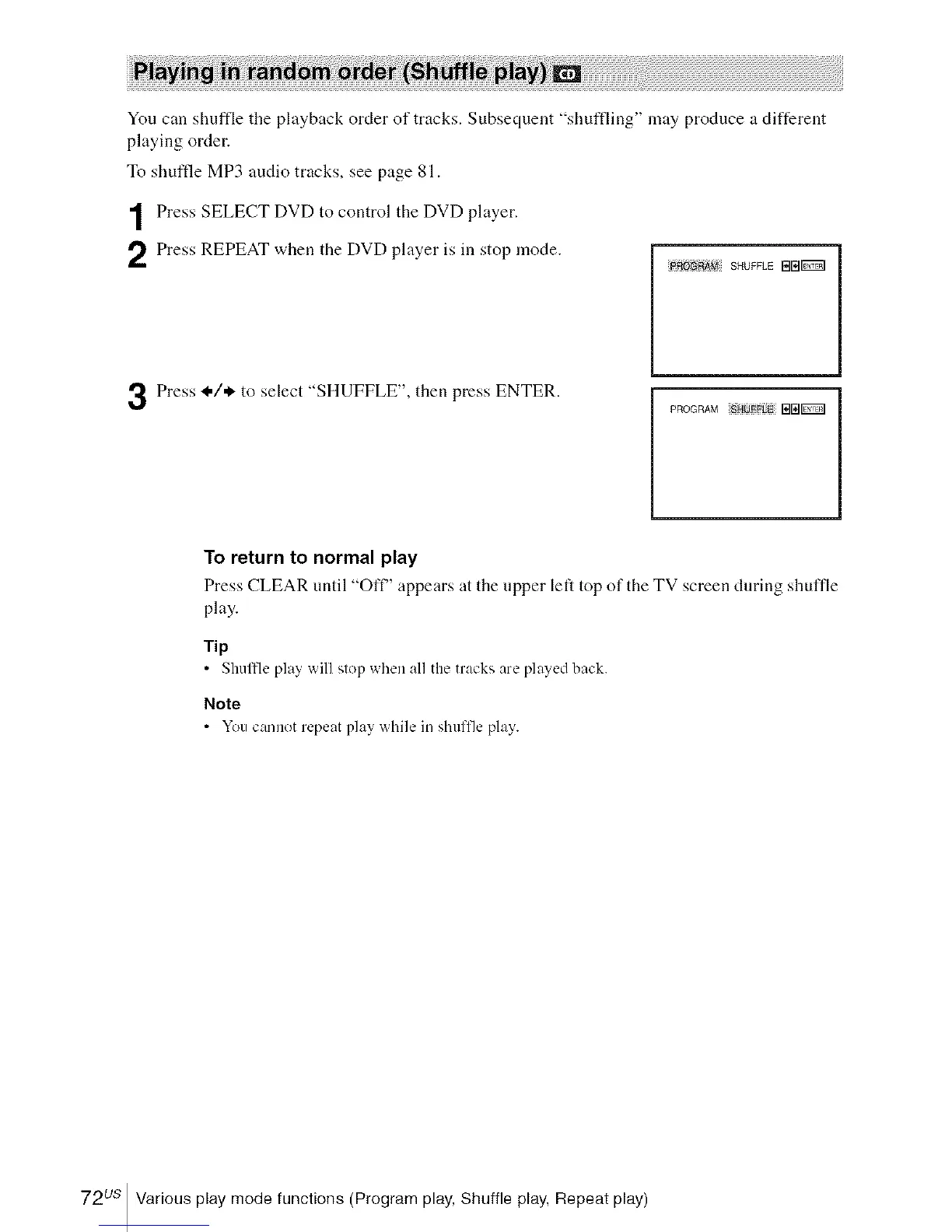
Press REPEAT when the DVD player is in stop mode.
_A_4 SHUFFLE BB_
Press _,/* to select "SHUFFLE", then press ENTER.
PROGRAM B[_
To return to normal play
Press CLEAR until "Off" appears at the upper left top of the TV screen during shuffle
play.
Tip
• Shulfle play will slop when all the tracks are played back.
Note
• You cannot repeat play while in shuffle play.
72us Various play mode functions (Program play, Shuffle play, Repeat play)














 To Next Page