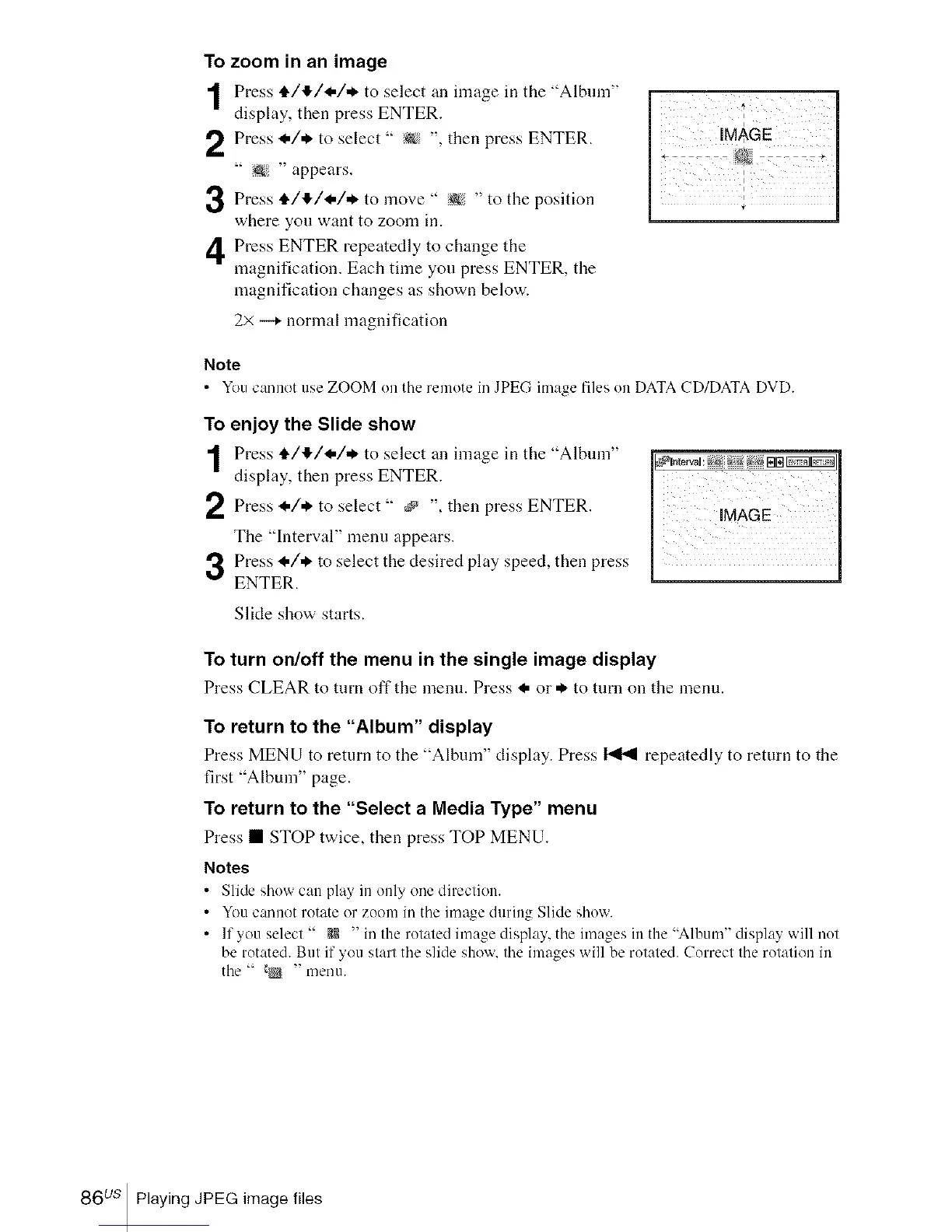
To zoom in an image
Press i./I_/I-/,_ to select an image ill tile "Albmn"
display, then press ENTER.
Press I./* to select " _ ", then press ENTER.
" _ " appears.
Press i./4/I-/* to " :@ " to the
move
position
where you want to zoom in.
Press ENTER repeatedly to change the
magnification. Each time you press ENTER, the
magnification changes as shown below.
2> _ normal magnification
I
Note
• You cannot use ZOOM on the remote in JPEG image files on DATA CD/DATA DVD.
To enjoy the Slide show
Press i./I_/I-/* to select an image ill tile "Album"
display, then press ENTER.
Press to select _ then press ENTER.
_,/,_
The "Interval" menu appears.
Press I./* to select the desired play speed, then press
ENTER.
Slide show starts.
To turn on/off the menu in the single image display
Press CLEAR to turn off the menu. Press I, or *. to turn on the menu.
To return to the "Album" display
Press MENU to return to the "Album" display. Press _ repeatedly to return to the
first "Album" page.
To return to the "Select a Media Type" menu
Press • STOP twice, then press TOP MENU.
Notes
• Slide showcan pla> in only onedirection.
• Youcannot rotate or zoom in the image during Slide show.
• If you select " e,R" in the rotated image display,the imagesin the "Album" display will not
be rotated. But if you startthe slide show.theimages will be rotated. Correct the rotation in
the " _ " men/1.
86 us Playing JPEG image files














 To Next Page