3 Press the numeric button
(button 1
in
the example) you
want to use as the VIDEO
1
button.
The
input button you selected in step 2
lights up. (The RM
SET
UP button
remains lit.)
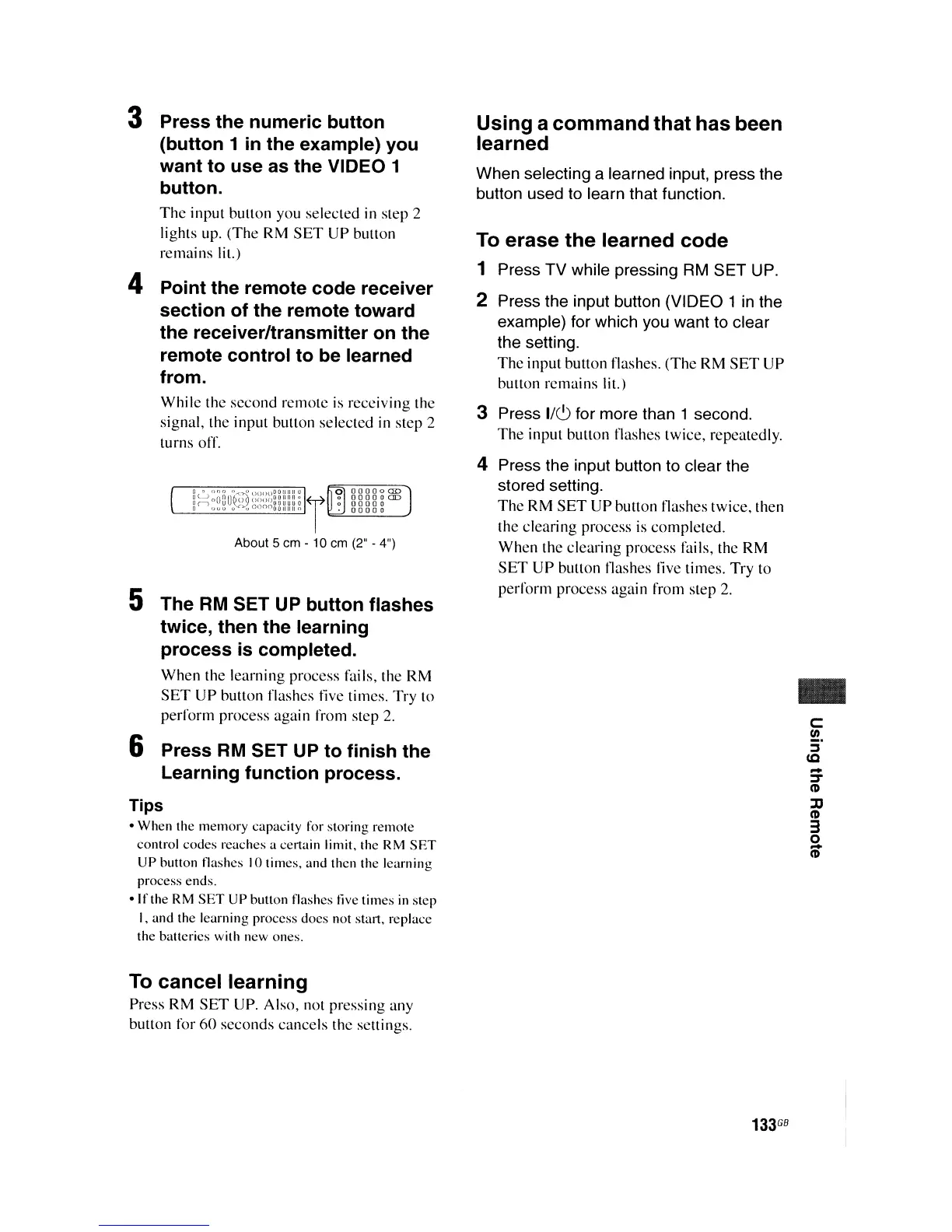
4 Point the remote code receiver
section of the remote toward
the receiver/transmitter on the
remote control to be learned
from.
While the second remote
is
receiving the
signal, the input button selected in step 2
turns ofr.
About 5 em - 10 em
(2"
-
4")
5 The
RM
SET UP button flashes
twice, then the learning
process is completed.
When
the learning process fails, the RM
SET
UP
button flashes five times. Try to
perform process again from step 2.
6 Press
RM
SET UP to finish the
Learning function process.
Tips
•
When
the
memory
capacity
For
storing remote
control
codes
reaches a certain limit, the RM
SET
UP
button !lashes 10 times, and then the learning
process
ends
.
•
If
the RM
SET
UP
button flashes live
times
in
step
I, and the learning process does not
st<u1,
replace
the batteries with new ones.
To
cancel learning
Press RM
SET
UP. Also,
nOl
pressing any
button for
60
seconds cancels the settings.
Using a command that has been
learned
When selecting a learned input, press the
button used to learn that function,
To erase the learned code
1 Press TV while pressing
RM
SET UP.
2 Press the input button (VIDEO 1
in
the
example) for which you want to clear
the setting.
The
input button flashes.
(The
RM
SET
UP
button remains lit.)
3 Press
I/~
for more than 1 second,
The
input button flashes twice, repeatedly.
4 Press the input button to clear the
stored setting.
The
RM
SET
UP
button flashes twice, then
the clearing process
is
completed.
When the clearing process fails, the RM
SET
UP button flashes live times. Try to
perform process again from step
2.
..
C
III
3'
IC
-
~
CD
JJ
CD
3
o
S'
133
GB















 To Next Page