Notes
Adjusting
the
equalizer
You
can use following parameters to adjust the
tonal quality (bass/treble level)
of
all speakers,
store up to 5
di
fferent equalizer seuings, and
apply them.
These
seltings are applied to all
sound Ilelds and for each speaker.
l-t--H---
OPTIONS
1'1-+t--2·7
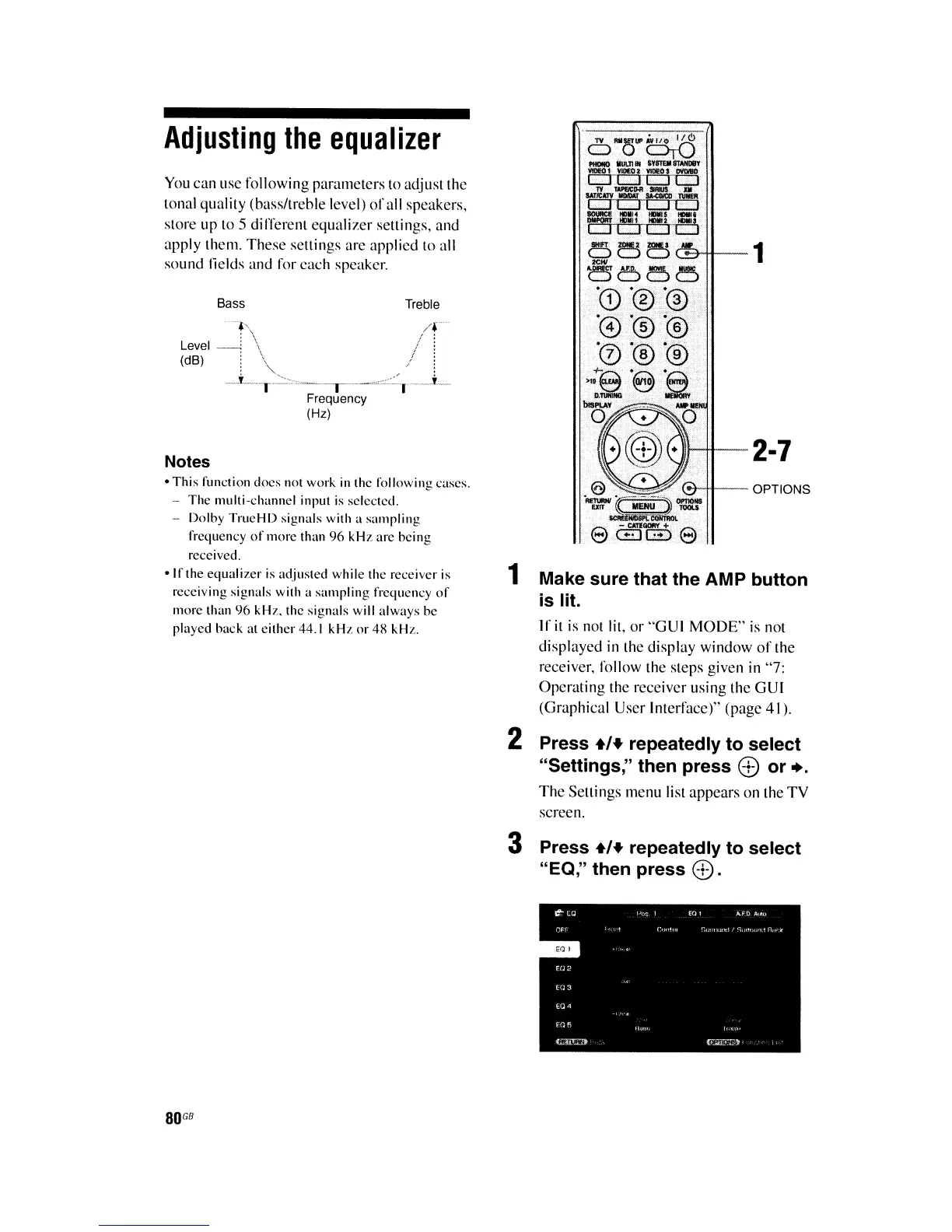
1 Make sure that the AMP button
is lit.
If
it
is not
IiI,
or "GUI
MODE"
is
not
displayed in the display window
of
the
receiver, follow the steps given in "7:
Operating the receiver using the GUI
(Graphical User Interface)" (page 41).
2 Press
+,.
repeatedly to select
"Settings," then press 8 or
•.
The
Seuings menu list appears on the
TV
screen.
Treble
Bass
.'
/f
Level
_~
\ !
~
(dB) . \ f :
_L-'':'·''o~
..
_.-~_..-.=.:::_L
Frequency
(Hz)
-
This
function
docs
not work
in
the following cases.
-
The
multi~channel
input
is
selected.
Dolby
TrueHD
signals with a
sampling
frequency
of
more
than
96
kHz
are
being
received.
-Irthe
equalizer
is
adjusted while the receiver is
receiving signals with a
sampling
frequency
of
more than
96
kHz. the signals will
always
be
played back at
either
44.1
kHz
or
48
kHz.
3 Press
.,.
repeatedly to select
"EO," then press
8.
80
GB















 To Next Page