To return
to
the previous screen
Press
RETURN/EXIT
0".
To exit the menu
Press MENU.
44
GB
8:
Setting
the
speakers
Set the appropriate speaker impedance for the
speakers you are lIsing.
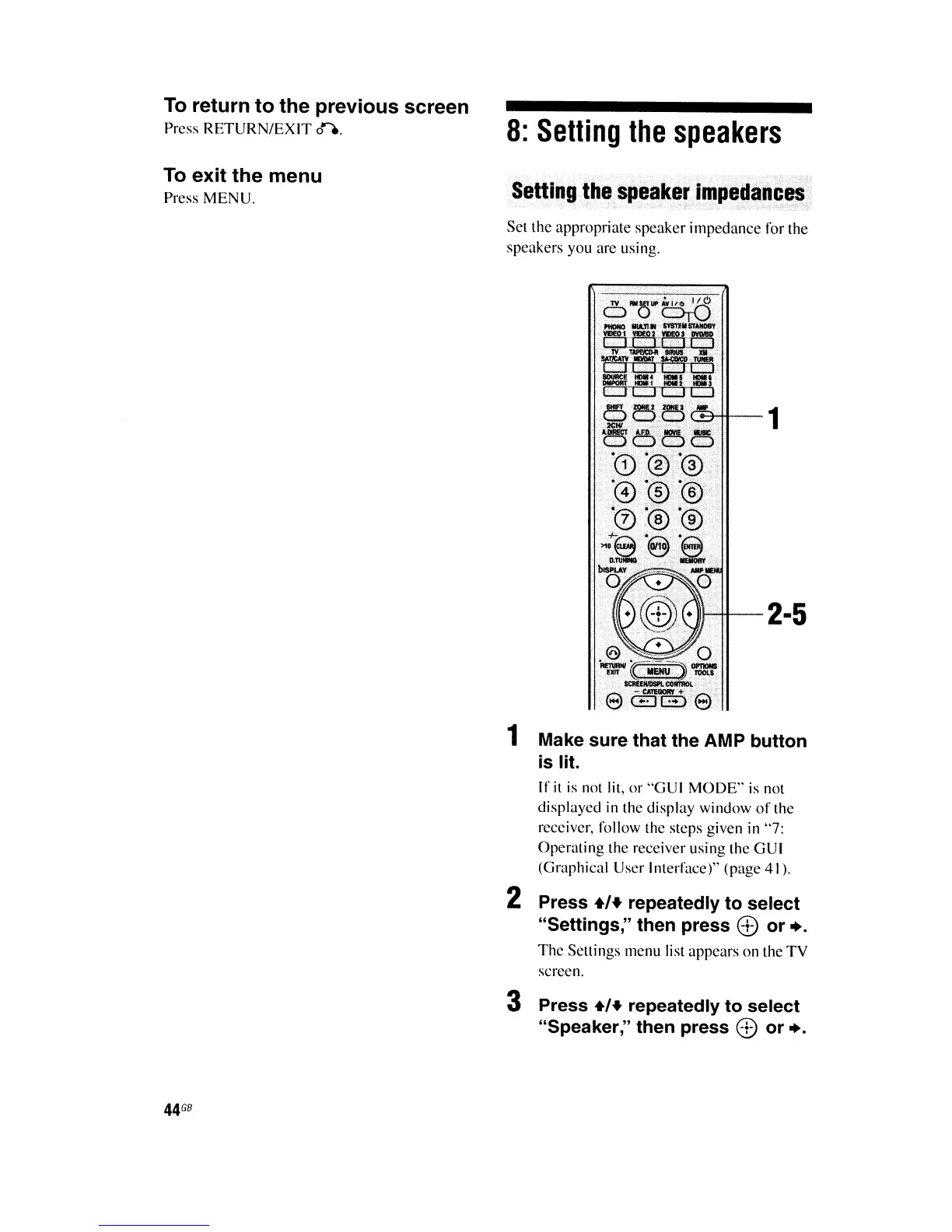
2-5
1 Make sure that the AMP button
is lit.
If
it
is
not lit, or "GUI MODE"
is
not
displayed
in
the display window
of
the
receiver, follow the steps given in "7:
Operating the receiver using the GUI
(Graphical User Interface)" (page 41).
2 Press
+/+
repeatedly to select
"Settings," then press ® or +.
The
Settings menu list appears on the
TV
screen.
3 Press
+,+
repeatedly to select
"Speaker;' then press ® or +.















 To Next Page