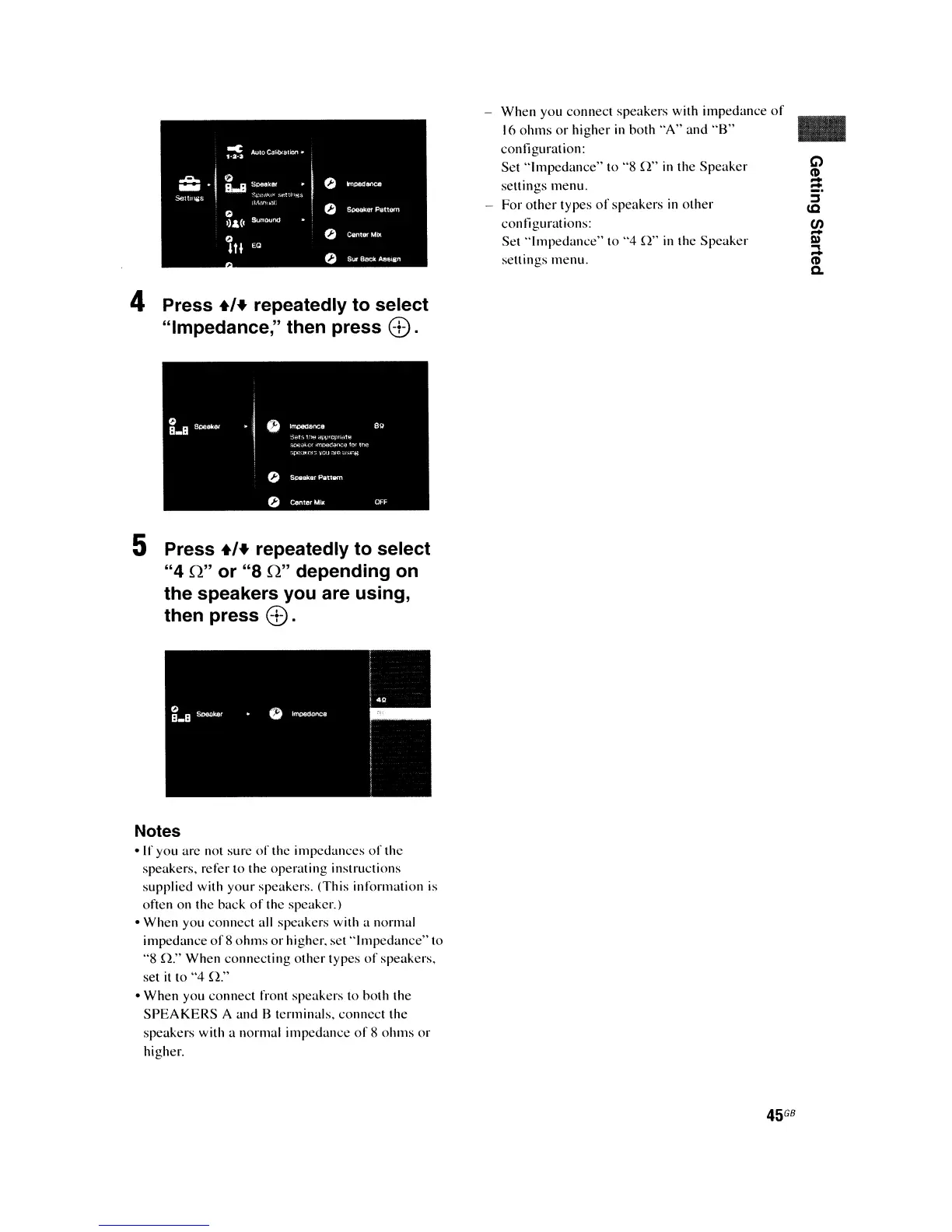
4 Press
+'+
repeatedly to select
"Impedance," then press
8).
5 Press
+'+
repeatedly to select
"4
Q"
or "8
Q"
depending on
the speakers you are using,
then press
8).
Notes
• If you arc not sure
of
the impedances
of
the
speakers, refer to the operating instructions
supplied with your speakers. (This infonnation is
often on the hack
of
the speaker.)
• When you connect all speakers with a normal
impedance
of8
ohms
or
higher. set
"Impedanee"to
"8
0:'
When connecting other types
of
speakers.
set
it
to
"4
0."
• When you connect front speakers to both the
SPEAKERS
A and B terminals. connect the
speakcrs with a normal impcdancc
of
8
ohms
or
highcr.
-
When
you connect speakers with impedance
of
16
ohms
or
higher
in
both "A" and
"B"
eonliguration:
Set
"Impedance"
to "8
0"
in
the Speaker
seltings menu.
- For
other
types
of
speakers
in
other
contigurations:
Sct
"Impedancc"
to
"4
0"
in
the Speakcr
seltings menu.
..
G)
CD
-
=.
j
(Q
(f)
-
III
....
-
CD
Q,
45
G8















 To Next Page