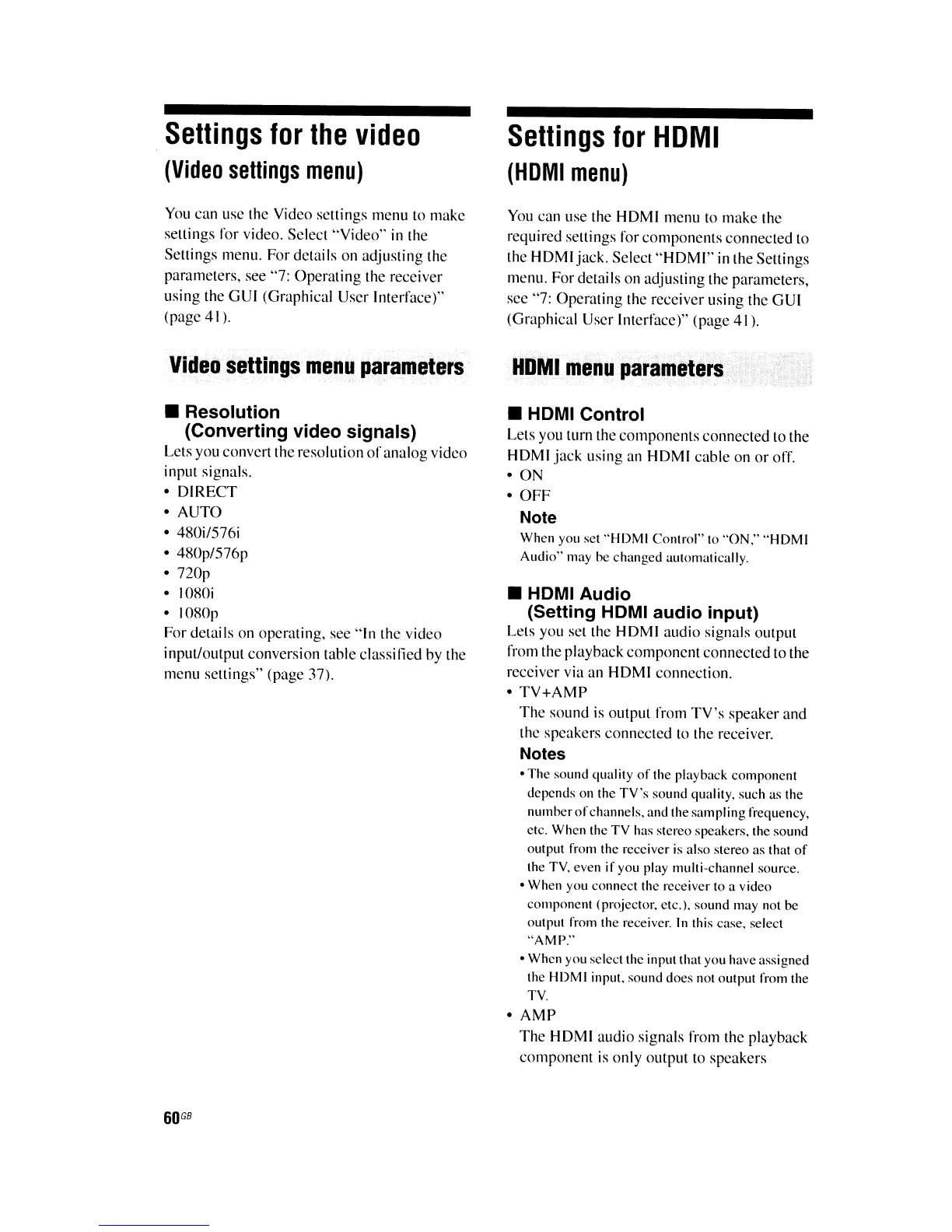
Settings
for
the
video
(Video
settings
menu)
You
can
use
the Video settings menu to make
settings for video. Select
"Video"
in
the
Settings menu. For details
on
adjusting the
parameters,
see
"7:
Operating
the
receiver
using
the
GUI
(Graphical User Interface)"
(page 41).
Video
settings
menu
parameters
• Resolution
(Converting video signals)
Lets you convert the resolution
of
analog video
input signals.
o
DIRECT
o
AUTO
o 480i/576i
o 480p/576p
o
nop
o
IOROi
o
IOROp
For details
on
operating,
see
"In
the video
input/output conversion table classified by
the
menu settings" (page 37).
60
GB
Settings
for
HDMI
(HDMI
menu)
You
can
use
the
HOMI
menu
to
make the
required settings for components connected to
the
HOMI
jack. Select
"HOMI"
in the Settings
menu. For details
on
adjusting the parameters,
see
"7: Operating the receiver using the
GUI
(Graphical User Interface)" (page
4\).
HOMI
menu
parameters
• HOMI Control
Lets you turn the components connected to the
HOMI
jack using
an
HOMI
cable
on
or
off.
o ON
o
OFF
Note
When you set
"HDMI
Control" to "ON."
"HDMI
Audio" may be changed automatically.
• HOMI Audio
(Setting HDMI audio input)
Lets you
set
the
HDMI
audio signals output
from the playback component connected to the
receiver via
an
HOMI
connection.
o
TV+AMP
The sound
is
output from
TV's
speaker
and
the speakers connected to the receiver.
Notes
•
The
sound quality
of
the playback component
depends on the
TV's
sound quality, such as the
number
of
channels, and the sampling frequency.
etc. When the TV has stereo speakers. the sound
output from the receiver is also stereo as that
of
the TV. even
if
you play multi-channel source.
• When you connect the receiver to a video
component (projector. etc.), sound may not
be
output from the receiver.
In
this case. select
"AMP."
• When you select the input that you have assigned
the
HDM
I input. sound does not output from the
TV.
o
AMP
The
HOMI
audio signals from the playback
component
is
only
output to speakers















 To Next Page