Enjoying
Surround
Sound
Enjoying
a
pre-
programmed
sound
field
Parameter that allows custom settings
provides a
"Custom
Settings" menu that
can he used to make advanced
adjustments.
For
details, see "Adjusting
the sound effect" (page 69).
Note
No sound
is
output from the
suI->
woofer
in
the 2ch
Stereo mode. To listen to 2 channel stereo sources
using the front left/right speakers
and
a
suI->
woofer,
select "A.F.D. Auto."
This receiver will generate a low frequency signal
for output to the
suI->
woofer when there is no L.F.E.
signal. which
is
a low-pass sound effect output from
a sub woofer to a 2 channel signal.
Types
of
2CH
mode
• 2ch Analog Direct
You
can switch the audio
of
the selected input
to 2 channel analog input.
This
function
• 2ch Stereo
The
receiver outputs the sound from the front
lefl/right speakers only.
There
is no sound
from the sub woofer.
Standard 2 channel stereo sources completely
hypass the sound field processing and multi-
channel surround formats are
down
mixed to 2
channel.
4 Press
.,+
repeatedly to select
"Surround;' then press
8)
or +.
5 Press
.,+
repeatedly to select
"Sound Field Setup," then
press
8).
6 Press
.,+
repeatedly to select
the surround sound you want.
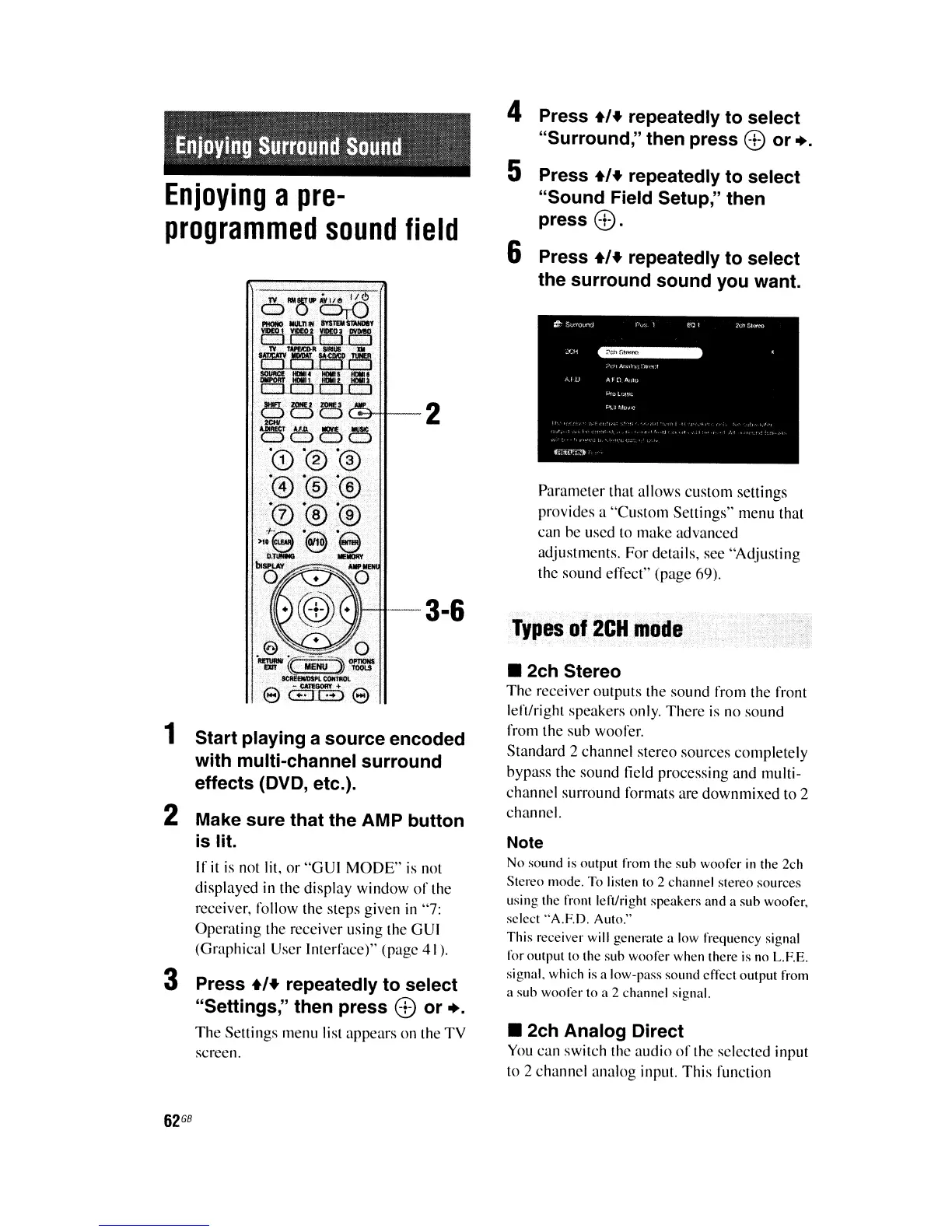
-3-6
Press
.,+
repeatedly to select
"Settings," then press
8)
or +.
The
Settings menu list appears on the
TV
screen.
Start playing a source encoded
with multi-channel surround
effects (DVD, etc.).
Make sure that the AMP button
is lit.
If
it
is
not lit,
or
"GUI
MODE"
is not
displayed in the display window
of
the
receiver, follow the steps given in "7:
Operating the receiver using the GUI
(Graphical User Interface)" (page 41).
3
2
1
62
GB















 To Next Page