Selecting
the
front
speakers
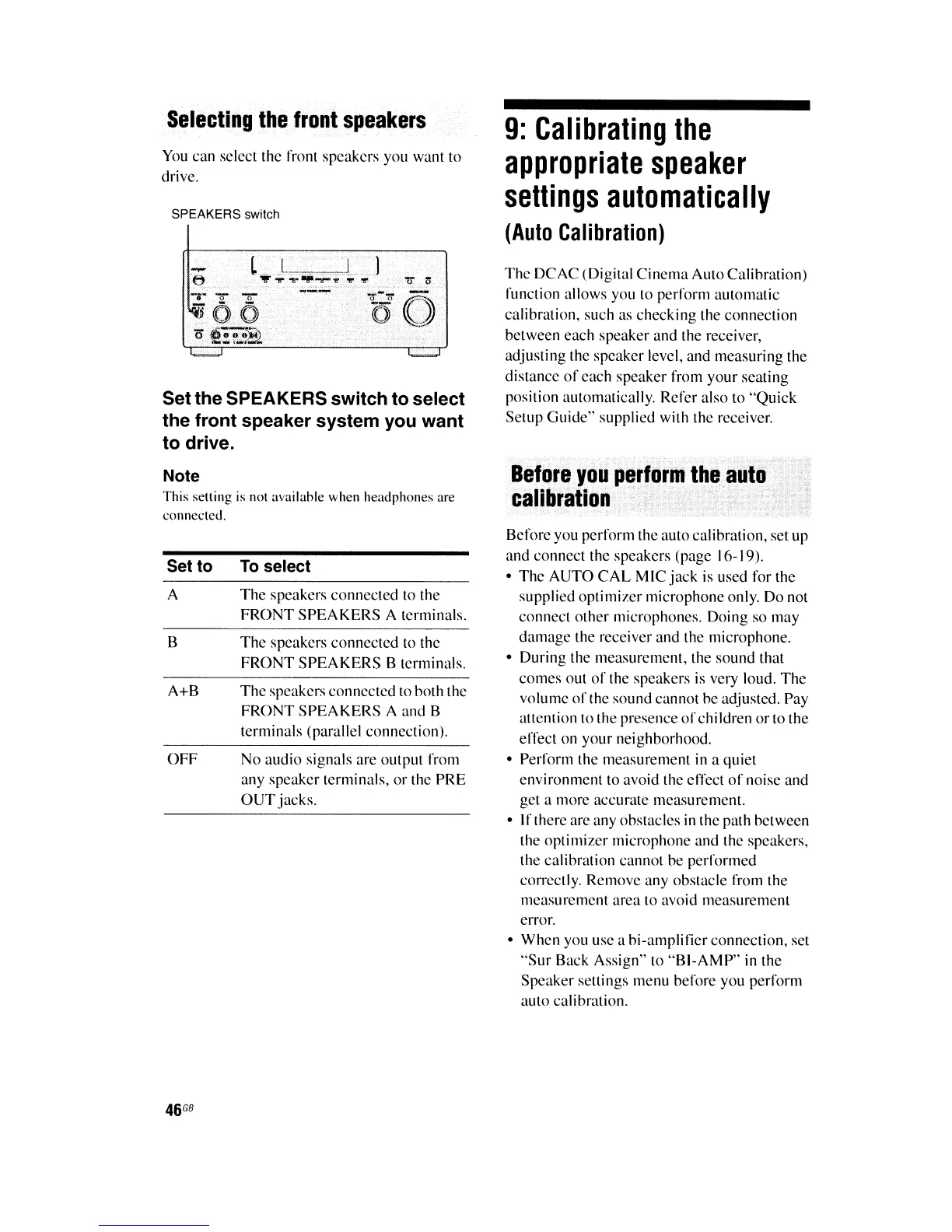
You can select the front speakers you want to
drive.
SPEAKERS switch
Setthe SPEAKERS switch to select
the front speaker system you want
to drive.
Note
This selling is not nvnilable when hendphones
are
connected.
9:
Calibrating
the
appropriate
speaker
settings
automatically
(Auto
Calibration)
The
DCAC
(Digital
Cinema
Auto
Calihration)
function allows you to perform automatic
calibration, such
as
checking the connection
between each speaker and the receiver,
adjusting the speaker level, and measuring the
distance
of
each speaker
from
your
seating
position automatically. Refer also to
"Quick
Setup
Guide"
supplied
with
the receiver.
Before
you
perform
the
auto
calibration
Set to
A
B
A+B
OFF
46
GB
To
select
The speakers connected to the
FRONT
SPEAKERS
A terminals.
The
speakers connected to the
FRONT
SPEAKERS
B terminals.
The
speakers connected to hoth the
FRONT
SPEAKERS
A and B
terminals (parallel connection).
No
audio signals are output from
any speaker terminals,
or
the PRE
OUT
jacks.
Before you
perform
the auto calibration, set up
and connect the speakers (page 16-19).
• The
AUTO
CAL
MIC
jack
is used
for
the
supplied
optimizer
microphone only.
Do
not
connect other microphones.
Doing
so
may
damage the receiver and the microphone.
•
During
the measurement, the sound that
comes out
of
the speakers is very loud.
The
volume
of
the sound cannot
he
adjusted. Pay
allention to the presence
of
chiIdren
or
to the
effect on
your
neighborhood.
• Perform the measurement in a
quiet
environment to avoid the effect
of
noise and
get a more accurate measurement.
•
If
there are any ohstacles in the path hetween
the
optimizer
microphone and the speakers,
the calihration cannot
be
performed
cO'Tectly. Remove any obstacle from the
measu remenl area to avoid measurement
error.
• When you use a
hi-amplifier
connection,
set
"Sur
Back
Assign"
to
"BI-AMP"
in
the
Speaker seltings menu before you
perform
auto calibration.















 To Next Page