Using
the
sleep
timer
You
can set the receiver to turn
ofT
automatically at a specified time.
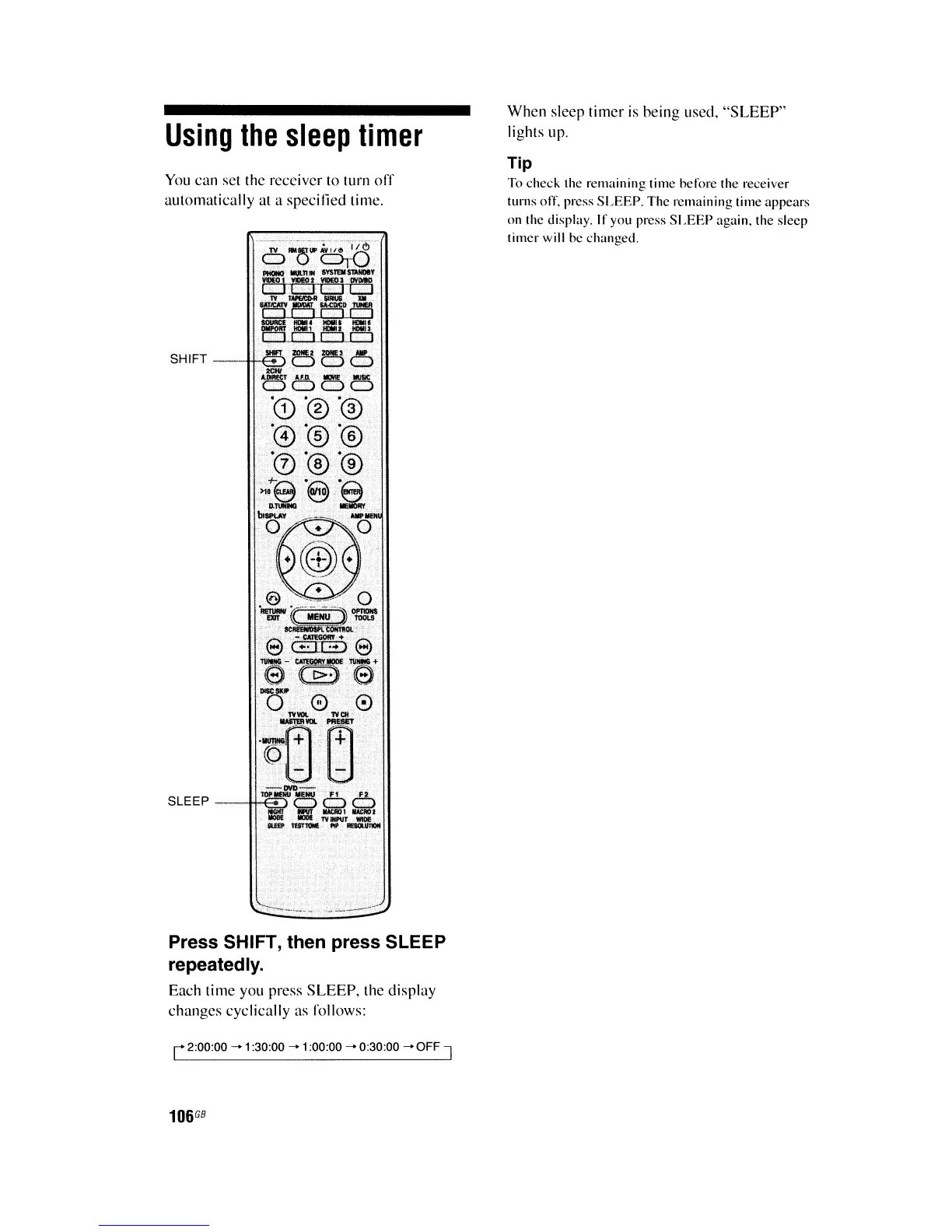
Press SHIFT, then press SLEEP
repeatedly.
Each time you press
SLEEP,
the display
changes cyclically as rollows:
r 2:00:00 - 1:30:00 - 1:00:00 - 0:30:00 -
OFF
J
106
G8
When
sleep timer is heing used,
"SLEEP"
lights up.
Tip
To check the remaining time herore the receiver
turns orr. press SLEEP. The remaining time appears
on the display.
tf you press
SLEEP
again. the sleep
timer will he changed.















 To Next Page