Naming
inputs
You
can enter a name
of
up to 8 characters for
inputs and display it.
This is convenient for labeling the
jacks
with
the names
of
the connected components.
1 Choose the item you want to
name.
You
can name the following items.
• Auto calibration position (page 46)
• Inputs (page 53)
• Preset stations (page 84)
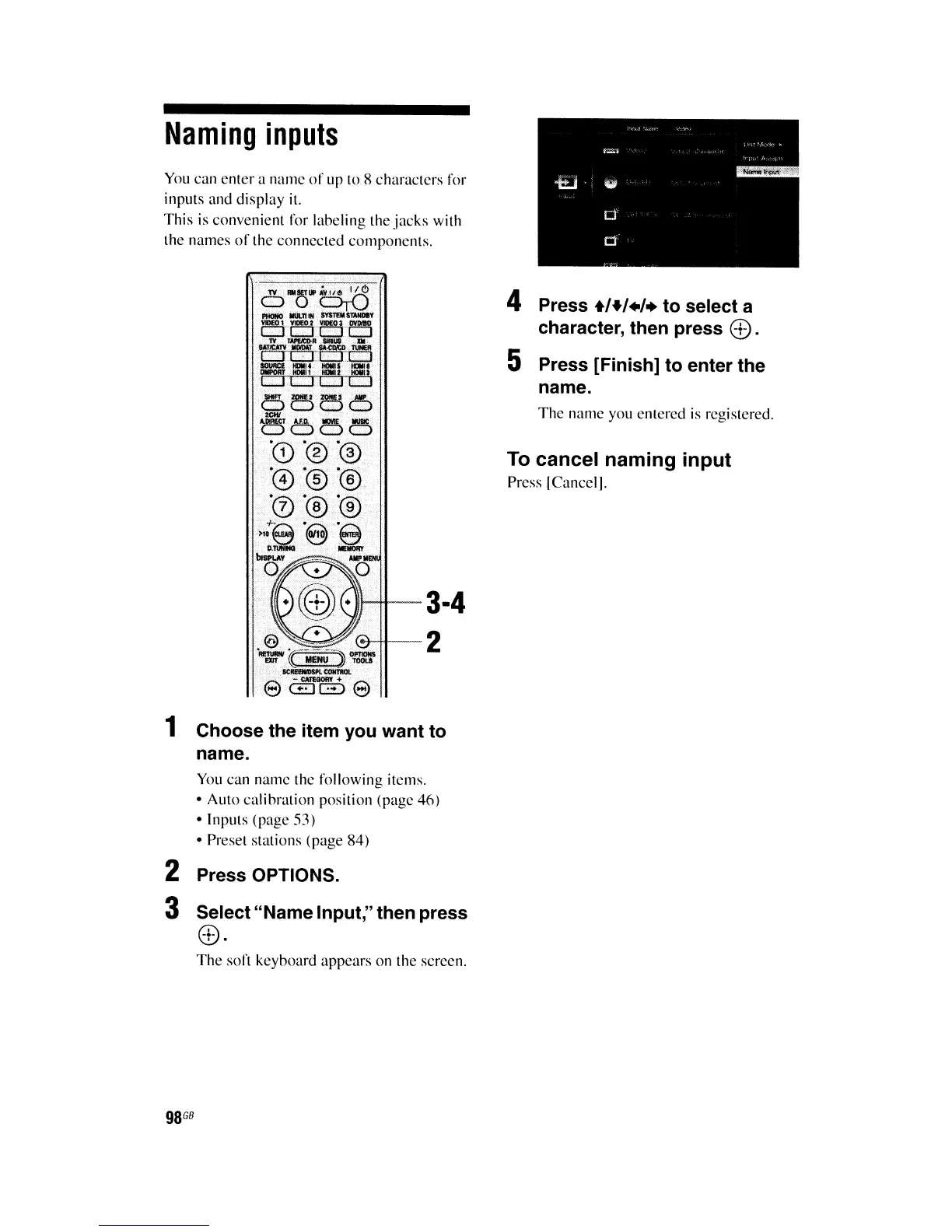
2 Press OPTIONS.
3 Select"Name Input," then press
CD·
The
soft keyboard appears on the screen.
98
GB
4 Press
+'+,.,.
to select a
character, then press
CD.
5 Press [Finish] to enter the
name.
The
name you entered
is
registered.
To cancel naming input
Press [Cancel].















 To Next Page