48 Installation and set-up manual 208668
4. Checking the alignment and fi nishing the installation CRANEX Novus e
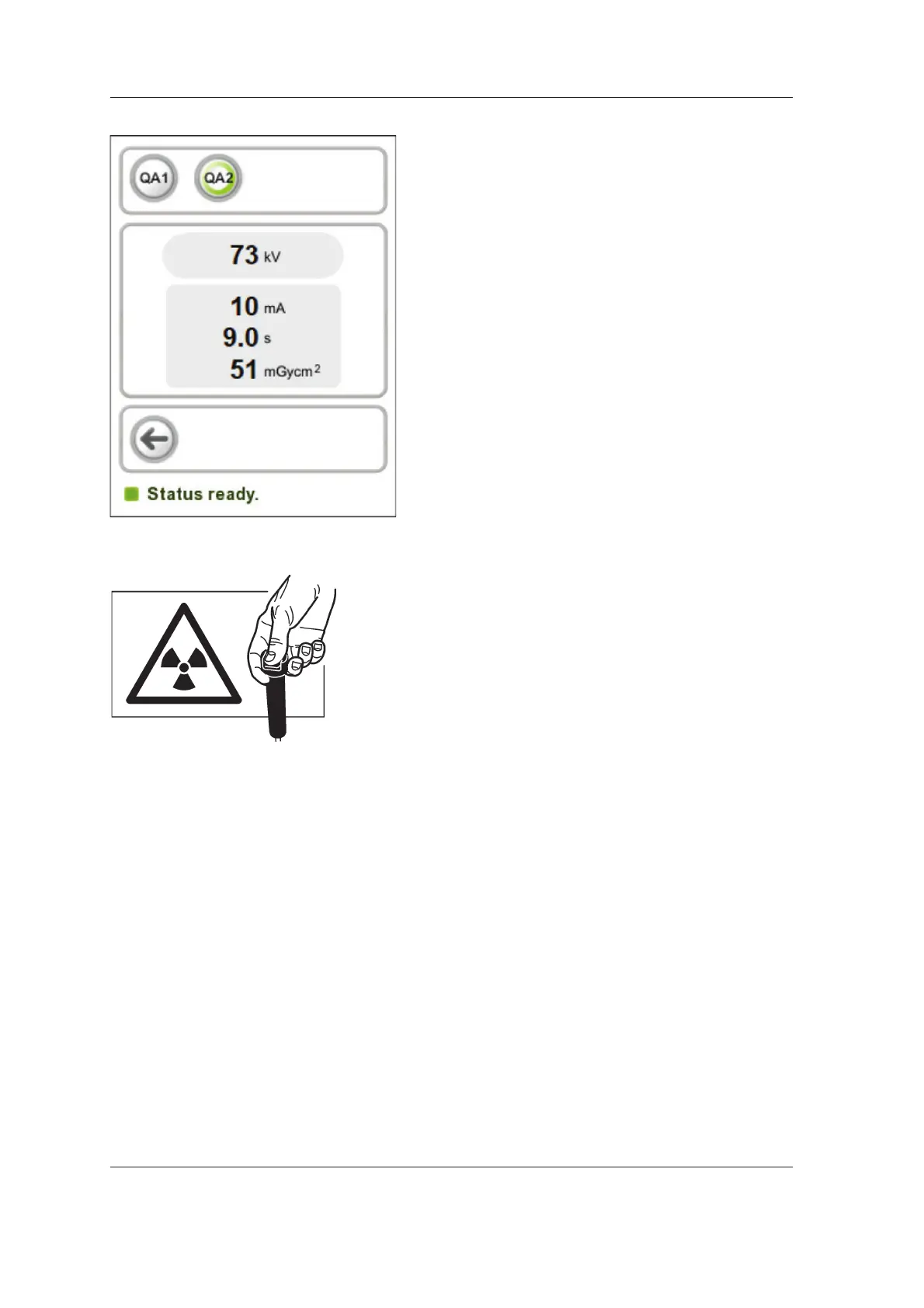
7. The QA program screen appears. Select from
two preset programs which to use for the QA
exposure.
QA1 for use with 0,8mm thick Cu fi lter.
QA2 for use with 1.8mm thick Cu fi lter.
8. Protect yourself from radiation.
Press and hold down the exposure switch to
take an exposure.



 To Next Page