Installation and set-up manual 208668 69
CRANEX Novus e 6. The exhibition stand
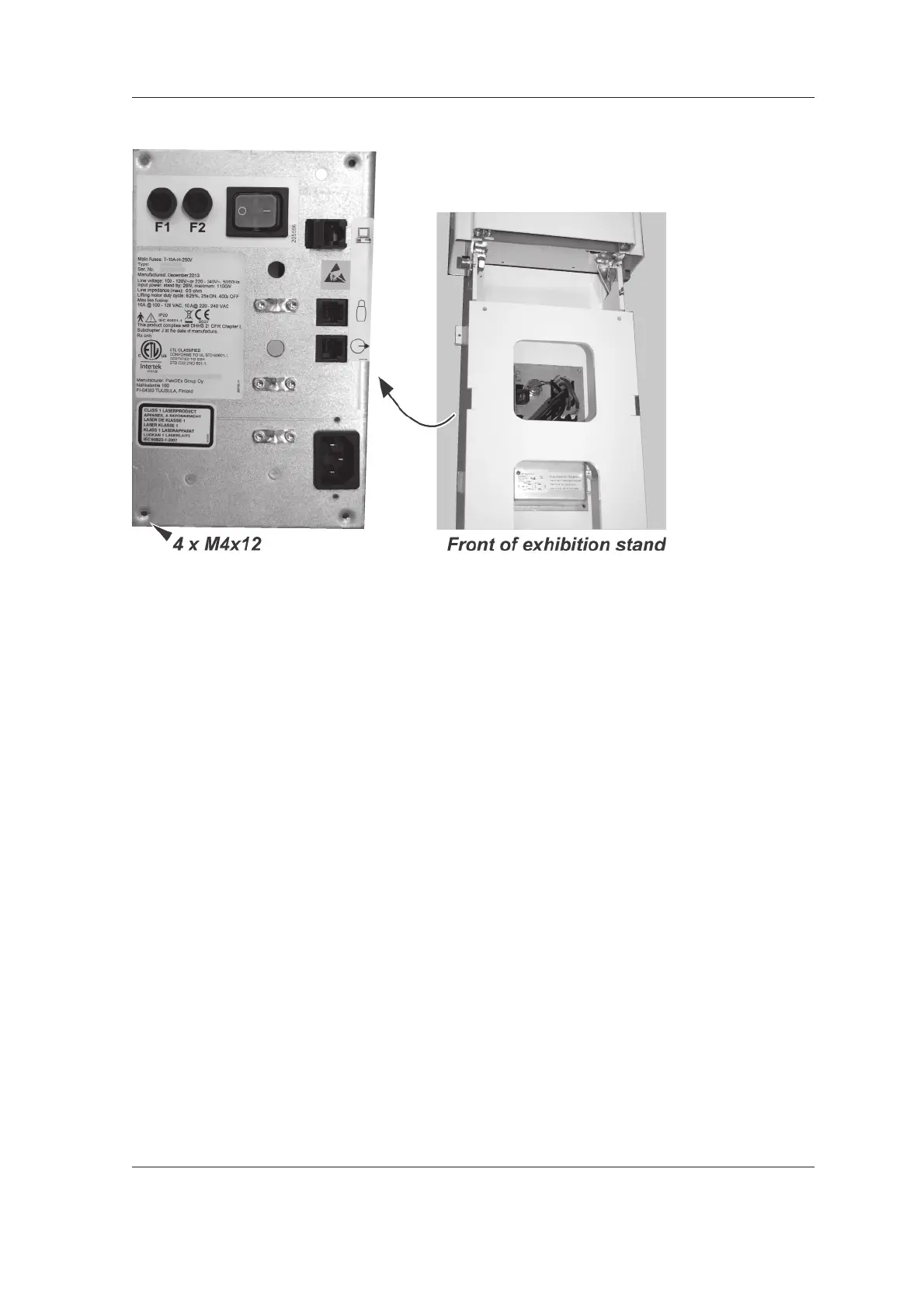
9. Attach the Main power and interface panel to
the inside rear of the exhibition base
(4 x M4x12). Make sure that all of the cables
are connected.
10. CAUTION - HEAVY OBJECT
A minimum of two persons are required for
the following task.
Lift the unit and exhibition stand to the vertical
position.
NOTE:
When lifting the unit to the vertical position
hold the unit by the column, NOT the rotating
unit.
CAUTION:
Take steps to ensure that the unit and
exhibition stand do not slip when being lifted.



 To Next Page