Chapter 9: Ethernet Cards
Gigabit Ethernet Testing, Clock Tolerance
SmartBits System Reference 133
switching is per port pair. Therefore, a 24-port switch would have 12 port pairs and would
have to store 228,564 bytes per second (12 x 19,047), assuming it is able to process at wire
speed. This is a lot of data to store for long bursts of traffic.
Sample Test Scenarios and Interpretations
If you have a simple setup of a two-port switch and two test analyzer ports, what happens?
The following example runs a SmartApplications (Back-to-Back Test) and relates the
clock tolerance to the test results.
A frequency counter tested the clock tolerances of the ports on the SmartBits ports and the
DUT, and showed the following values:
• SmartBits port 1: minus 14ppm
• SmartBits port 2: plus 10.16ppm
• DUT port 1: minus 4.024ppm
• DUT port 2: plus 2.64ppm
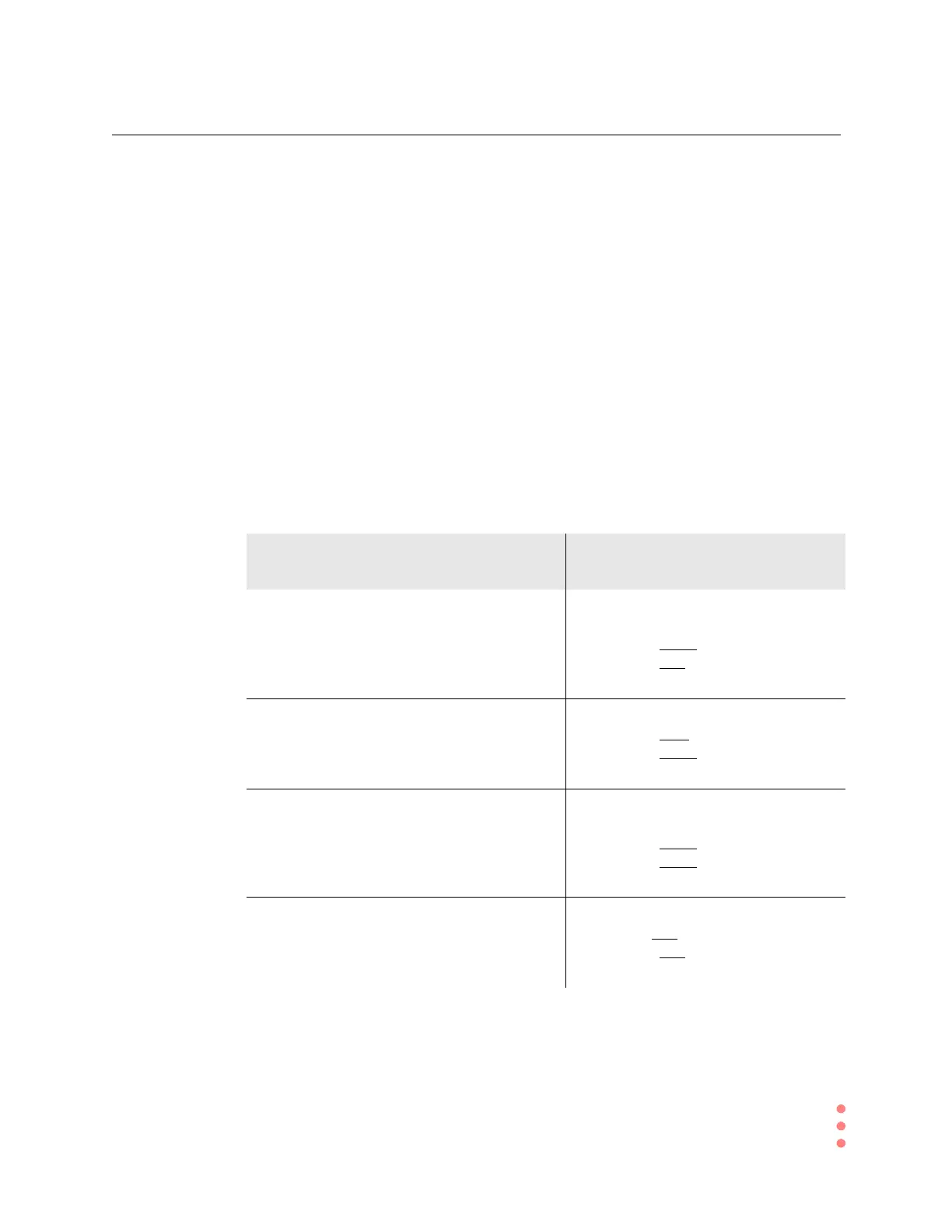
SmartApplications Test Test Results and Related Clock
Tolerance
In test 1, transmitted unidirectional traffic from
port 1 of the test analyzer into port 1 of the DUT
(device under test) and received test packets
back on port 2 of the test analyzer from port 2 of
the DUT.
The DUT was able to keep up for 500
seconds without any data loss when:
input = minus
14ppm
output = plus
2.64ppm
(output faster by 16.64ppm)
In test 2, reversed the direction of the
unidirectional traffic, leaving the ports hooked
upthesameway.
The test failed in 5.9 seconds when:
input = plus
10.16ppm
output = minus
4.024ppm
(output slower by 14.184ppm)
In test 3, transmitted unidirectional traffic from
port 1 of the test analyzer into port 2 of the DUT
and received data back on port 2 of the test
analyzer from port 1 of the DUT.
The test ran for 500 seconds without loss
when:
input = minus
14ppm
output = minus
4.024ppm
(output faster by 9.976ppm)
In test 4, reversed the direction of unidirectional
traffic without changing the cable connections.
The test failed in 10.5 seconds when:
input = plus
10.16ppm
output = plus
2.64ppm
(output slower by 7.52ppm)



 To Next Page