4.3.
Navigating the Menus of the Ranger Converter 3000
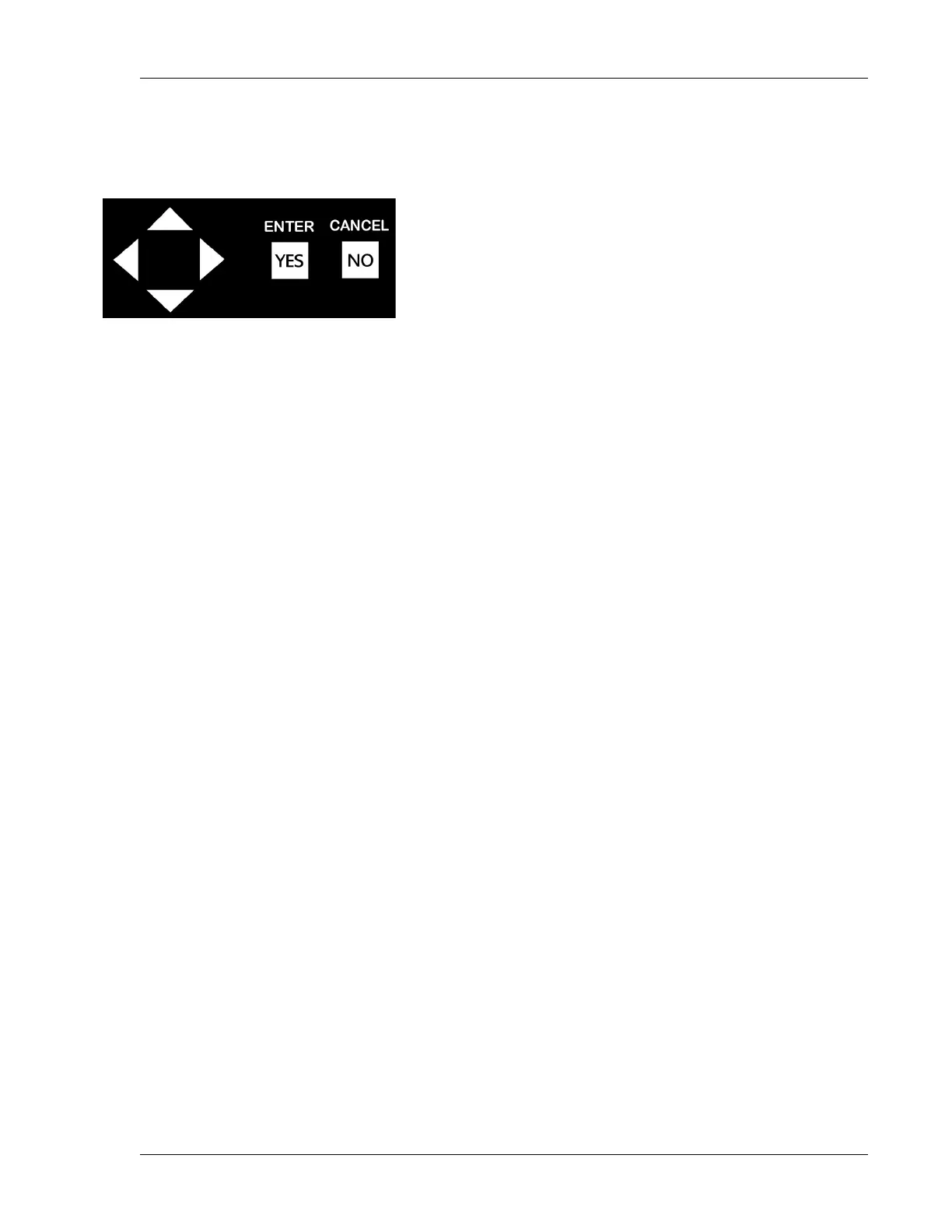
1. Use the item selectors to toggle (move right and left) and scroll (move up and down) through the menus
of Ranger Converter 3000.
2. In case more than one option is available in a particular menu or view, you will see Up and Down arrows.
Use the item selectors to scroll through the options. The * sign next to a command indicates that the
command is selectable. To select the option, press ENTER.


 To Next Page