Checking the Number of Active Stations
3. Press ENTER to confirm.
6.4.4.
Checking the Number of Active Stations
Increasing the power levels for your stations mean that fewer stations in your system may be simultaneously
active. The Ranger Converter 3000 lets you supervise the impact of changing these settings.
To check the number of active stations:
1. Scroll sideways to the Main menu, then scroll down to the Power Levels menu, and press ENTER.
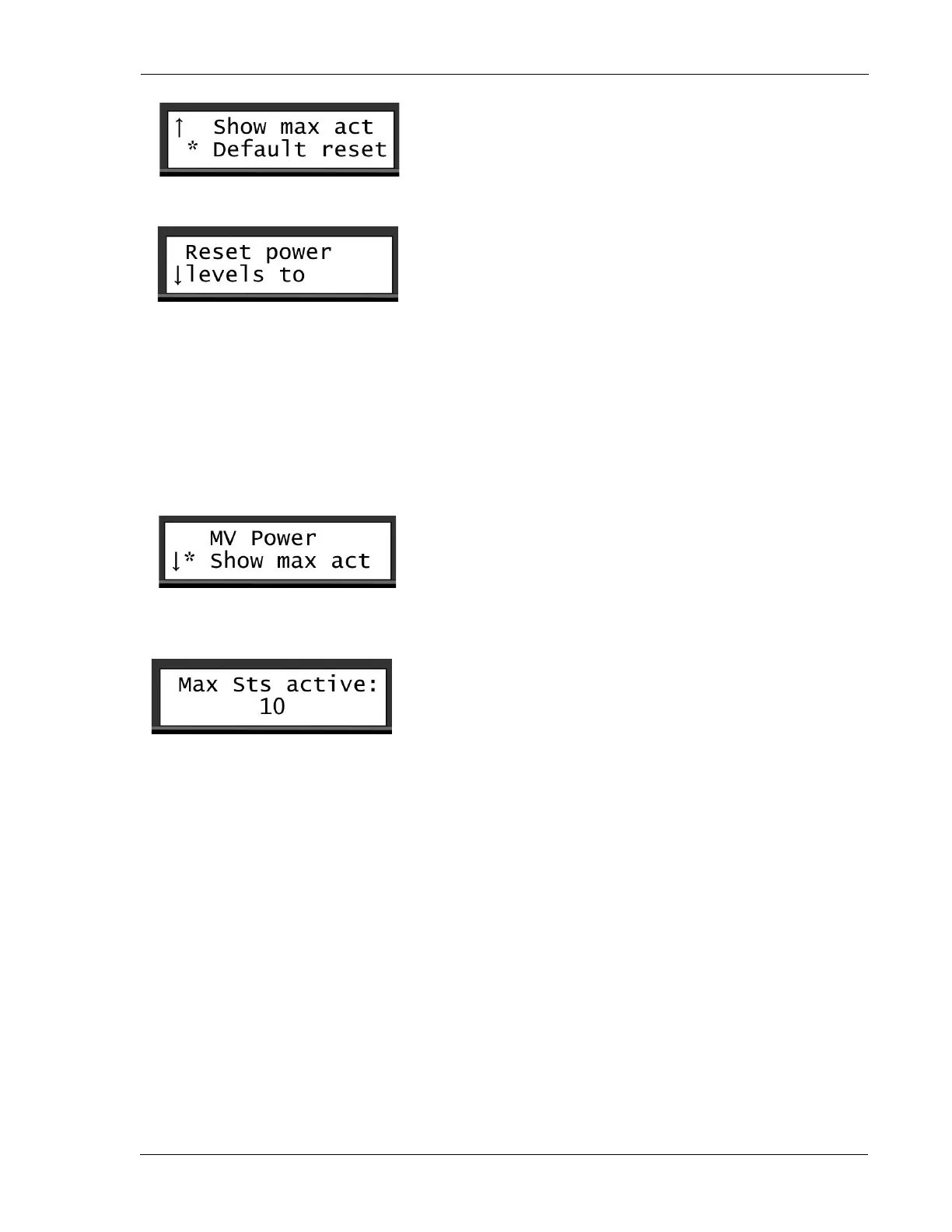
2. Scroll down to the Show max act command, and press ENTER.
The screen will show you the maximum number of stations that can be active at the same time, in this
case 10.
6.5. Resetting Data
In rare cases, it may be necessary to reset the data.
To reset you data:



 To Next Page