Each decoder uses about 0.5 mA in idle mode. For instance, if your system includes 50 decoders, the mA
value should total 25 mA with no activity. If the mA value is suddenly significantly higher, for instance 200
mA, then something is wrong: This could indicate a ground leak. For more information, turn to Chapter 8:
Troubleshooting in the Field.
5.2.
Displaying Controller Status
Five different types of statuses are available:
• Flow input
• Status of active stations
• Alarm status
5.2.1.
Displaying the Flow Input
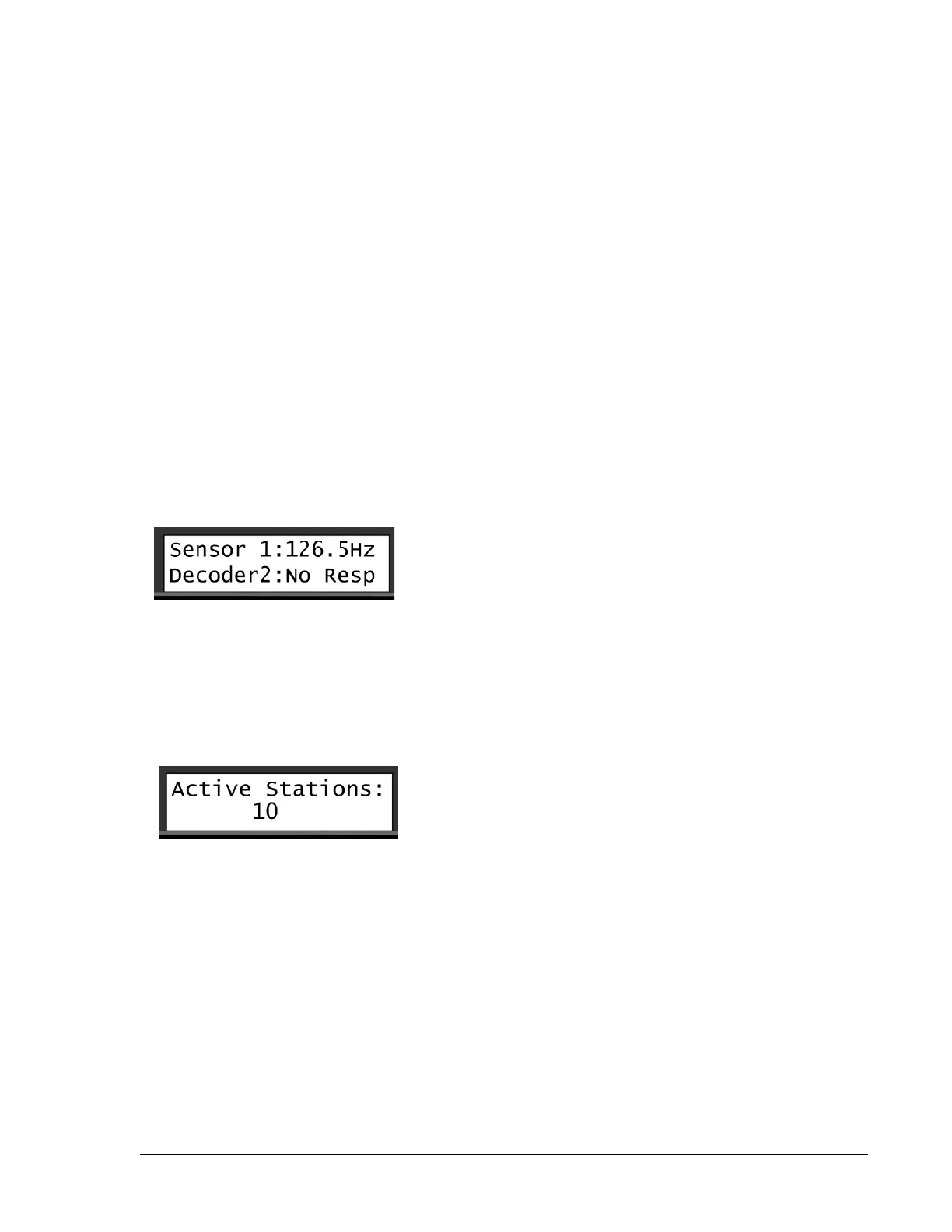
The current flow input on the system can be seen from the Flow Input view. This view expresses the current
flow in pulses per seconds (in Hz).
To display the flow input:
1. In the Main view, use the item selectors to scroll sideways to the Flow Input view.
5.2.2.
Displaying the Number of Active Stations
The Active Stations views shows the number of active stations, master valves and pumps. The view also
displays the names of the active stations.
1. In the Main view, use the item selectors to scroll sideways to the Active Stations view.
2. If more stations are active, use the item selectors to scroll to the other active stations.
If no stations are running, this view will not display anything.
5.2.3.
Displaying the Alarm Status
When the ALARM LED on the Ranger Converter 3000 panel indicates that one or more alarms have
been detected, proceed to the Alarm Status view to get an overview and determine what action to take.


 To Next Page