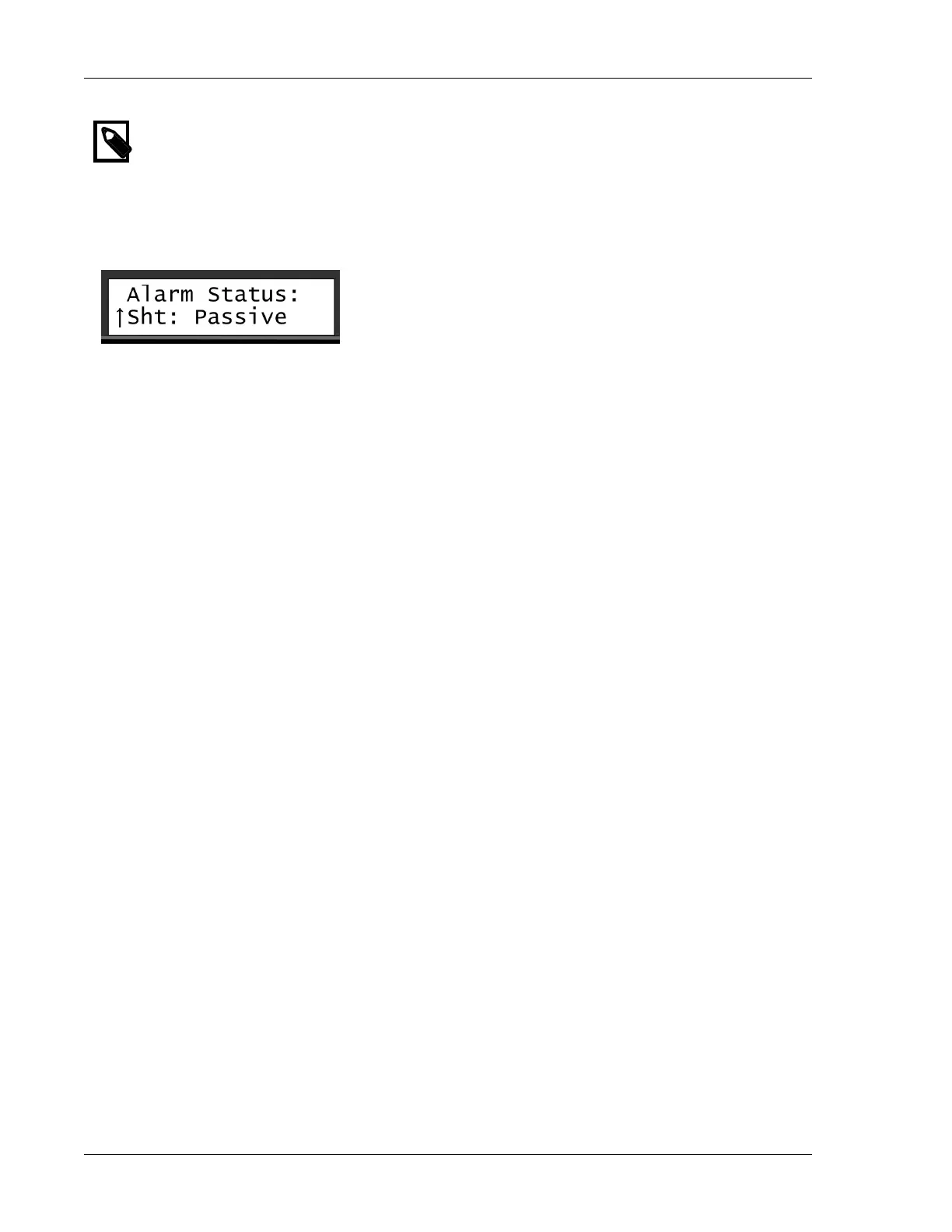
Displaying the Alarm Status
Note
For each alarm type you may set the reaction type. For more information, turn to Section 6.5,
“Setting Up FloGuard” [31].
To display the alarm status:
1. In the Main view, use the item selectors to scroll sideways to the Alarm Status view.
2. Use the item selectors to scroll through the alarms, and check whether the status is Passive, Active or
Pas Clr?. The Pas Clr? option indicates that at some point an alarm was detected, but that it is no longer
active.
The Alarm Status view may display the following alarm types:
Sht
2-wire short alarm. The alarm stays on as long as there is a short in your system. You can clear the
notification by viewing the alarm list.
MST
Max active stations reached. This means that a program tried to start a station when the maximum
number of stations was already running. The alarm will be cleared once you have viewed the alarm
list and acknowledged the alarm.
P2Q
Indicates whether the quality of the 2-wire has dropped to a level where the SRC RANGER
CONVERTER 3000 cannot read the sensor decoder, for example due to leak to ground, bad
connections etc.



 To Next Page