1656 & 1657 Battery Element Tester Owner’s Manual
STS Instruments Page 80 of 88
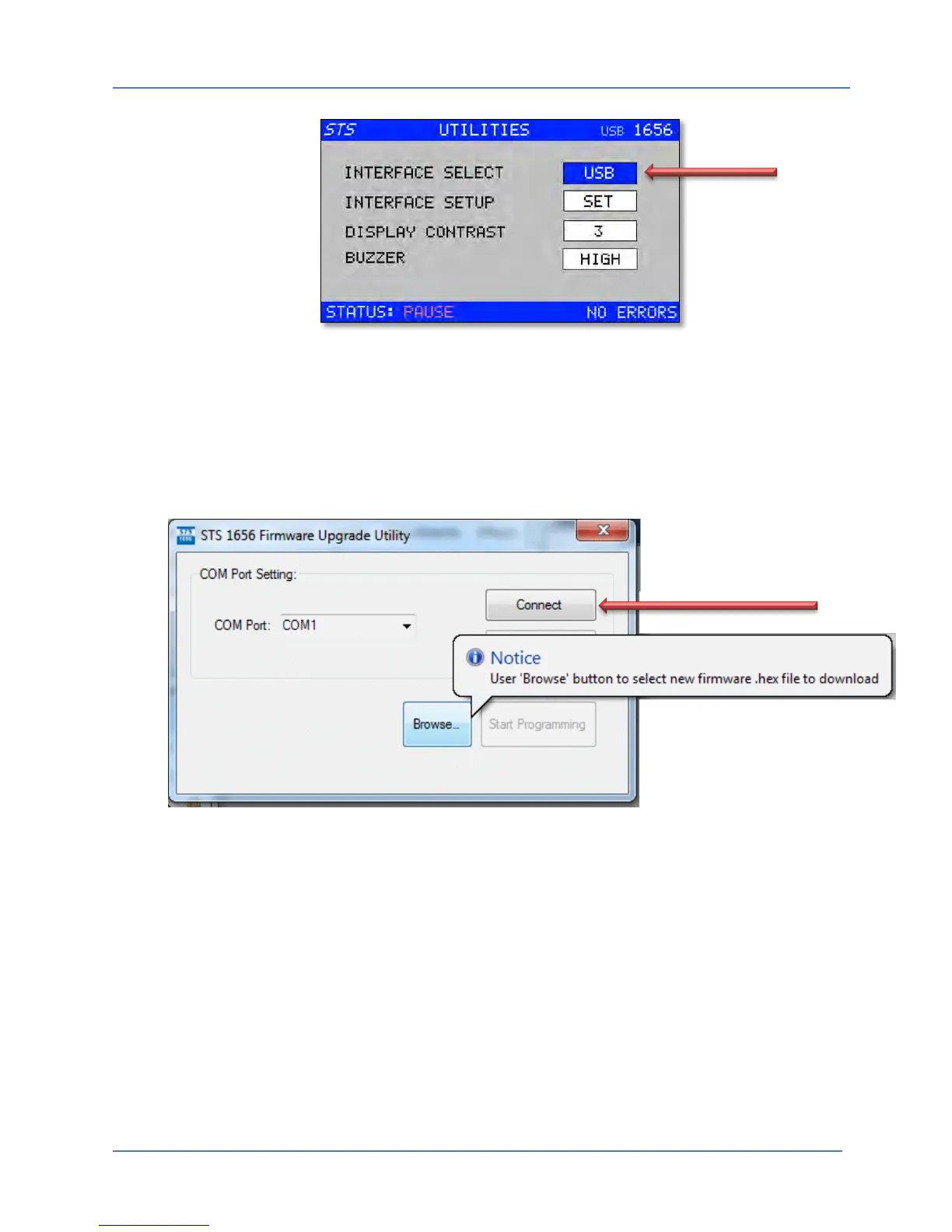
Once the required interface type is set, turn off the 1656/1657 unit. To enter flash download
mode, depress the Shuttle knob while turning the 1656/1657on at the power switch. This will
cause the unit to boot up in Flash loader mode. This is indicated by the fact that the RESET and
CHECK buttons are both lit. (on).
You are now ready to start the firmware download.
Once selected, press the “Connect” button to establish the connection to the instrument. If the
connection is not successful, check your cabling and the com port selection and re-try if needed.



 To Next Page