Chapter 2 Removing and Replacing Components 2-7
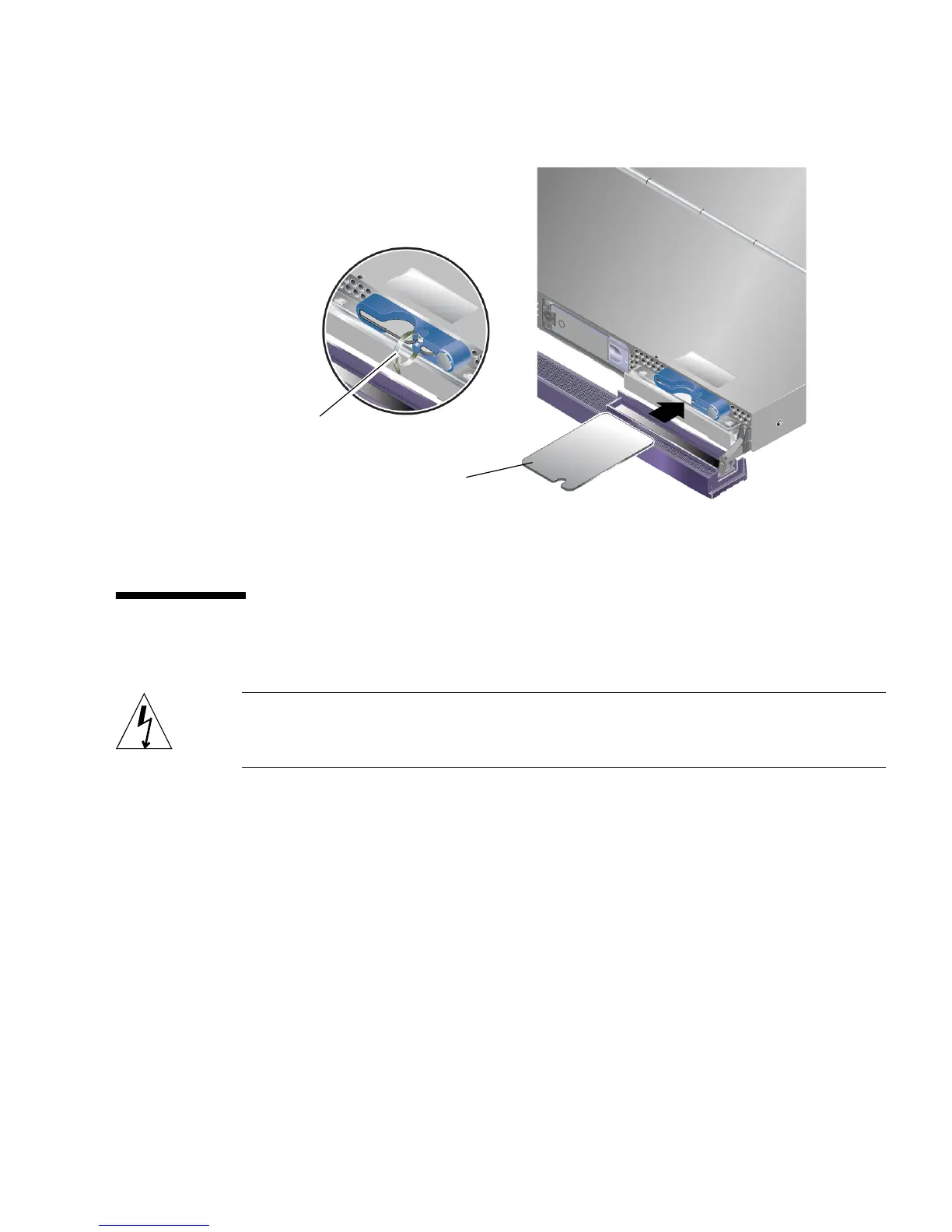
FIGURE 2-3 Inserting a System Configuration Card (Sun Fire V210 Server)
2.5 Removing and Replacing Hard Drives
Caution – The server and hard drives contain electronic parts that are extremely
sensitive to static electricity. Wear a grounded antistatic wrist strap when you carry
out this procedure.
2.5.1 Removing a Hard Drive
The hard drives are hot-pluggable modules. If more than one is fitted, you can install
or remove a hard drive without powering off the server or removing it from the
rack.
However, you do need to make sure that no system or application software is using
a hard drive when you remove it.
Cable tie
System configuration card















 To Next Page