6-2 Sun Ultra 45 and Ultra 25 Workstations Service and Diagnostics Manual • May 2006
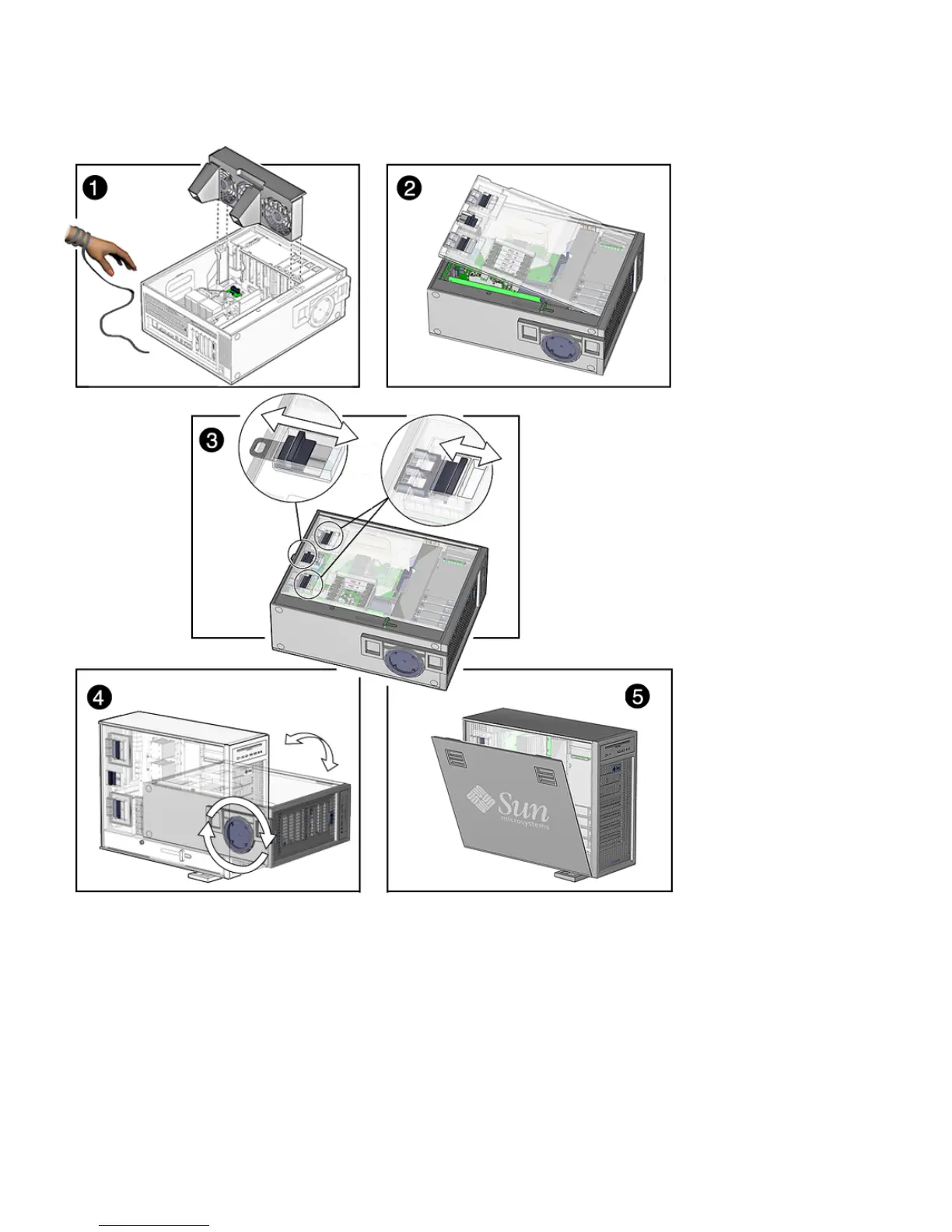
FIGURE 6-1 Reassembling the Workstation
8. Reconnect the keyboard, mouse, monitor, network connections, and any
peripherals (
FIGURE 6-2).
9. Reconnect the power cord to the workstation and the power source.














 To Next Page