Chapter 6 Finishing Component Replacement 6-3
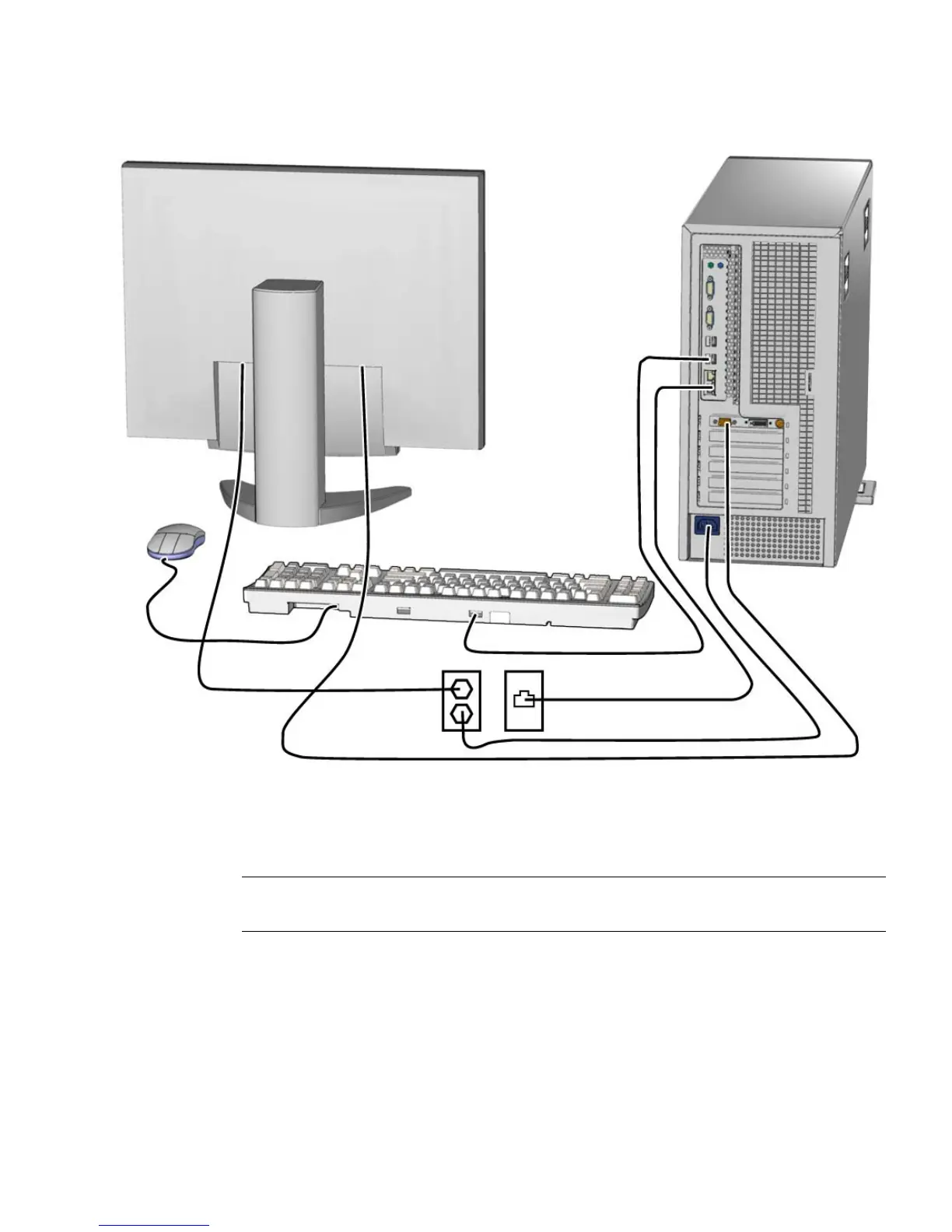
FIGURE 6-2 Reconnecting the Cables
10. Power on any connected peripherals or monitors.
Note – The monitor must be powered on before the workstation so that the monitor
can communicate with the graphics accelerator when the workstation powers on.
11. Power on the workstation.














 To Next Page