101
5. Call up additional settings with .
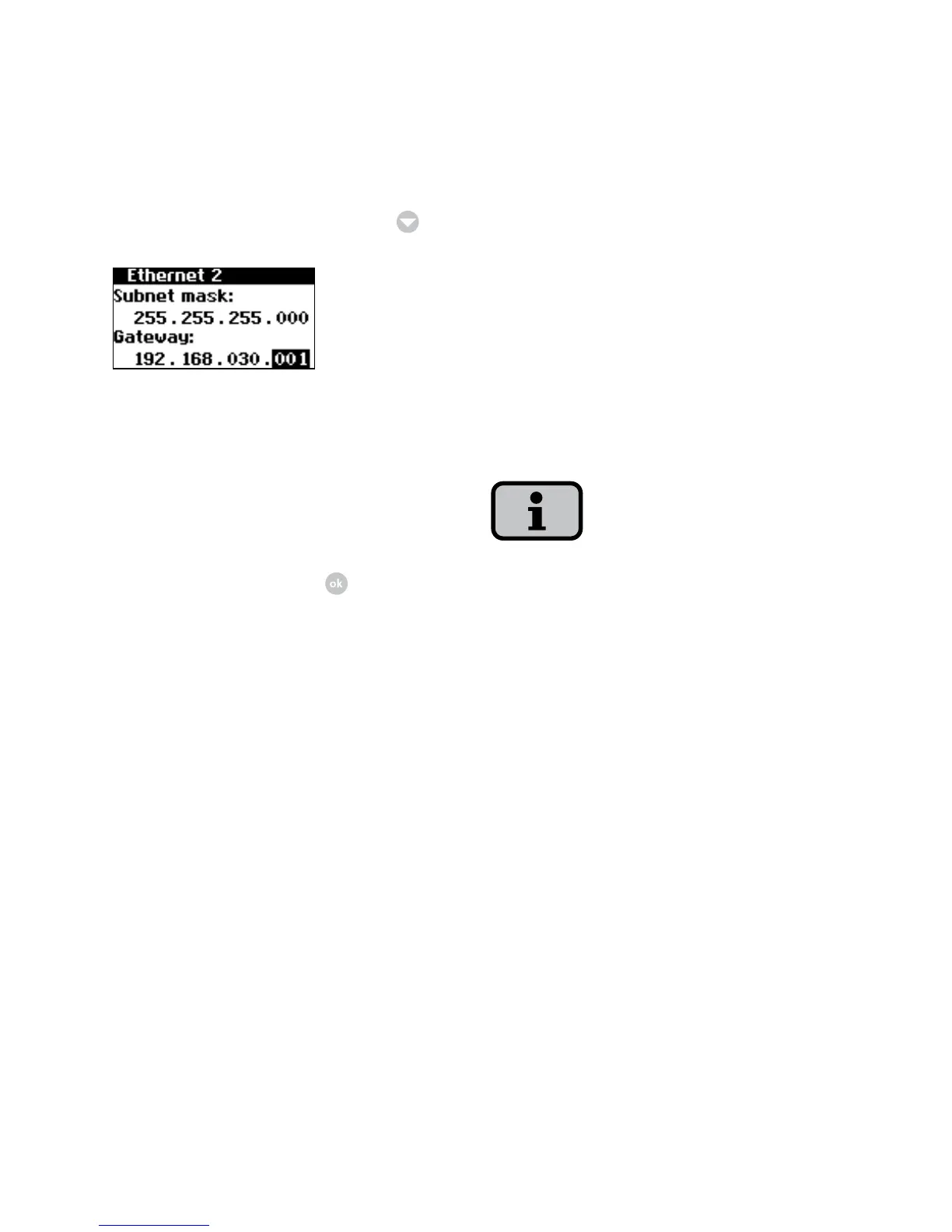
6. Enter the subnet mask 255.255.255.0
here.
7. Enter the IP address of your PC in the
gateway.
8. Confirm this entry with
.
After the network configuration is com
-
pleted you can start the Sunways Browser
by entering the IP address of the solar
inverter in the address line of your web
browser.
6.5 Network settings on PC
To enable your PC to communicate
with the solar inverter, you must make
network settings. The procedure differs
slightly depending on the operating
system. An example of the configuration
under Windows
®
XP is shown in the fol-
lowing.
IP addresses may not be assigned twice
within the network!



 To Next Page