120
6.11 Internet dial-in via modem
Requirement:
Communication software at least
Version 2.0002
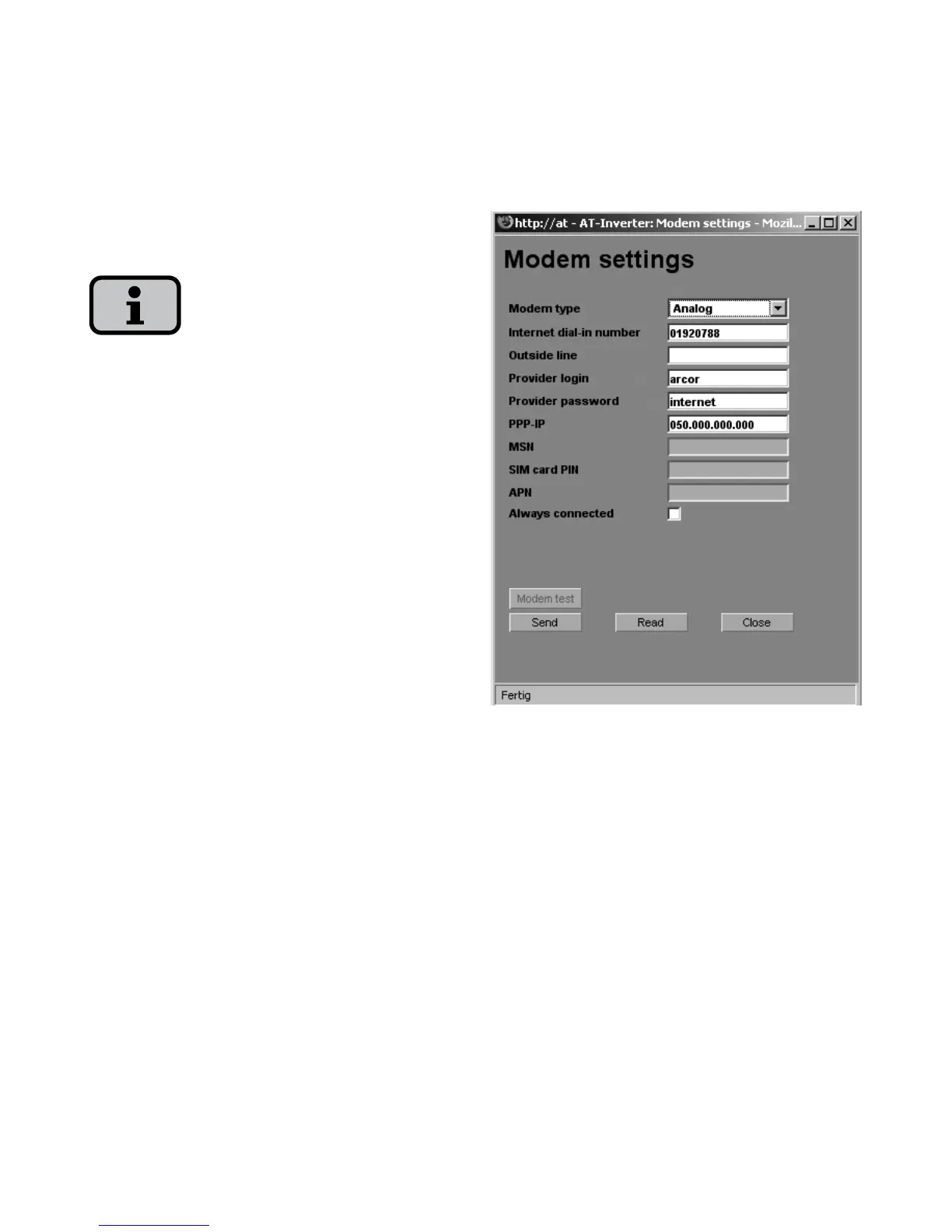
Modem settings
If you use a modem for the Internet
connection, the modem must be set up
accordingly via the Sunways Browser.
Therefore, first establish a connection
between your PC and the solar inverter
(see the chapter Direct Ethernet con
-
nection). With the web browser you can
then make the following settings in the
menu «Settings – Modem»:
Modem type
Selection for the modem type:
Analogue, ISDN or GSM modem
Internet dial-in number
Dial-in number of your Internet provider
(ISP)



 To Next Page