115
After entering the IP address of the solar
inverter in the address line of the brows
-
er, the following functions are available:
· Display of the operating mode and
instantaneous values for a single unit
or for a CAN-networked system
· Display of energy yields as 5-minute,
daily, monthly, annual and total values
· 5-minute mean values of solar genera
-
tor current and voltage, grid current
and voltage and feed-in power
· Settings, e.g. of date/time, interface
configuration, alerting options, com
-
munication parameters etc.
· Software update of the communica
-
tion software (LCD display, interfaces,
communication and Sunways Browser)
and of the control software (control
and monitoring)
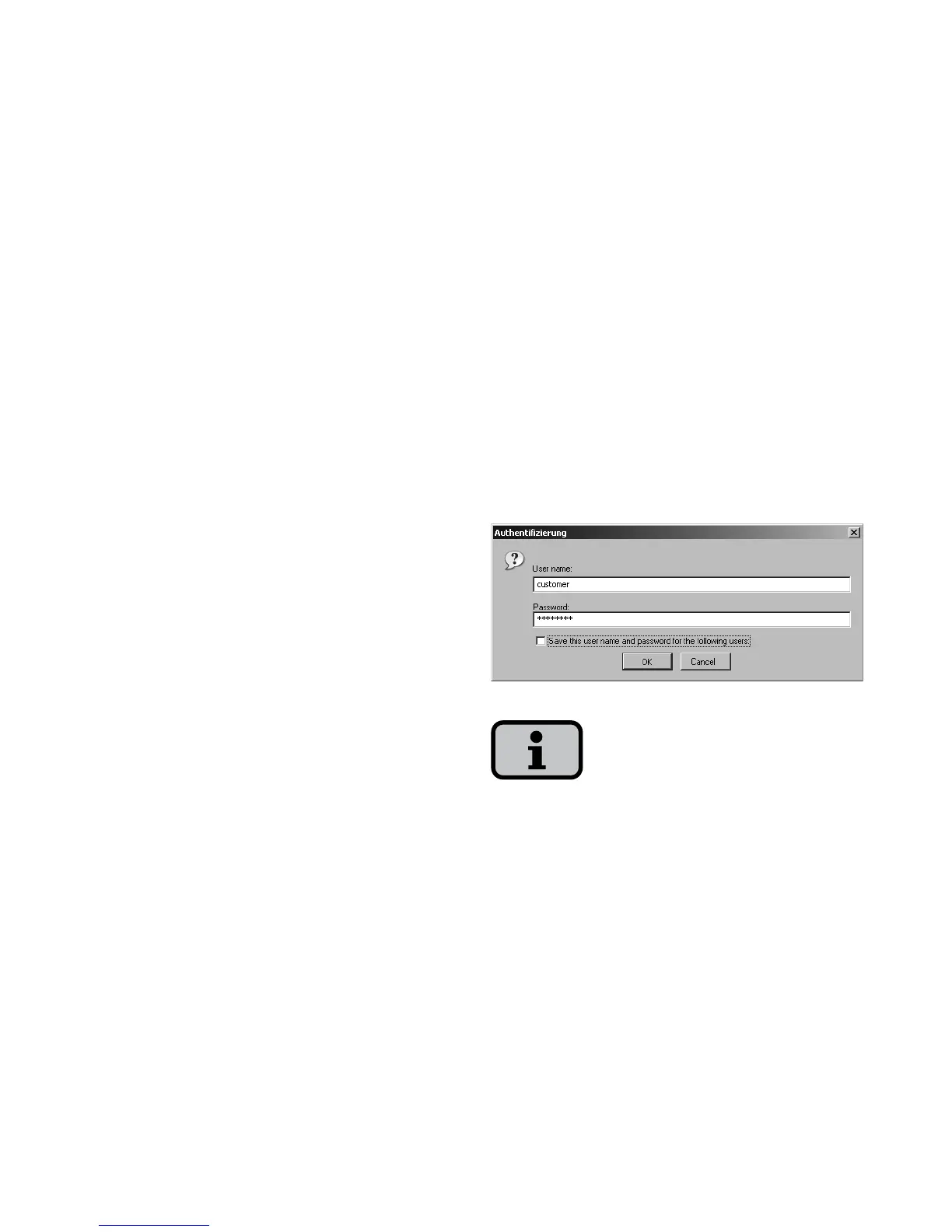
Access protection
The Sunways Browser is provided with
password protection so that unautho-
rised persons cannot access your solar
inverter.
The following user data are set in the
delivered state:
User: customer
Password: * * * * * * * *
It is recommended that you change this
password to an 8-digit password.
This password is identical to the password
entered via the LCD display to make set
-
tings and carry out commissioning.



 To Next Page