50
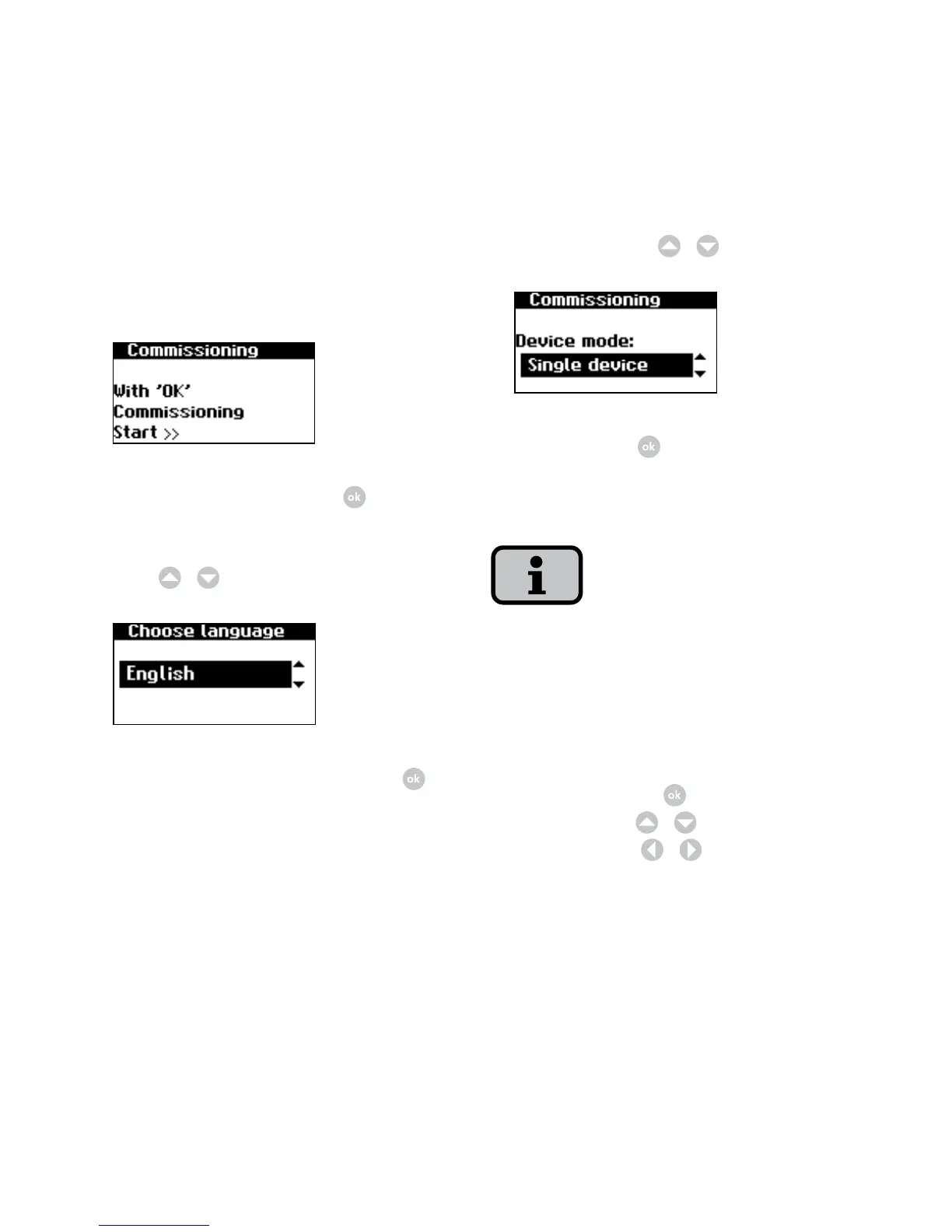
3. Select entry «Single device» in selec-
tion menu with
/
.
Confirm with
.
4. Set date and time.
Please note that time settings should only
be made with caution, as they directly af
-
fect data logging. For example, if you set
the time back by 1 hour, then the existing
data will be overwritten.
Select time with
. Change selected
number with
/
and jump to next
number with
/
.
Commissioning single unit
1. During initial start-up the following
appears on the display:
Start commissioning with .
2. Select language in selection menu
with
/
.
Confirm selected language with .



 To Next Page