60
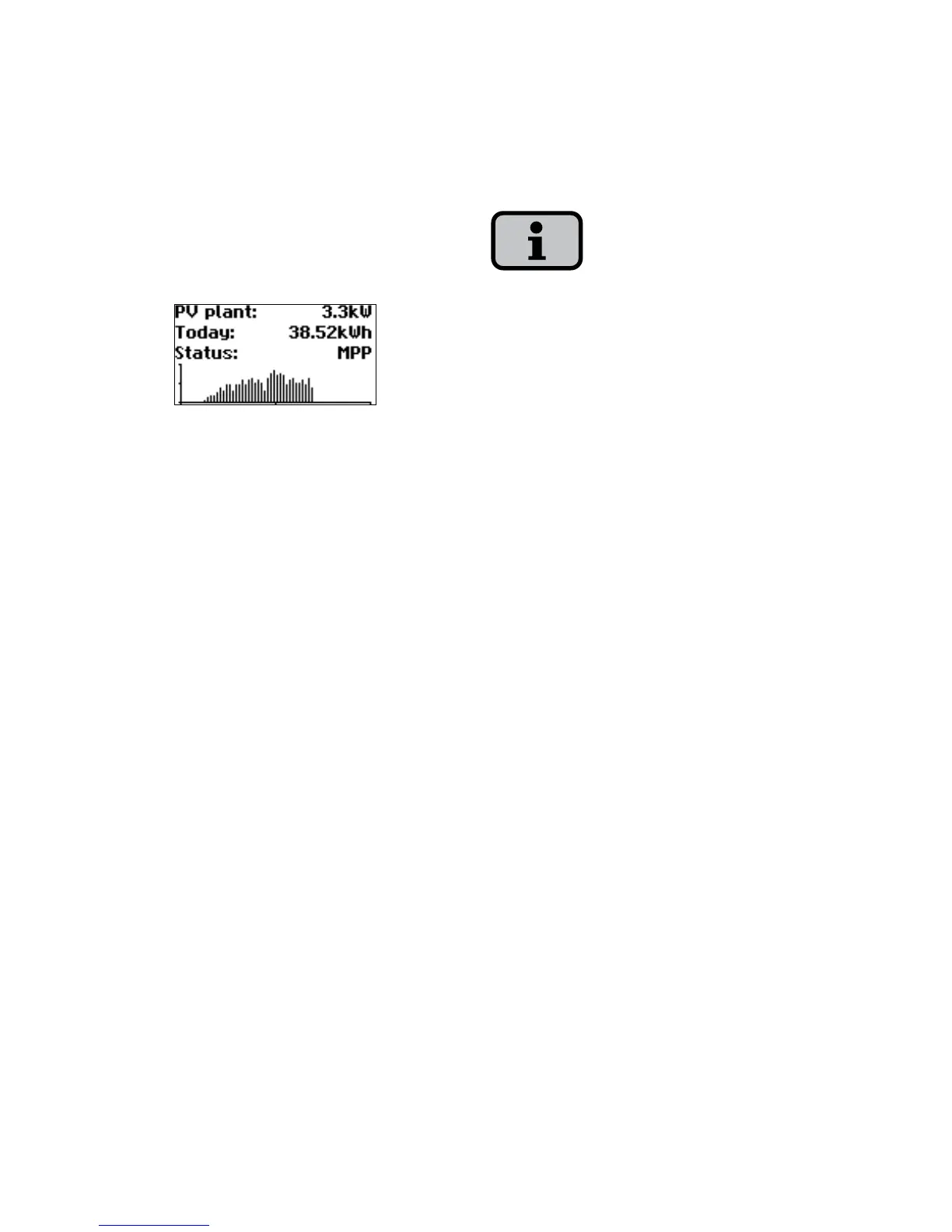
Standard screen (system)
You can view the system data for a CAN-
networked system with this screen.
Next to the total current system output,
you also see the energy yield of your so
-
lar system and any status messages of all
connected units. These are provided with
the inverter number. An „M“ means that
the error has occurred on the main unit.
The various functions are accessed via the
menu. The main menu is opened from
the standard screen by pressing the ESC
key twice.
You can always return to the standard
screen by pressing and holding the ESC
key.
If a status message is shown, then you
can open the error list directly with the
OK key.
You can access other instantaneous
values from the standard screen with the
Arrow down and Arrow up key.



 To Next Page