125
Alerting settings
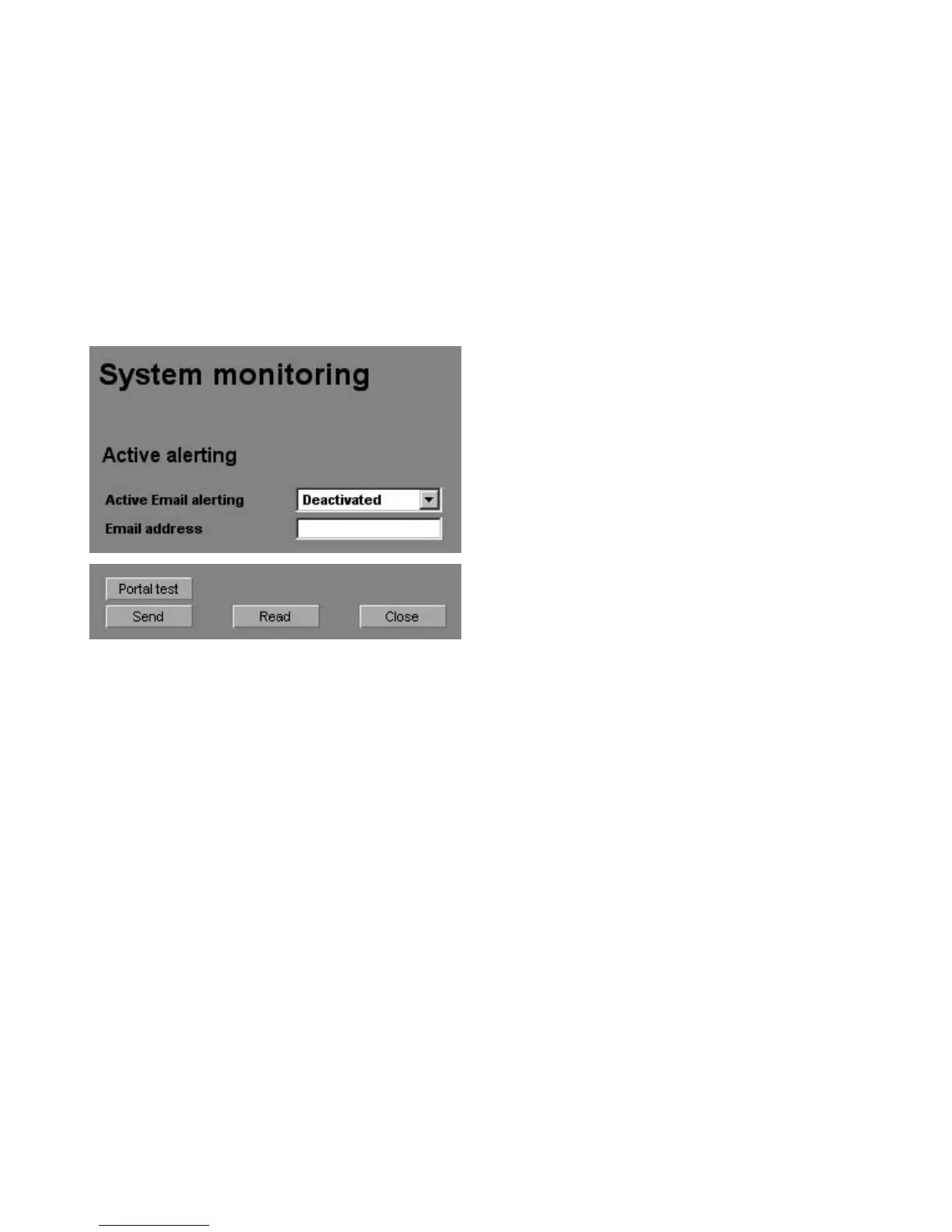
The alerting settings can be accessed with
the button «Settings – System Monitor
-
ing» in the «Active Alerting» section.
Active alerting
Activation or deactivation of the active
alerting function.
Email address
In the «Email address» field you enter the
Email address to which the messages are
to be sent.
Function buttons
The settings are saved in the solar
inverter with «Send».
The settings currently stored in the solar
inverter are displayed with «Read».



 To Next Page