52
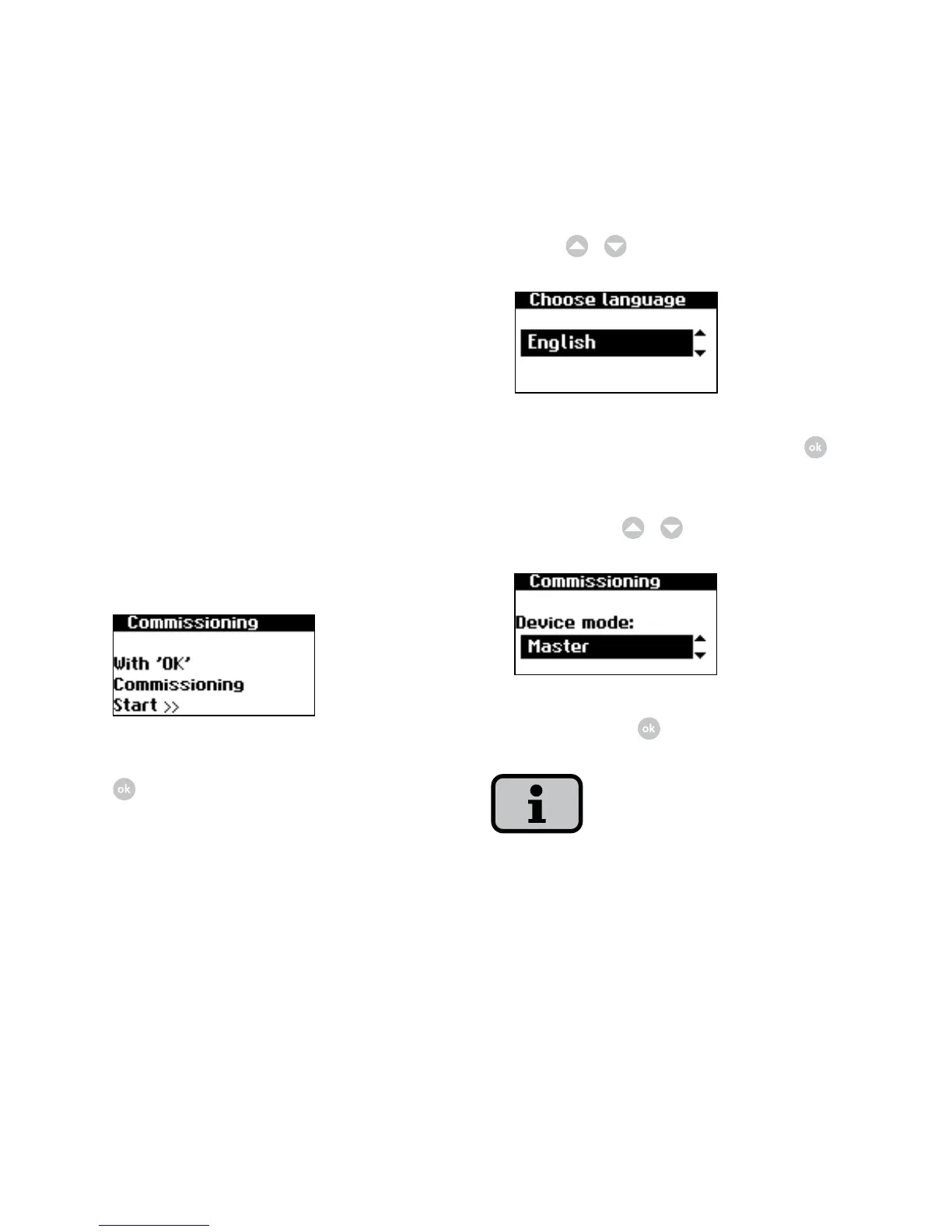
2. Select language in selection menu
with
/
.
Confirm selected language with .
3. Select entry «Master» in selection
menu with
/
.
Confirm with
.
The other units in the CAN network are
automatically configured as slaves.
Commissioning several networked units
Before commissioning, all units must be
interconnected via the CAN bus interface.
See the chapter Networking solar invert
-
ers via CAN bus.
Switch on all units following installation.
Commissioning begins with the main unit
you have selected.
Commissioning main unit
1. During initial start-up the following
appears on the display:
Start commissioning of main unit with
.



 To Next Page