53
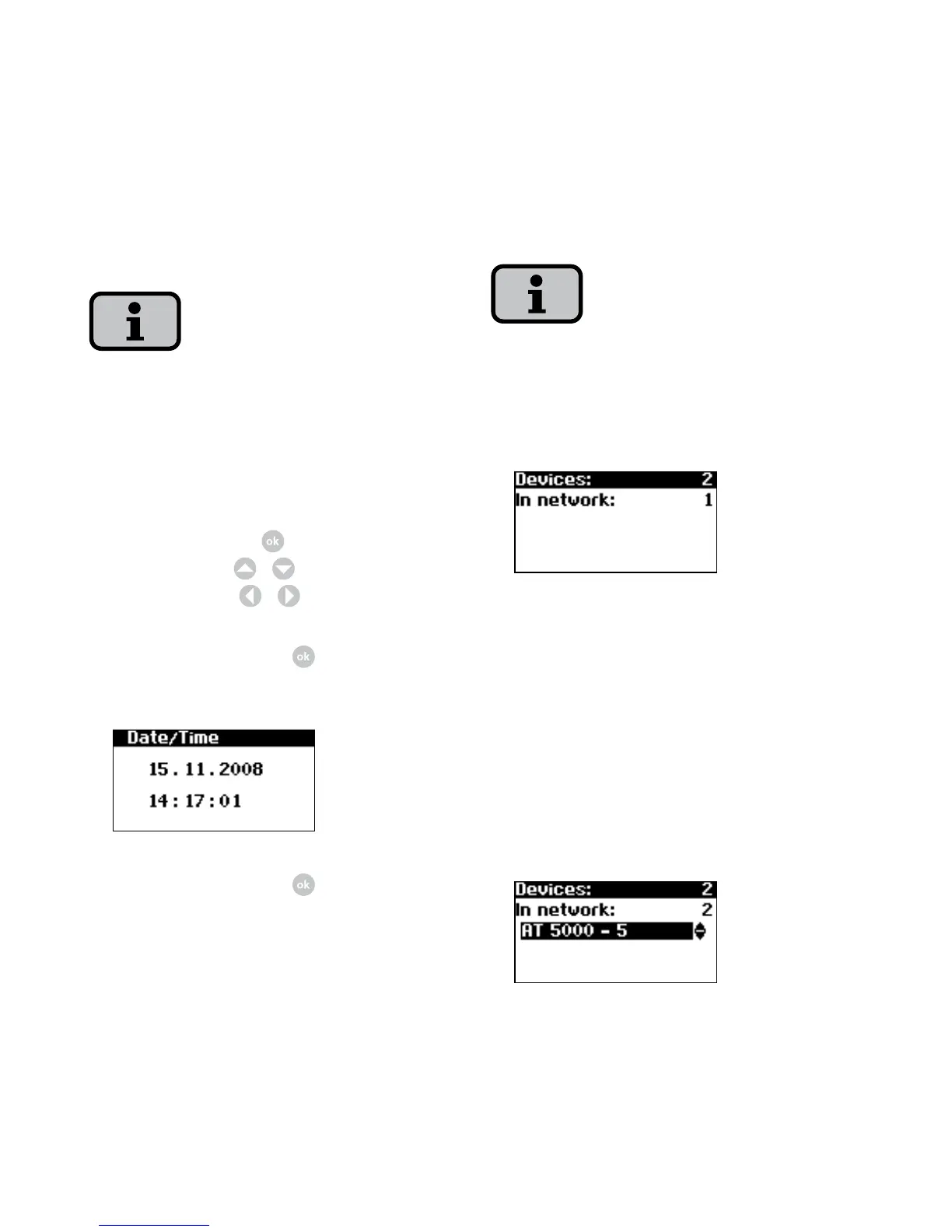
5. CAN network list is set up
Depending on the side of the network, it
may take a moment until the main unit
has found all secondary units and added
them to the list.
Units = total number of devices found
in CAN network
In network = number of configured
units
After the main unit has found all con
-
nected secondary unit, these must be
configured before commissioning of
the main unit is continued.
4. Set data and time centrally for all
connected units.
Please note that time settings should only
be made with caution, as they directly af
-
fect data logging. For example, if you set
the time back by 1 hour, then the existing
data will be overwritten.
Select time with
. Change selected
number with
/
and jump to next
number with
/
.
Apply set time with
and set date in
same way as time.
Apply set date with .



 To Next Page