54
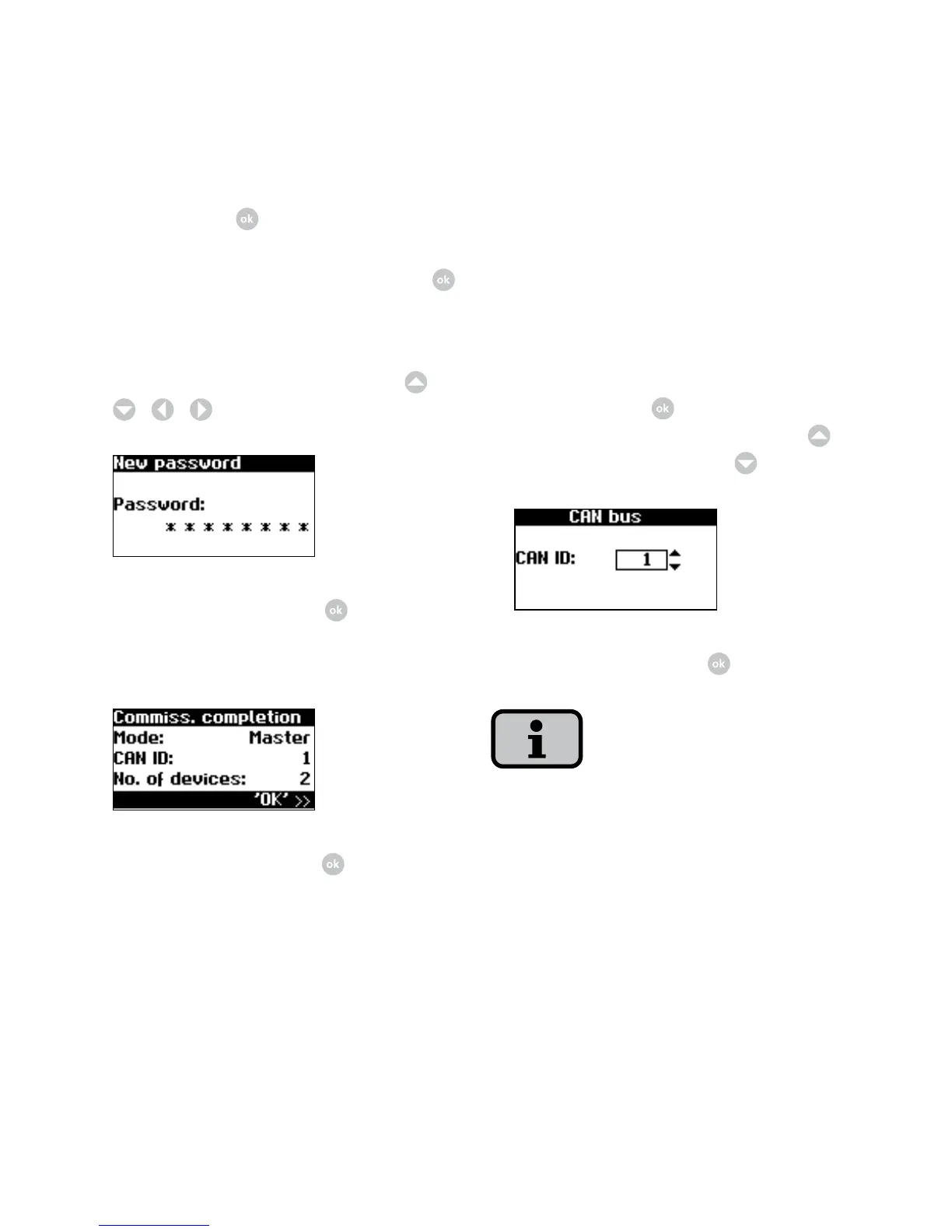
Commissioning secondary units
After a main unit has been defined, the
display for requesting the CAN-ID is au
-
tomatically shown on the display on each
secondary unit.
1. Request CAN ID. Change to the editing
mode with the
. Request next high-
est free ID from main unit with
or
next lowest free ID with
.
Confirm CAN-ID with .
With these IDs, the data of the individual
secondary units can be assigned in the
web interface and in the menu of the
main unit.
Confirm with
.
6. Set password. Select password with
.
Default password is:
* * * * * * * *
A new password can be set with
/
/
/
as an option.
Confirm password with .
7. Completion of commissioning
Confirm overview with .



 To Next Page