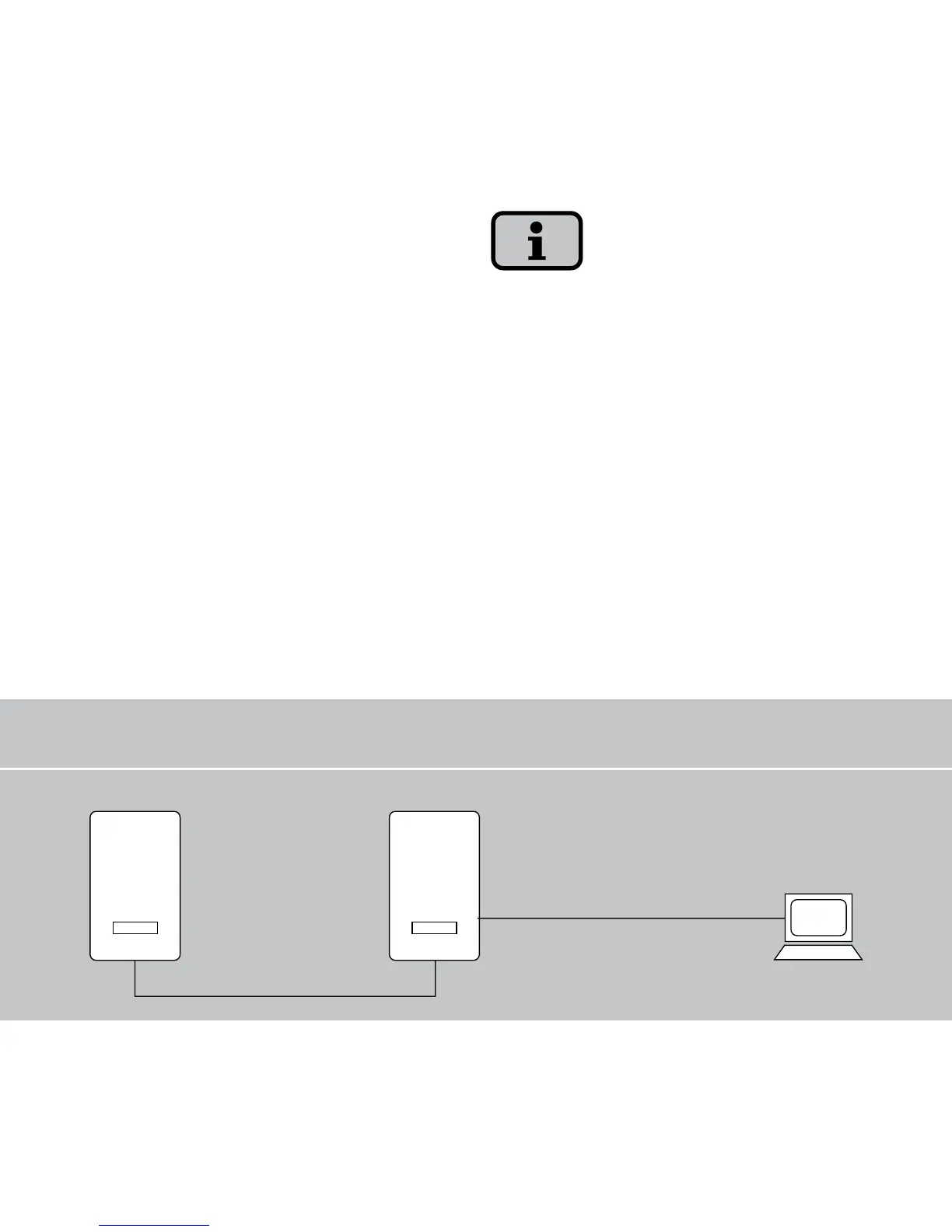
Main unitSecondary unit
Max. Ethernet
connection: 100 m
Max. total CAN bus
length: 100 m
INVERTER
INVERTER
6.3 Direct Ethernet connection
The solar inverters are equipped with an
Ethernet interface as standard for system
monitoring and configuration with a PC.
Connect your PC and the solar inverter
with a crossed or 1:1 Ethernet connec
-
tion cable of the type CAT5 with RJ45
sockets (automatic detection) or with the
included Ethernet cable.
The PC is connected to the main unit as
standard.
To always find the suitable configuration
for installation and commissioning on the
PC, we recommend the use of a second
network card (e.g. PCBus, PCMCIA),
which you can configure to match the de
-
fault setting of the solar inverter.
The PC and the solar inverter must have
suitable IP addresses and net masks. The
network settings can be adjusted wither
directly on the solar inverter via the LCD
display or on your PC.



 To Next Page