49
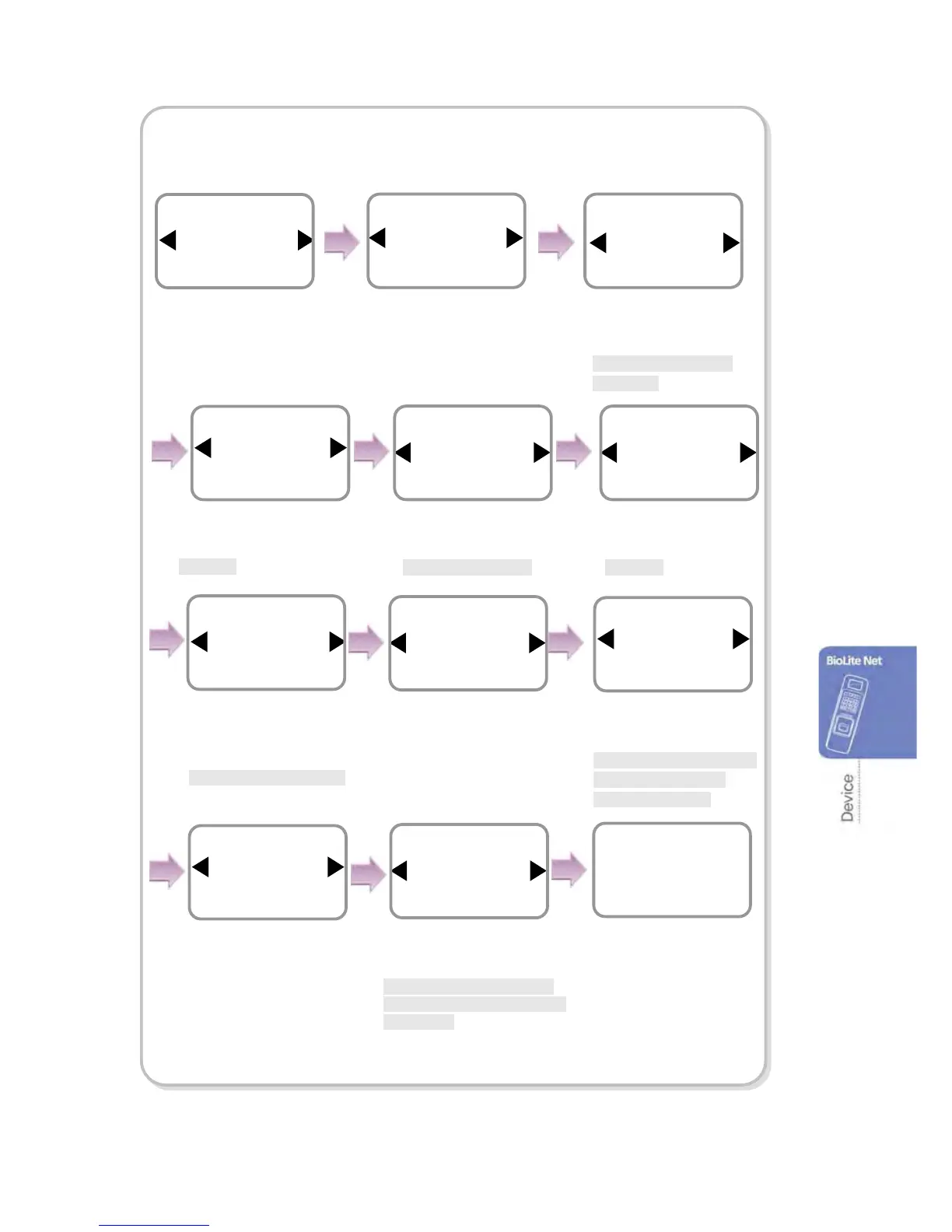
In case of Door (When using the SIO relay)
※It is used only when the stand-alone BioLite Net is installed without
interoperating with the dedicated PC software.
Use ◀/▶ buttons to
select the relay type
and
press
OK.
Use ◀/▶ buttons to
select the exit button
and
press
OK
.
* Not Use/SIO Input0/
SIO Input1
Relay
SIO Relay0
Door
Exit Button
SIO Input0
SIO Relay0
Item
Door
In/Out
Use ◀/▶ buttons to
select Door
and press
OK.
Use ◀/▶ buttons to select
the type of the exit button
and press
OK.
*N.O/N.C
Type
N.O
Exit Button
Door Sensor
SIO Input1
SIO Relay0
Use ◀/▶ buttons to
select the door sensor
type
and press
OK.
*N.O/N.C
Use ◀/▶ buttons to
select the door sensor
and press
OK.
*Not Use/ SIO Input1
Type
N.O
Door Sensor
Enter the time and press
OK
and press
OK.
Use ◀/▶ buttons to
select the alarm type
and
press
OK.
*Not Use/Sound/Backlight/
Sound and Light/SIO
Relay0/SIO Relay1
Held Open Alarm
Sound
Door
Enter the time for Held Open
Alarm by using the Numeric
buttons and press OK.
*Held Open Time: Alarm
ringing time when the open
door is not closed.
Held Open Alarm(sec)
30
Door
Opening Mode
Temporary Open
Door
Use ◀/▶ buttons to
select the type of the
opening mode
and press
OK.
*Temporary Open/ Toggle
Open Time(sec)
3
Door
Use ◀/▶ buttons to select
the type for Forced Open
Alarm and press OK.
*Not Use/Sound/ Backlight/
Sound and Light/SIO Relay0/
SIO Relay1
The completion message
window appears.
Forced Open Alarm
Not Use
Door
Complete



 To Next Page