OPERATION OF THE MJB4
30 MJB4 - Operation Rev07 05-10
3
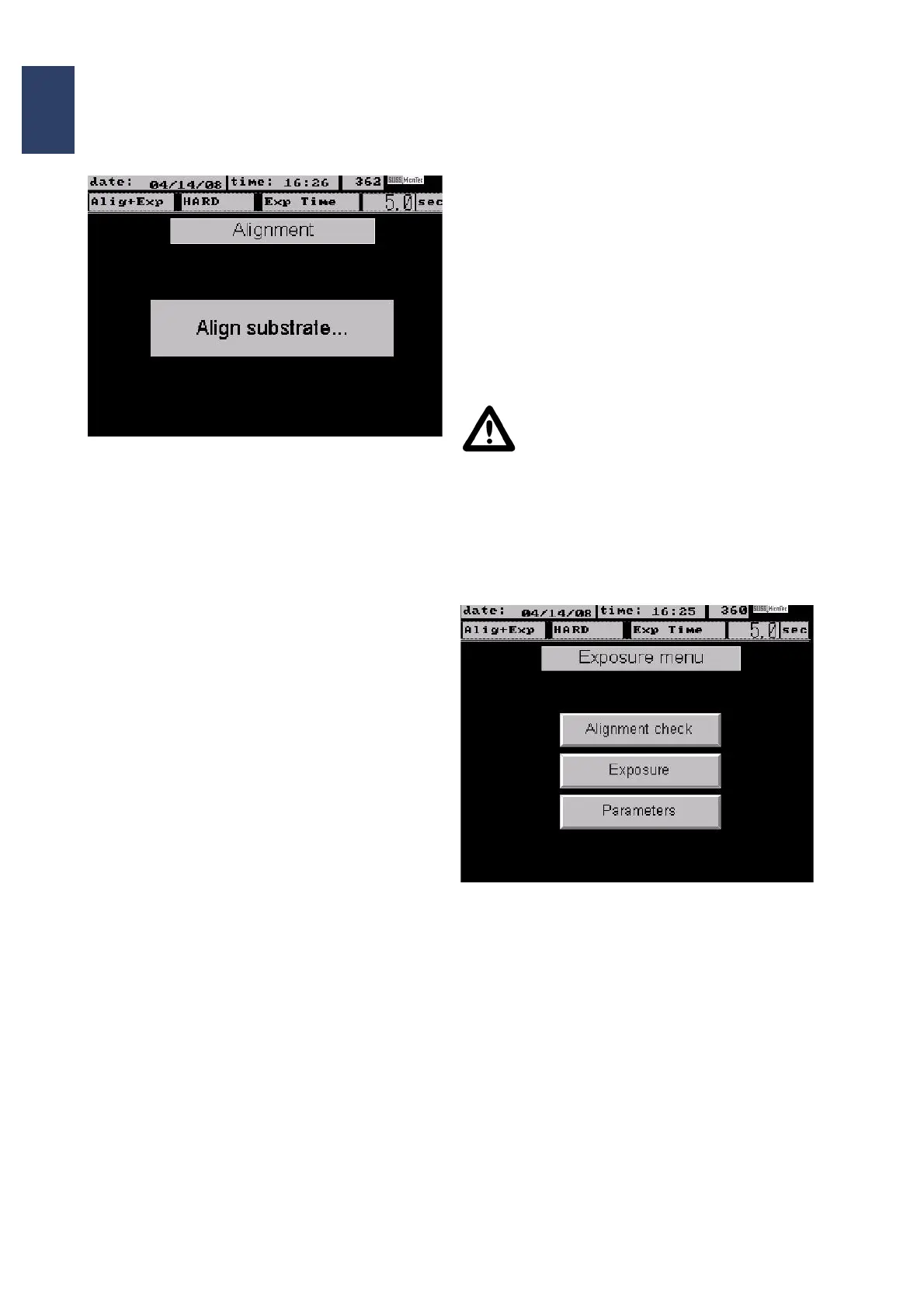
Screen page: Alignment
3.5.4. Adjusting the Microscope
Setting the TSA Microscope
The splitfield switch must be set to the middle
position for the M604 microscope. If a video camera
or monitor is not available, then you have to look
through the microscope eyepieces.
Microscope Illumination
The illumination has to be Incident light which has
to be set in the Parameters. Set the brightness
using the left/right potentiometers on the left front
plate.
The left and right aperture diaphragms on the
microscope allow you to set the illumination on the
left and right separately.
Mask Level Focusing
Coarse focusing is possible using the TSA Z-motion
located behind the TSA microscope.
Fine focusing is set separately on the microscope.
To do this, use the OBJECTIVE FOCUS FINE
MANUAL knob on the microscope.
Set the TSA Microscope to the Mask Alignment
Crosses.
The right/left microscope is set to the right/left mask
alignment crosses with OBJECTIVE X-
SEPARATION.
3.5.5. Aligning the Substrate
Substrate Level Focusing
For fine lens adjustment, use the OBJECTIVE
FOCUS FINE MANUAL knob on the microscope.
Alignment (menu in the display: Align sub-
strate...)
Use the X, Y and Theta micrometer screws on the
alignment table for this. Align the substrate
alignment crosses so that they are central-
symmetrical to the mask alignment crosses.
Caution!
Never align the substrate if the mask
and substrate are in contact! Doing so
will damage the mask and substrate.
As soon as the alignment is finished, the separation
lever must be moved into contact position.
The menu page: Exposure menu appears on the
touch screen.
Screen page: Exposure menu



 To Next Page