OPERATION OF THE MJB4
36 MJB4 - Operation Rev07 05-10
3
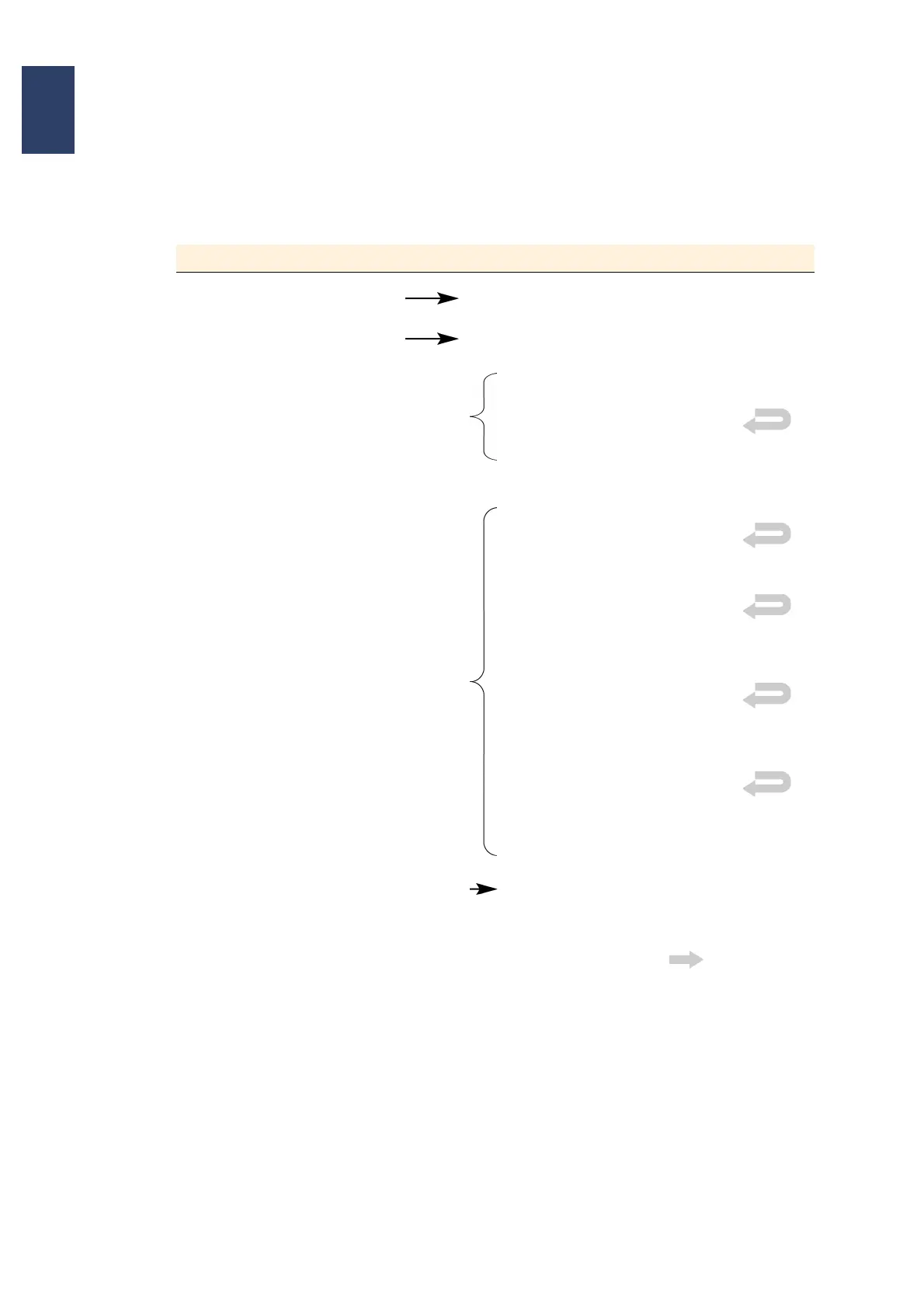
3.8. Step-by-Step Machine Operation
3.8.1. Selecting exposure program, e.g., soft contact
Menu in the Display Button Strokes in the Display
MAIN MENU PARAMETERS
PARAMETERS BUTTON 1
Selection BUTTON 1
Align & Exposure
Flood Exposure
Imprint ( Option)
Selection BUTTON 2 Exp. Program
SOFT CONTACT
HARD CONTACT
Enter the HC time in the submenu
and press ENTER to confirm
LOW VACUUM CONTACT
Enter the pre-vacuum and full vac-
uum time in the submenu and press
ENTER to confirm
VACUUM CONTACT
Enter the pre-vacuum and full vac-
uum time in the submenu and press
ENTER to confirm
DISTANCE EXPOSURE
Wedge error compensation in con-
tact exposure with distance, adjust-
able to 50 µm
EXPOSURE TIME selection EXPOSURE TIME
Enter the exposure time in the sub-
menu and press ENTER to confirm
Confirm the set parameters with Load
MAIN MENU



 To Next Page