13
1.5.6 Measurements with classification (2 to 6 classes)
1.5.7 Statistics
1.5.8 Combined measurements with scanning
+
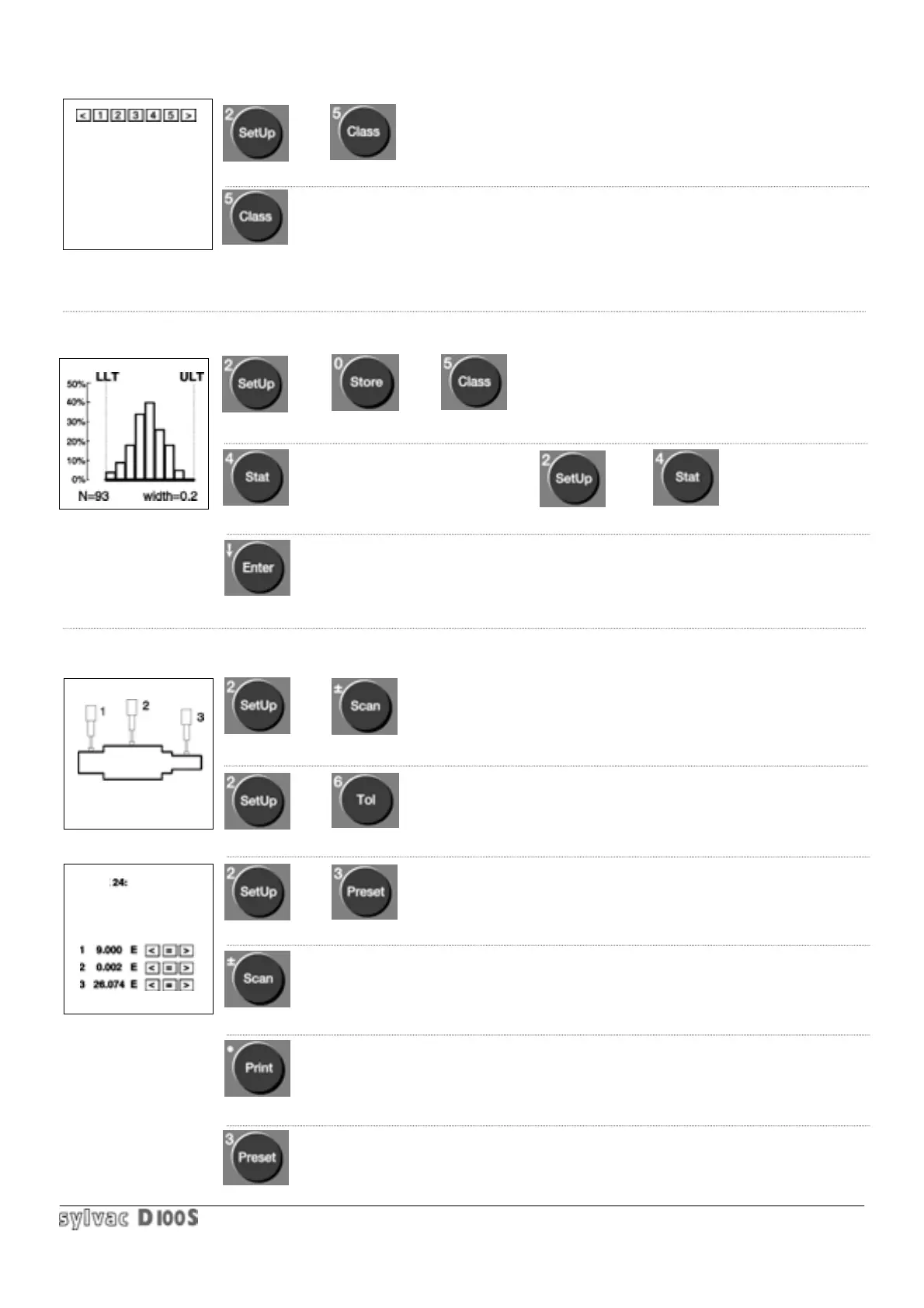
Enter number of classes and then limits of classes using Setup key and Class key.
Activates or deactivates the indicators.
+ +
Store = mémorizing: Setup, Store, Class keys then number of Store channels.
+
Display statistics with Stat key, choose statistics type by pressing Setup, Stat
Display next tables (only available if tolerances have been activated) by pressing Enter key.
+
Enter number of channels to be scanned by pressing Setup key then Scan key.
+
Enter tolerance limits for each channel by Setup key then Tol key.
+
Preset each channel using your master Setup then Preset +preset values for each channel.
Start scanning = Scan (or external contact if configured for this purpose)
Print out the results = Print key, press>2sec.
New calibration (without introducing new preset values) : Preset key
PART
REJECT GOOD REWORK



 To Next Page