22
1.6.7 TOL KEY
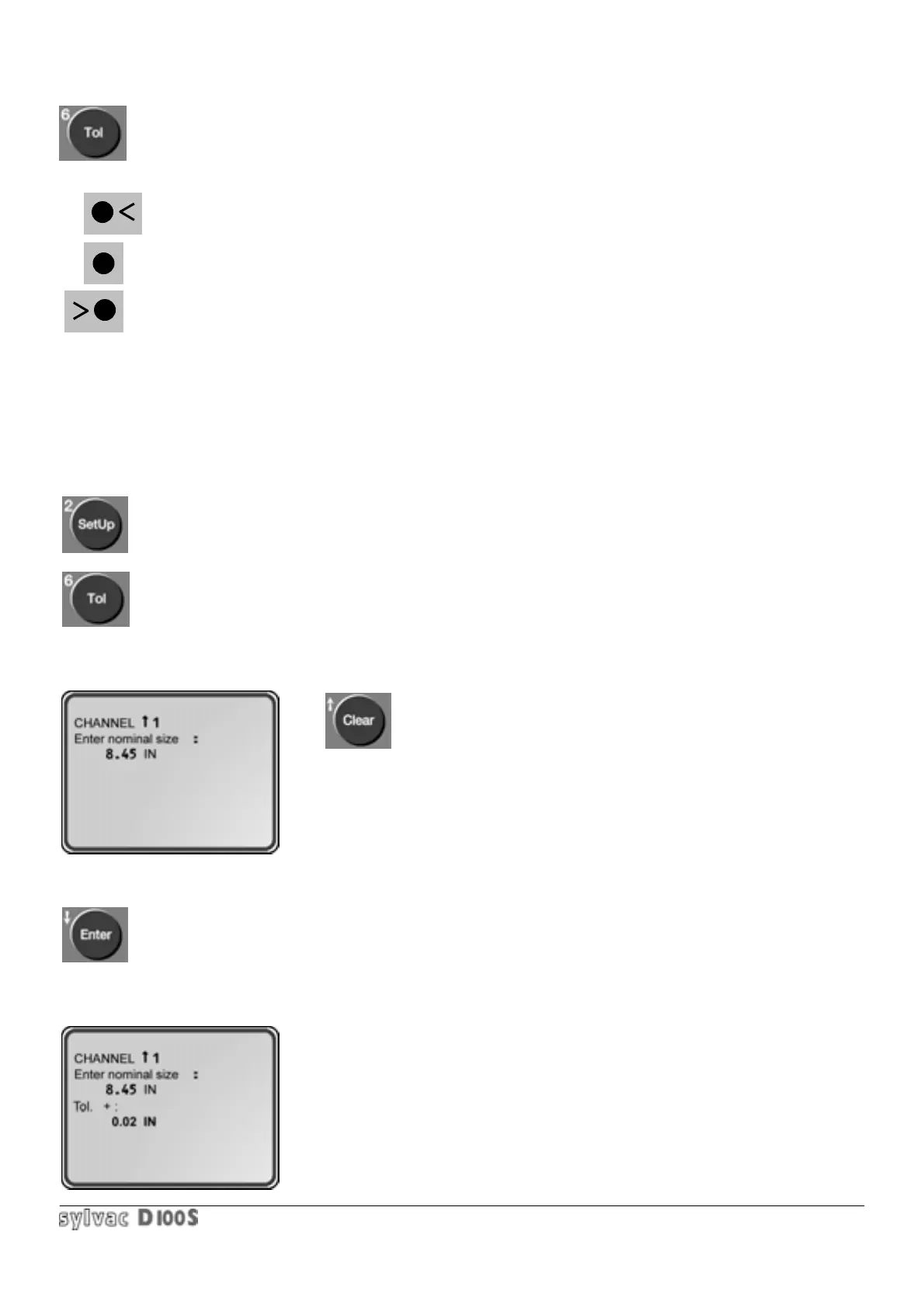
Displays or removes tolerance indicators :
indicates a measured value smaller than the nominal dimension + negative tolerance on the external
measurement or smaller than the nominal + positive tolerance on the internal measurement.
indicates a measured value inside the limits of tolerances.
indicates a measured value larger than the nominal dimension + positive tolerance on the external
measurement or larger than the nominal dimension + negative tolerance on internal measurement.
This indication is also transmitted to the corresponding opto-coupler for external command purposes.
(refer to section 1.8.3).
Each channel has its own tolerances.
Input of nominal dimension and tolerances :
1/ select the channel.
2/ press Setup key.
3/ then Tol key.
The following will be displayed (the current nominal dimension is displayed) :
The Clear key allows you to quit the tolerances input.
4/ input nominal dimension.
Wrong value entered can be cancelled by pressing Clear key.
The value is entered as described in section 1.3.3. (input of values).
5/ confirm by pressing Enter key.
The following will be displayed :



 To Next Page