59
1.9.4 Software version
The software version may be displayed as follows ::
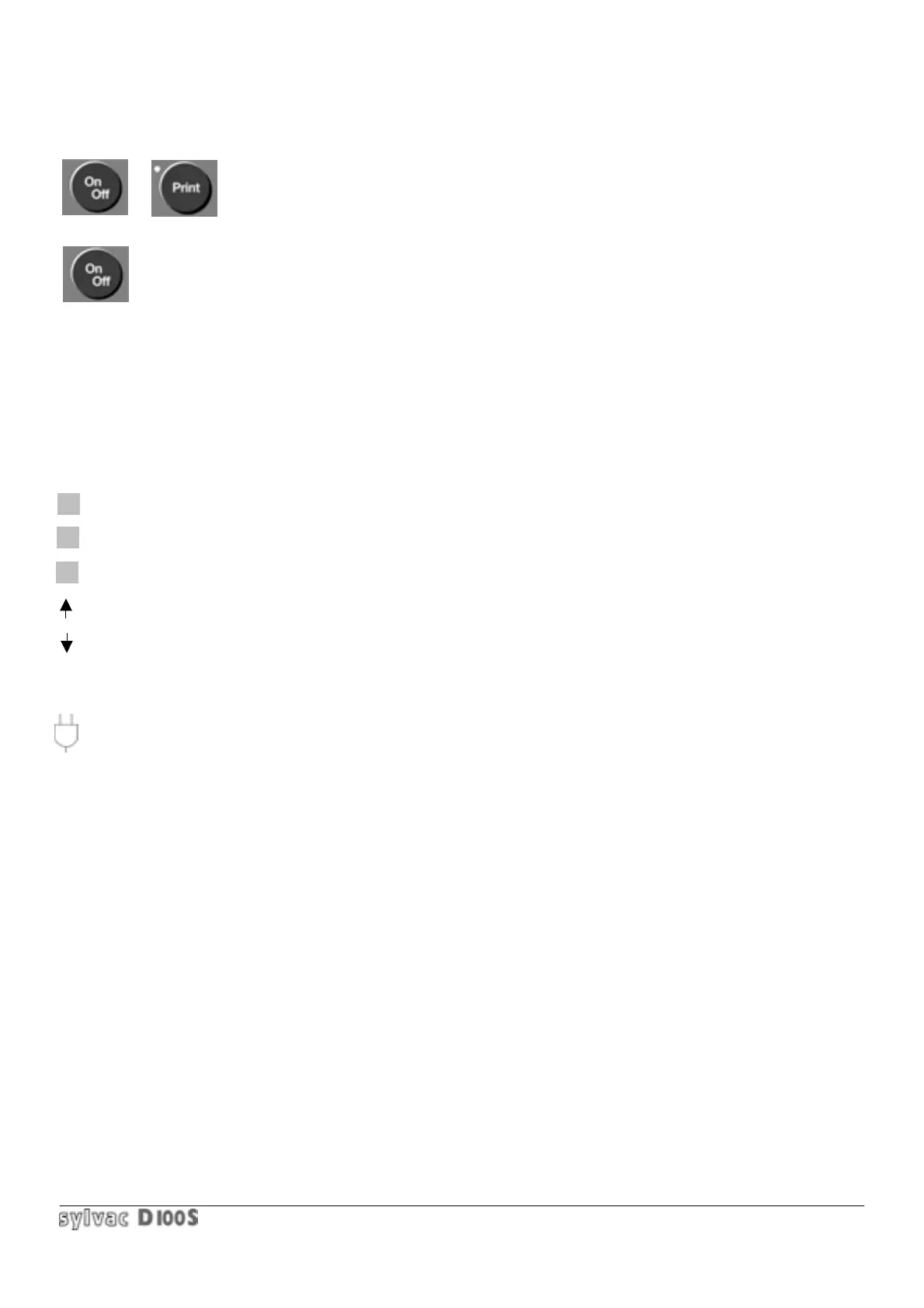
1/ switch the unit On/Off 2/ press Print key.
3/ keep it pressed when switching ON
Then any key will return you to normal measuring mode.
1.9.5 Special symbols
Meaning of symbols that may appear on the screen :
K Indicates locked keyboard (to unlock : Enter + On/Off or a long pressure (5 sec.) on any key).
P Indicates RS232/Centronics output in progress.
S Indicates Scanning mode.
Indicates pneumatic lifting or possibility of moving to previous table in Scanning mode..
Indicates pneumatic lowering or possibility of moving to next table in Scanning mode.
? Indicates a non authorized action on keyboard.
Indicates a need to recharge accumulators. Approx. 20 min. autonomy remaining.



 To Next Page