24
1.6.8 CLASS KEY
Displays or removes the classification of measured values.
< Indicates measured value under the 1st class limit.
3 Indicates measured value inside class 3 (n = 2 to 6)
> Indicates measured value over the last class limit.
This information is also sent to the corresponding opto-coupleur for external command purposes.
(refer to section. 1.8.3).
Input of classes :
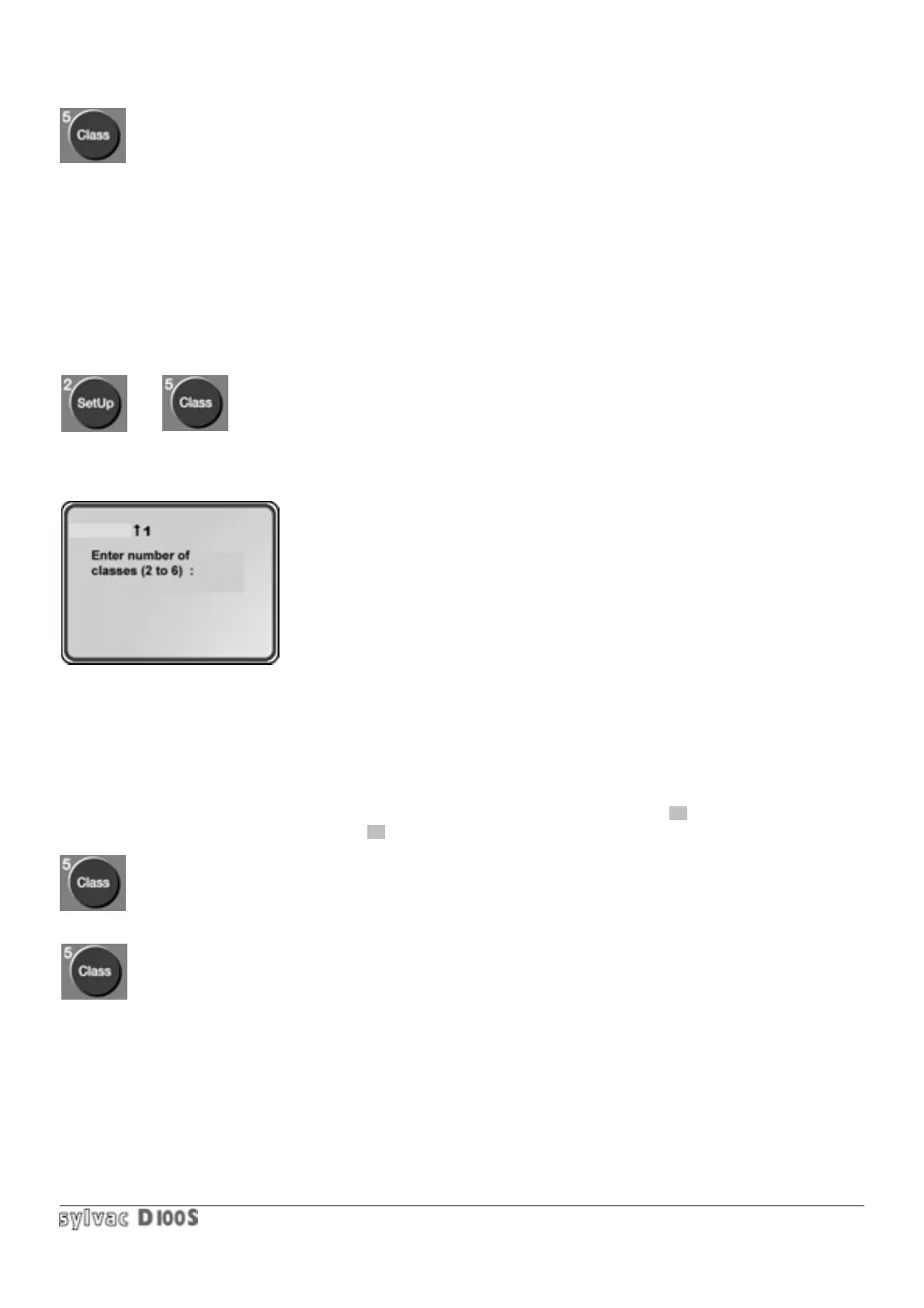
1/ press Setup key 2/ then Class key.
The following will be displayed :
3/ enter the required number of classes, minimum 2 and maximum 6
(1 class is equivalent to tolerance mode).
4/ the enter the lower limit of class 1, e.g. 12.4 mm. Numerical values are
entered as described in section 1.3.3.
5/ then enter the upper limit of class 1, e.g. 12.6 mm.
6/ then enter the upper limit of class 2, e.g. 12.8 mm.
7/and so on, up to the selected number of classes.
Once this has been done, the unit reverts back to measuring mode. The measured value and the class graphics will
be displayed. The measured value is displayed in reverse video on the corresponding class symbol.
In the above example, the limit of the 1 st class is from 12.4 mm to 12.6 mm, the 2nd is 12.6 mm to 12.8 mm, etc.
The measured values under the lower limit, e.g. 12.4 mm will be shown by the symbol < , measured values over
the upper limit, e.g. 12.8 mm, by the symbol >.
By pressing Class key the graphic symbols will be cancelled.
Pressing Class key again displays them again, with the parameters Setup and Class previously entered.
CHANNEL



 To Next Page