20
1.6.4 RESOL KEY
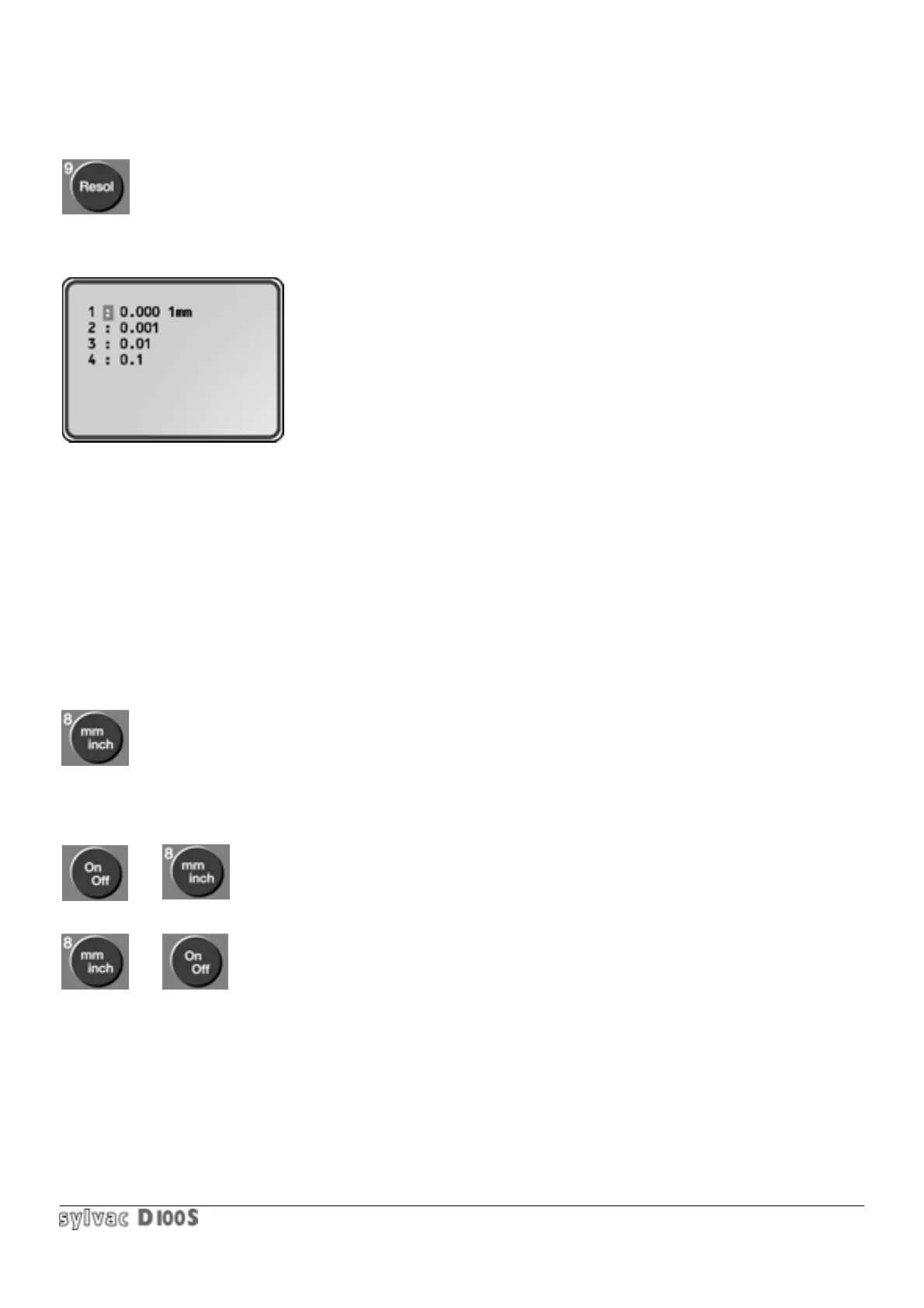
Allows choice of resolution displayed and printed :
1/ press Resol key.
The following will be displayed :
2/ to obtain the correct resolution, select the corresponding number on the keyboard (1 to 4).
Input values (e.g. Preset or Tolerances) will be automatically input according to the resolution. Resolution is identical
for all channels.
The selected resolution also defines the graduation of the analog output (one dot of the analog scale corresponds to
one least significant digit of measured value).
The lower the resolution on the D100S , the faster the unit operates. Scanning, for example, is faster with a 0.001
mm resolution than a 0.0001 mm resolution (refer to section. 1.12 : technical specifications).
1.6.5 mm/In KEY
Alternates between metric (millimeter) and English (inch) display.
Locking mm/in conversion :
1/ Switch off unit ON/OFF key 2/ Press mm/inch key.
3/ Hold mm/inch key down, when switch ON unit.
Unlocking conversion : repeat above operation.



 To Next Page