18
5/ Press Enter key to confirm the input or for A+/-B+/-C, press Scan key once for +C or twice for –C.
6/ select channel number C (1-64).
7/ Press Enter key to confirm input.
Tolerances, classification, preset, multiplication factor or store function will be those stored on channel A. Diameter
mode is not available for combined channel. The Min/Max can be used in A +/- B mode. ( refer to section. 1.6.12 ).
Return to normal mode (non-combined channel) :
1/ press Channel key.
2/ enter the channel number A
3/ press Clear key.
1.6.3.7 Change channel allocation or allocate an RS232 instrument to a channel.
It is possible with this function to change the allocation of a specified channel (from 1 to 64) to another specified
probe (from 1 to 64), using the multi-channel units D102 or D108. One probe can be used for more than one
channel with different tolerances, preset, classifications or storing. This function can also be used to display the
min/max/delta and mean values on different channels (with only one probe). This function is also with A +/- B and
A+/-B+/-C mode, with one probe used in more than one combination.
Any channel can be allocated to a Sylvac OptoRS simplex or duplex instrument. The channel displays the value of
the instrument connected to instrument input or via the D104 multiplexer.
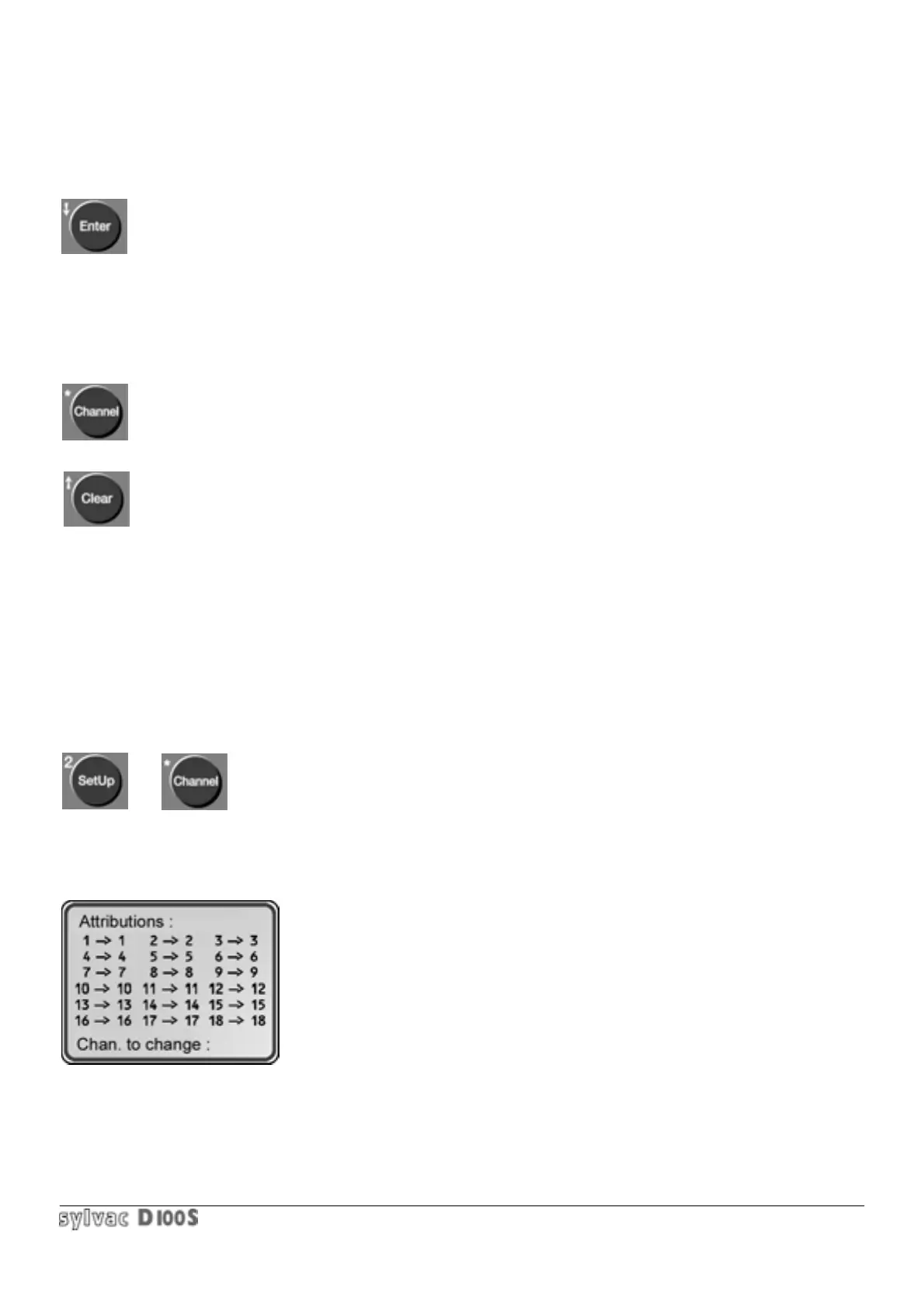
1/ press Setup key 2/ then Channel key.
The following will be displayed :
To exit this mode, press Clear key. Pressing the Enter key allows the user to move
from channel 19 to 36, 37 to 54 and finally 55 to 64.
First enter the channel number (from 1 to 18) for which the probe allocation is.
To be changed. To correct an input error press Clear key.



 To Next Page