15
1.6.2 ENTER KEY
Operating in normal measuring model: move directly to preceding channel, adjust contrast or controls descent of
probe with D110 or D110V.
Choose between following three functions :
+ or
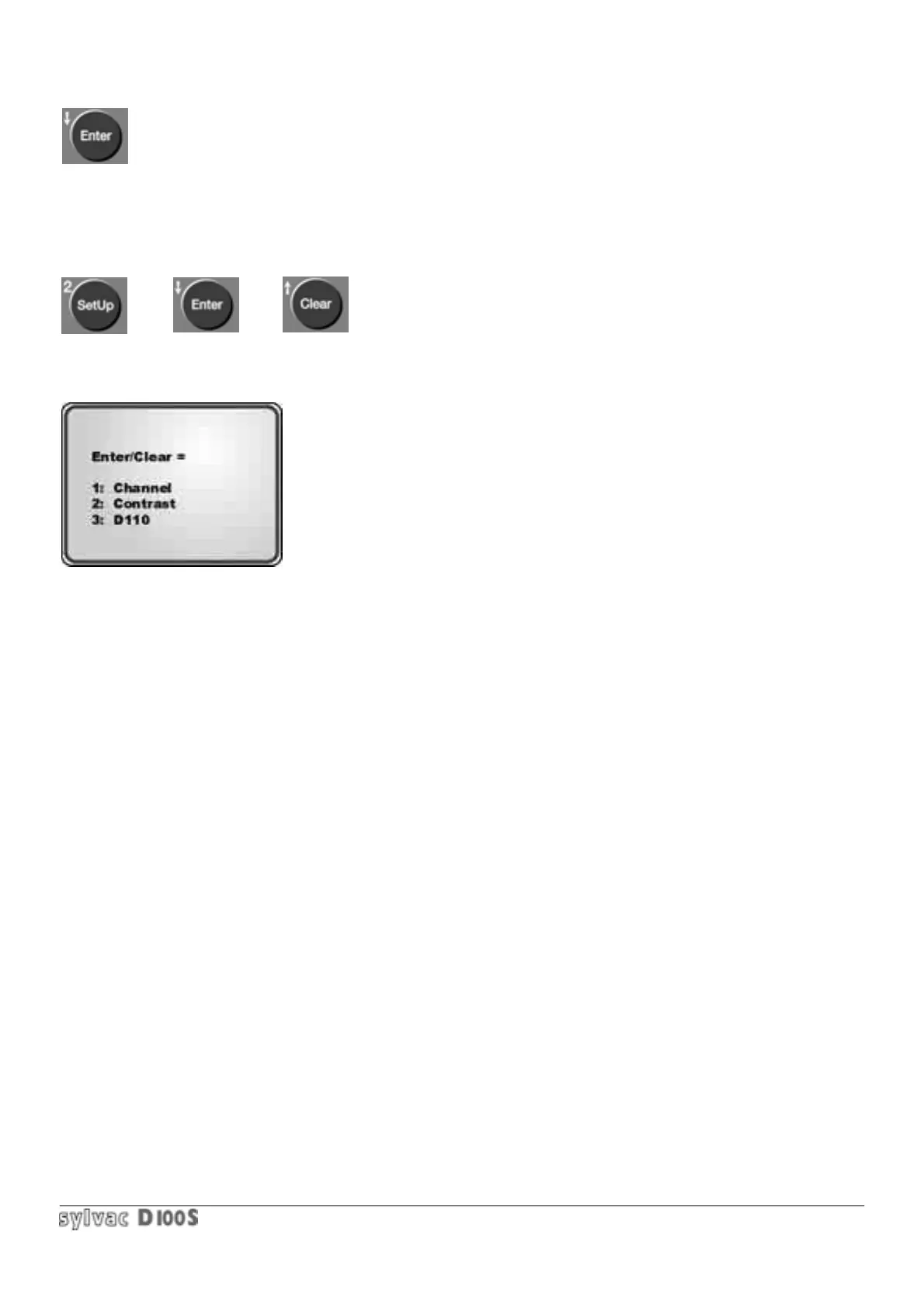
1/ press Setup key 2/ Then press Enter key or Clear key.
The following menu will appear :
Choice 1 allows you to move directly to the preceding channel by pressing the Enter key, or to the following channel
by pressing the Clear key. Constant pressing is possible.
Choice 2 allocates the Enter and Clear keys for contrast to be adjusted by means of the Enter and Clear keys
according to working conditions (temperature, angle of view).
Choice 3 allocates the Enter and Clear keys respectively to lower or lift probes in service by using the D110
pneumatic command unit or the D110V vacuum unit.
It is also possible to configure the external contact (pedal) to lift/lower the probes.
(refer to section. 1.6.11).
Operating in Min/Max mode : changes the displayed value : maximum, then minimum, then max-min, then mean
(max + min)/2, then maximum again….
Operating in Set Up mode :Confirms an input value or cancels a menu without alteration.
Operating in Scanning mode: when the last measurement values are displayed, Scan mode will be cancelled.
Otherwise, the display will move successively forwards until it reaches the last values.
Operating in Stat mode : displays next values.
Operating in Store mode : reactivates the values erased by Clear key.



 To Next Page