28
1.6.10 PRESET KEY
Displays stored preset value.
The external contact (e.g. foot pedal) can also be configured to preset the displayed value.
Any preset value may be input, also 0.000 for zeroing the display.
Each channel (from 1 to 64) has its own preset value.
Input of a preset value :
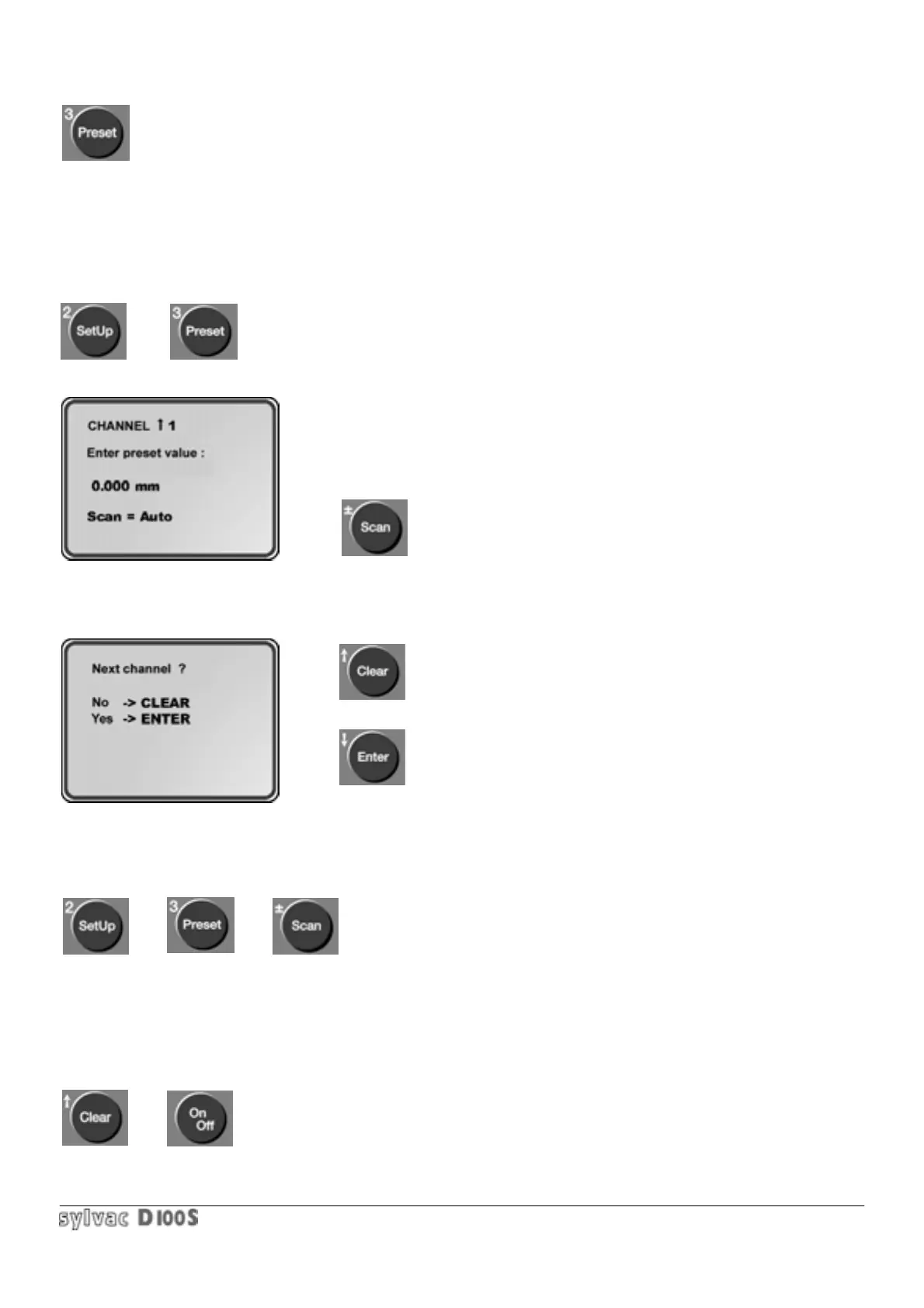
1/ press Setup key 2/ then Preset key. Following will be displayed :
3/ the old preset value is displayed. Enter preset value according to general
principle described in section 1.3.3.
To enter a preset of 0.000, simply press Enter key.
The Scan key automatically introduces the stored preset value for the
number of channels defined for scanning mode.
4/ if the current channel number is smaller than scanning number, the following will be displayed :
exit preset input mode.
input preset value for the next channel.
To calibrate the input unit with a master, the different presets are introduced with the master and probes in the
measuring position.
A new calibration can be made as follows :
In normal mode : press Setup key, then Preset key, then Scan key.
In scanning mode : simply press Preset key.
Once the preset value has been entered, the unit reverts to measuring mode and displays the preset value. Had
more preset values been entered, each channel would be affected by its respective value.
If one channel is in A +/- B or A+/-B+/-C mode, the measurement preset is stored on channel A the value of the
channel B preset remaining unchanged.
After a general reset (Clear + ON/OFF keys),the preset values of all channels will be reset to zero.



 To Next Page