17
1.6.3.4 reversing the measuring direction :
The measuring direction is indicated by the arrow preceding the channel number. An up arrow indicates that the
measurement value increases when the probe moves against inside (so when it is vertical will indicate a positive
measurement direction).
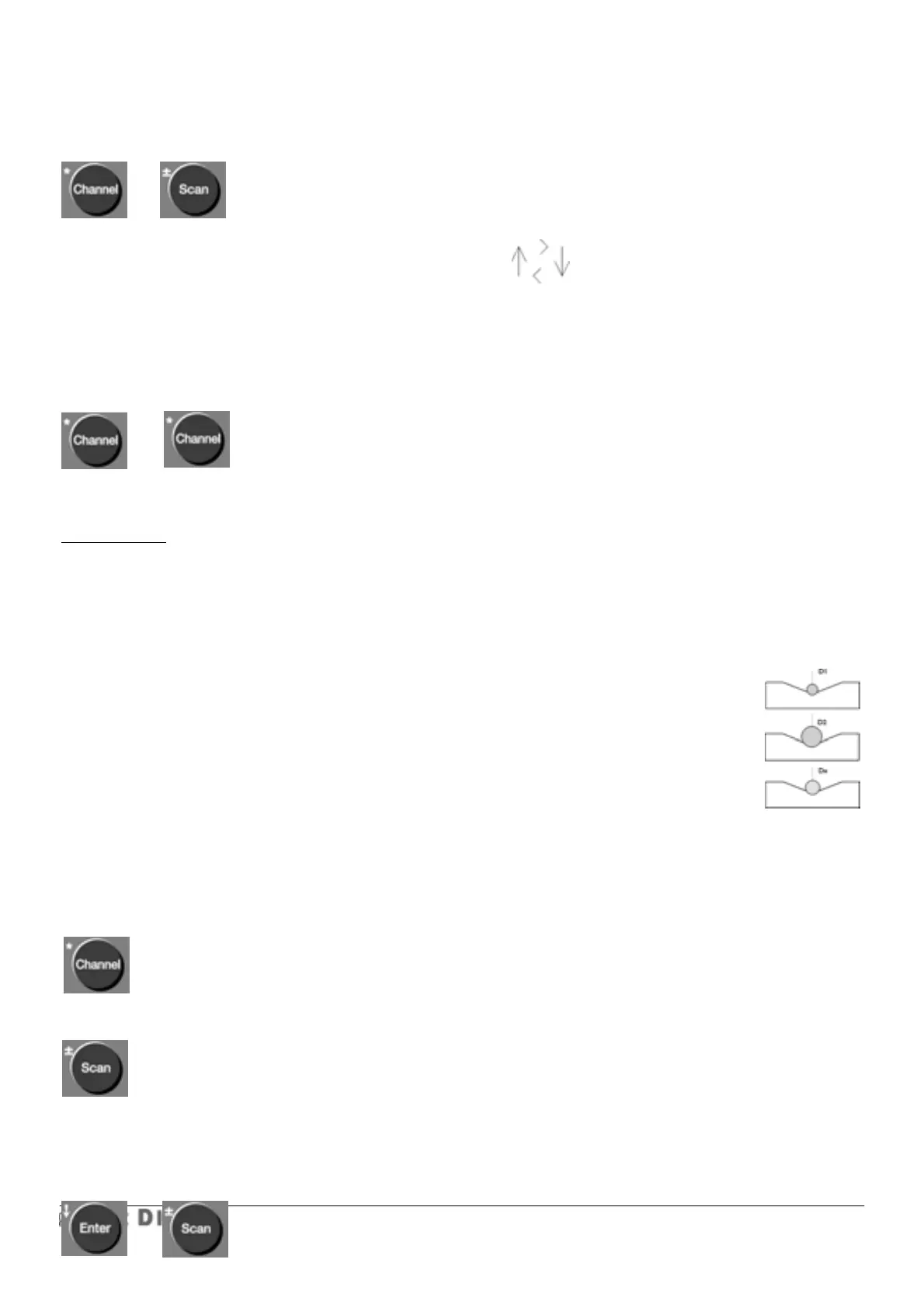
1/ press Channel key 2/ then Scan key.
The arrow preceding the channel number changes its direction.
To reverse the direction, repeat the sequence.
1.6.3.5 radius/diameter mode, multiplication factor or measure on V base :
Allows the introduction of any multiplication factor for one probe or for combination A+/-B or A+/-B+/-C (e.g.
calibration of each channel and its probe).
1/ press channel key 2/ then channel key ( * represents multiplication factor)
Special cases : factor = 1 —> normal mode, no coefficient.
factor = 2 —> diameter mode, (read value will be twice the measured value).
factor = 0 —> the factor will calculated automatically (for measurements on a V base with
any angle), or calibration of one channel according to gauge block.
The calibration on V or on pad should be made as follows :
1/ choose option 0.
2/ put a calibrated rod on V base or a gauge block and enter its value using keyboard
or set probe to reference 1.
3/ put a second calibrated rod on the V base or a gauge block and enter its value, or
place probe on reference pad and enter its value.
4/ The unit will calculate the multiplication factor or scale correction factor automatically
(this factor can be displayed pressing Channel twice). You can start with either the smaller
or the bigger gauge.
As soon as a multiplication factor has been introduced, a * will be shown on the display (just before the arrow) In
diameter mode, the diameter sign will be shown (ø).
When in diameter mode, a channel cannot work in +/- B or A+/-B+/-C. A P50 mm (P50) probe in diameter mode
cannot work with a resolution greater than 1 µm.
1.6.3.6 A +/- B or A+/-B+/-C measuring mode (any 2 or 3 channels may be combined )
1/ press Channel key.
2/ select channel number A (1-64)
3/ press Scan key Once for A + B
Twice for A - B
and once again if you wish to return to A + B, etc..
4/ select channel number B (1 to 64).



 To Next Page