19
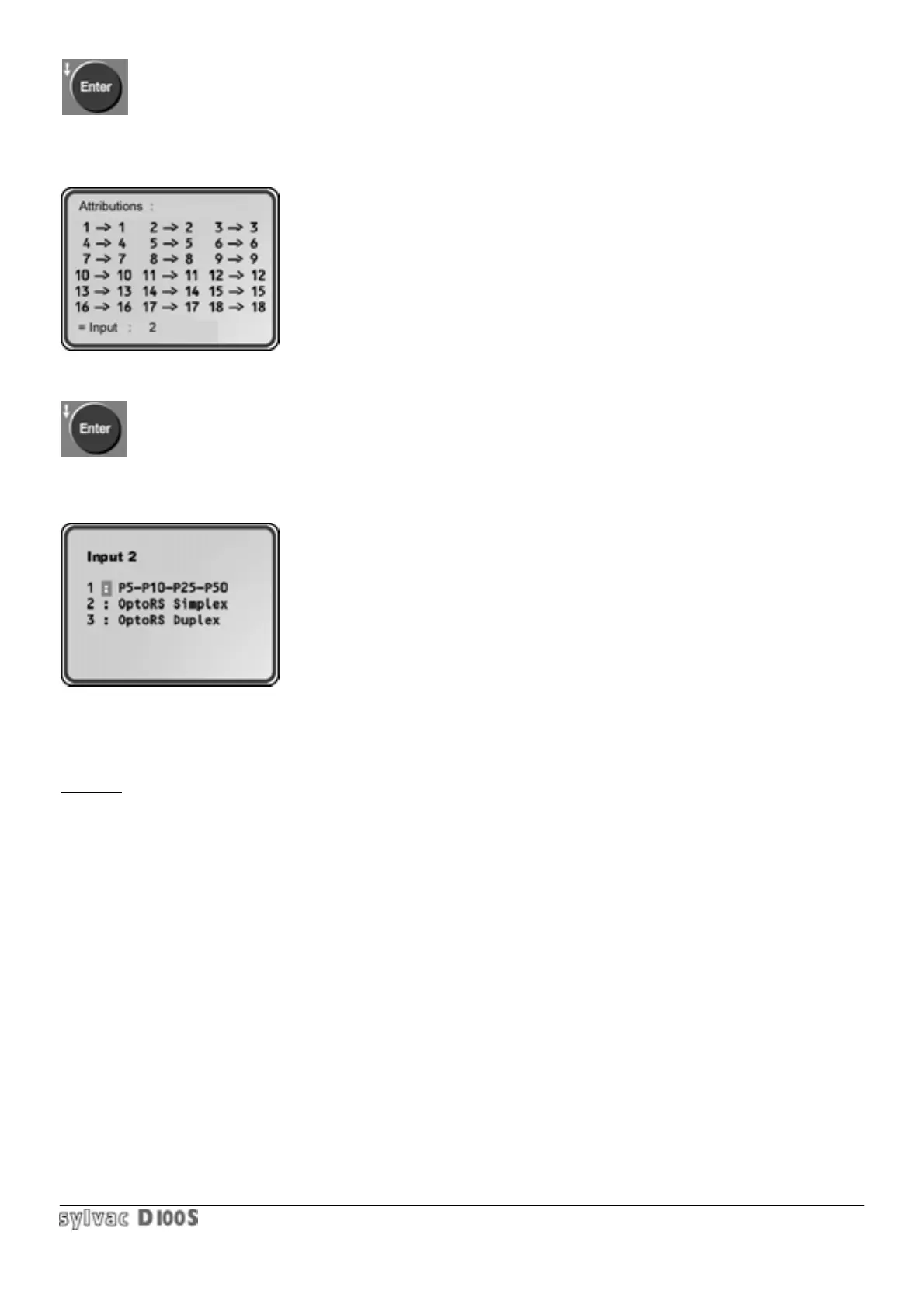
3/ Confirm input number with Enter key.
Following display will appear :
The channel selected by default in 3/ will appear. A number from 1 to 64 can
be entered.
4/ confirm input number with Enter key.
Following display will appear :
press 1 for analog probes.
press 2 for Opto-RS instruments used with simplex cable (no adapter
required)
press 3 for Opto-RS instruments used with duplex cable (no adapter
RS duplex (pas required).
The value of the RS232 instrument (indicator, caliper , Microcal…will be
displayed continuously on the D100S. The calculation functions or the unit
are available : TOL, CLASS, PRESET, STORE, STAT….
Using one or more D104 units, 48 RS232 channels can be connected to
D100S unit.
5/ The first display will then appear and a new allocation can be started, or exit with Clear key.
Example : using one D102 and 2 P10 probes for internal bore measurements. The first probe measures 3 kinds of
bores with corresponding presets and classifications, and the second measures 4 types of bore with corresponding
presets and tolerances. An independent measurement is required on the last channel with a Microcal micrometer
used with a simplex cable.
Channels 1,2 and 3 are thus allocated to probe n° 1 : 1 —> 1 2 —> 1 3 —> 1
Channels 4,5,6 and 7 are allocated to probe n°2 : 4 —> 2 5 —> 2 6 —> 2 7 —> 2
Channel 8 is allocated to input 8 of the RS232 simplex : 8 —> 8 RS



 To Next Page