36
Prints measured values of channels 1 to n through the RS 232 and Centronics outputs, according to
The selected Print format (refer to section 1.6.14).
Stores the measured value for each channel (from 1 to n), if Store key has been configured to
memorize. (refer to section 1.6.15).
Displays statistical results if the Store key is used for memorizing. Firstly, the channel number to
display the statistics is required (simply press Enter, channel 1 appears by default). If choice is 0:
Print results of all channel scanned). Once the statistics of this channel have been read, the next
Channel can follow by pressing Enter —> yes or Clear Æ no. Statistical results may be printed by
pressing the Print key.
Same as normal mode :select the resolution.
Unit configuration : refer to Section 1.6.11. Setup then Store : asks for channel number for stored
Values (Choice 0 —>print all channels).
Automatic Preset of channels to scan —> new pre-setting with a master piece.
Display individual analog scale (40 points) for each channel. Indicates centering of each measure
to tolerances.
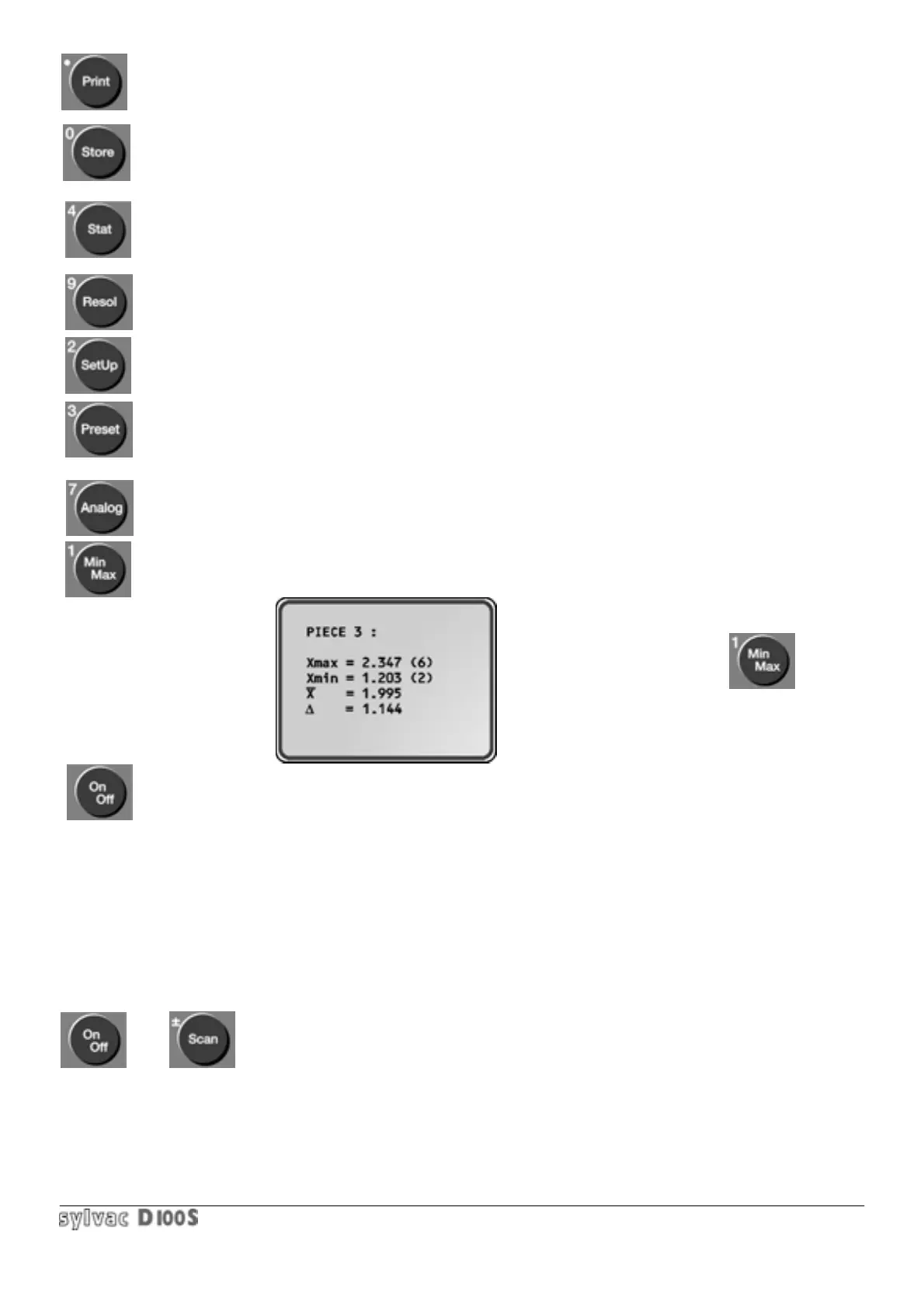
Allows overall scanning results to be displayed :max, Scan value and corresponding channel number,
channel min. value and number, average of values scanned and difference between min. and max :
Return to normal display :
After unit is stopped, it will return to scanning mode and the measured values are redisplayed. The
part counter remains unchanged.
When controlling the unit from a PC, scanning mode can work continuously, sending the measured values
automatically to the RS232 output (no display on the unit). To activate this function, use the ASCII character OUT1,
and OUT2 to stop this function. The transmission speed for each channel will be as follows :
- resolution 0.0001 mm : 2 RS232 outputs per sec.
- resolution 0.001 mm : 4 RS232 outputs per sec.
- résolution 0.01 mm : 5 RS232 outputs per sec.
- résolution 0.1 mm : 5 RS232 outputs per sec.
Step by step scanning is possible (stop on each channel). Enter or foot pedal will have to be pressed to start again.
1/ Switch off unit ON/OFF 2/ Switch on unit with Scan pressed.
To disable this function, repeat operation.



 To Next Page