8
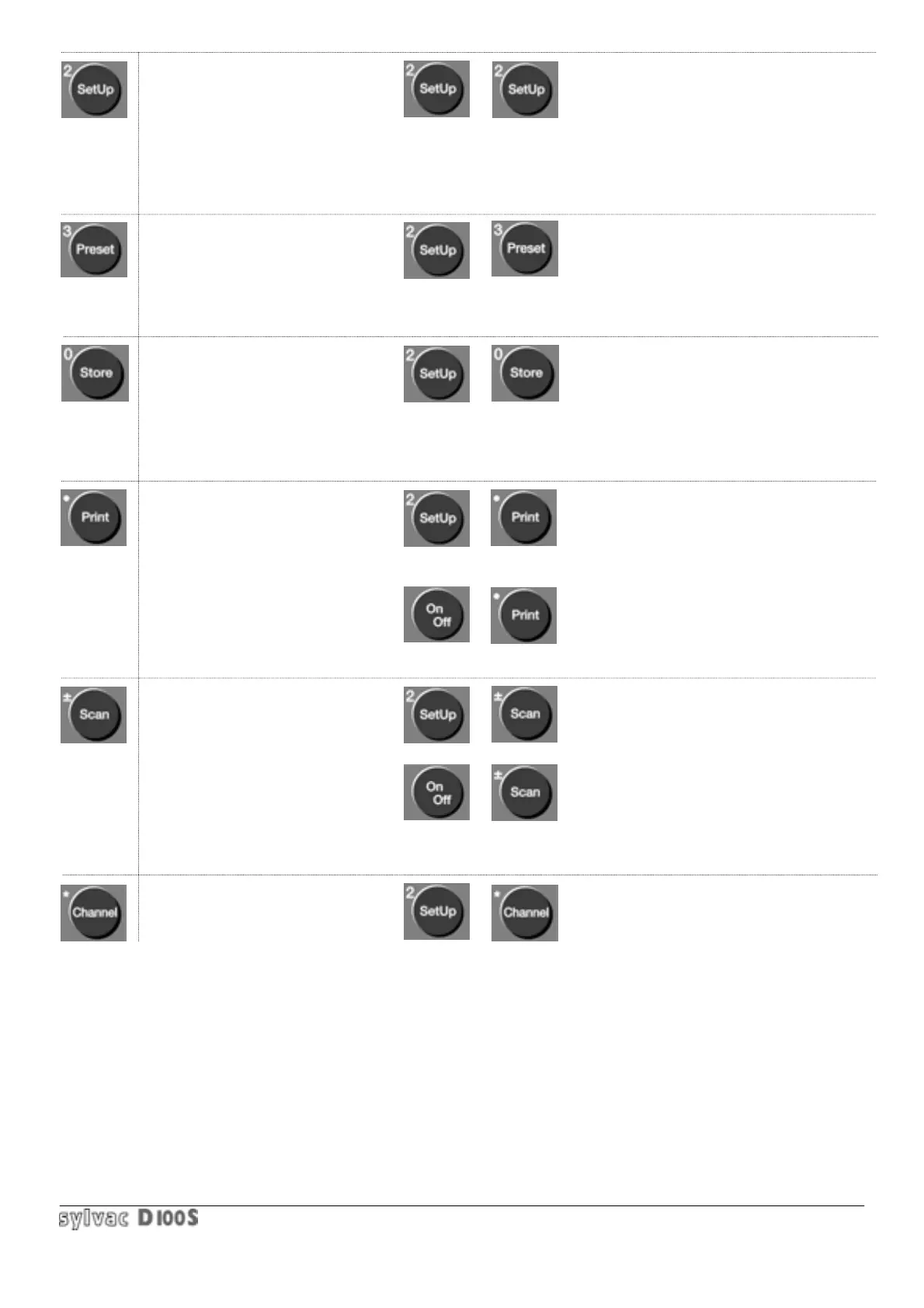
: introduction of parameters or
functions for the following keys.
Stat, Class, Tol, Clear or Enter,
Min/Max, Setup, Preset, Store,
Print, Scan and Channel. All
The parameters will be stored
after unit has been switched off.
: display the Preset value
(zero or any value).
: 2 functions are available :
- hold display
- store value
: printout of the following :
measure, values after scanning,
statistics, memorized values on
RS232 and Centronics outputs.
: scan a preprogrammed number of
channels and display part OK,
rework or reject, according to the
tolerances introduced for each
channel.
: choice of one channel, a channel
combination A+/-B or A+/-B+/-C,
the measuring direction or a
multiplication factor.
: introduction of general parameters:
function of the external contact,
language, keyboard lock, sound
inhibition, date/time input and save
configurations (up to 12).
: introduction of a Preset value for the
selected channel.
(for Preset zero, enter 0).
: program the Store key for hold or store.
Enter the number of channels to be
stored, display or delete values in
memory.
: choice of RS232 transmission
parameters and RS232/Centronics output
format.
: display the program version (firmware)
: define the first and last channel of the
scan ; possibility to stop on one or
several channels.
: active/deactivate the step by step scan
(stop on each channel).
: allocate a probe to a specific channel,
specify an Opto-RS simplex or duplex
channel.
+
+
+
+
+
+
+
+



 To Next Page